
Speediness
Speediness checks your Mac’s internet speed, ping, and responsiveness using Apple’s built-in networkQuality tool. It supports Shortcuts for running tests from the menu bar or as part of an automated workflow.
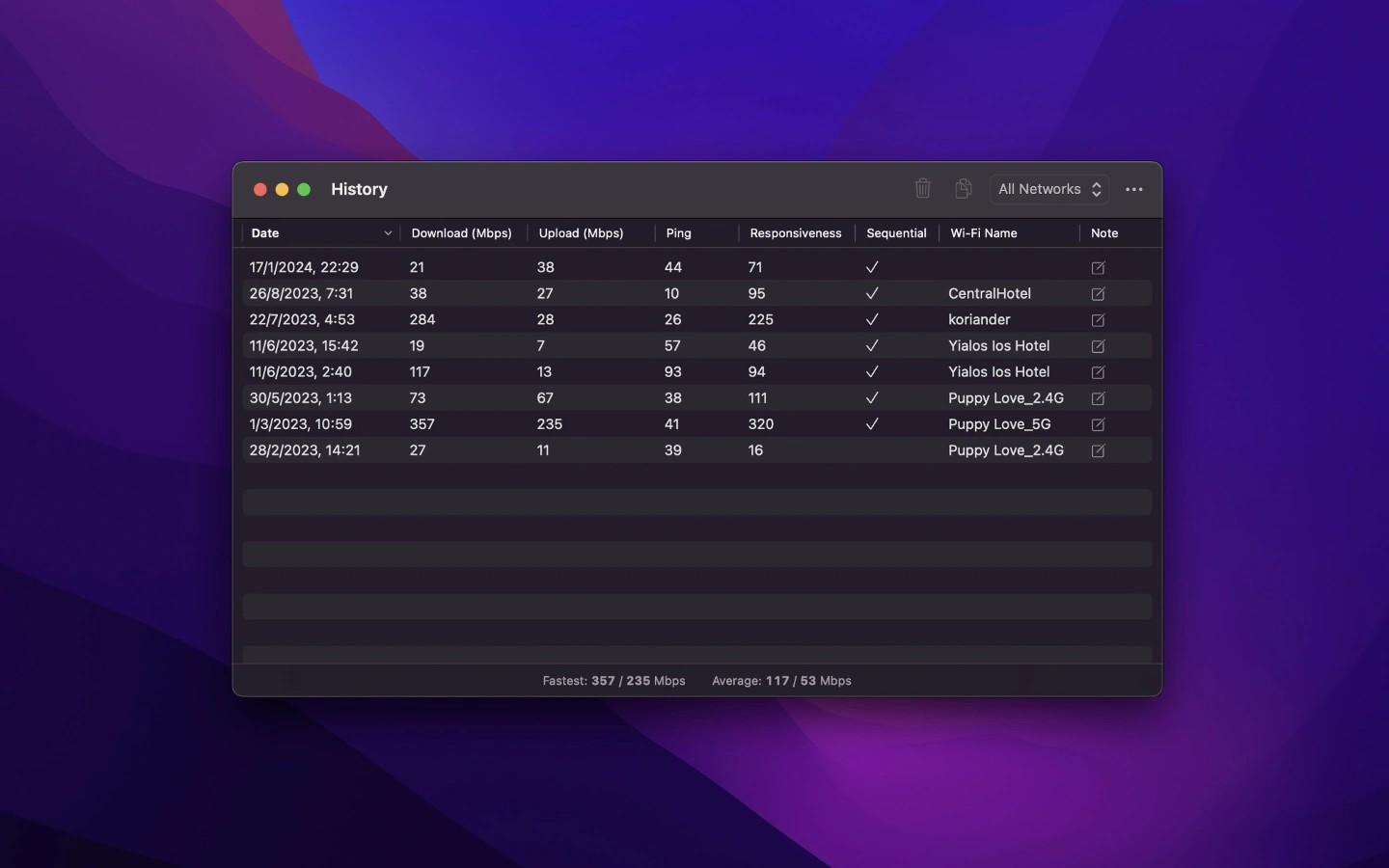
Speediness is a Mac app for checking internet connection speed, ping, and responsiveness. It uses Apple’s built-in networkQuality command-line tool to perform its tests.
Tests run in parallel by default to better reflect situations such as video chats and voice calls. This can produce different speeds from other testing tools, and you can change the testing behavior in settings. Ping measures round-trip time in milliseconds, while responsiveness measures how many sequential round-trips the network can complete in a minute under working conditions. The app does not measure packet loss or jitter.
The Get Internet Speed action in Shortcuts lets you include tests in other workflows. Pinning a shortcut to the menu bar lets you start a test from the Shortcuts icon. Scheduled tests require the separate Shortery app, and the action includes an option to add results to history. Displaying speed readings in the menu bar requires the separate One Thing app and a shortcut; updating those readings at intervals also requires Shortery.
Similar Apps

FingerBridge
Utilities
BackupList+
Utilities