
Gestures For Folders
Utilities
Gestures For Folders adds browser-style back and forward navigation to Finder using two-finger trackpad swipes. It runs in the menu bar without a Dock icon and requires Accessibility permission.
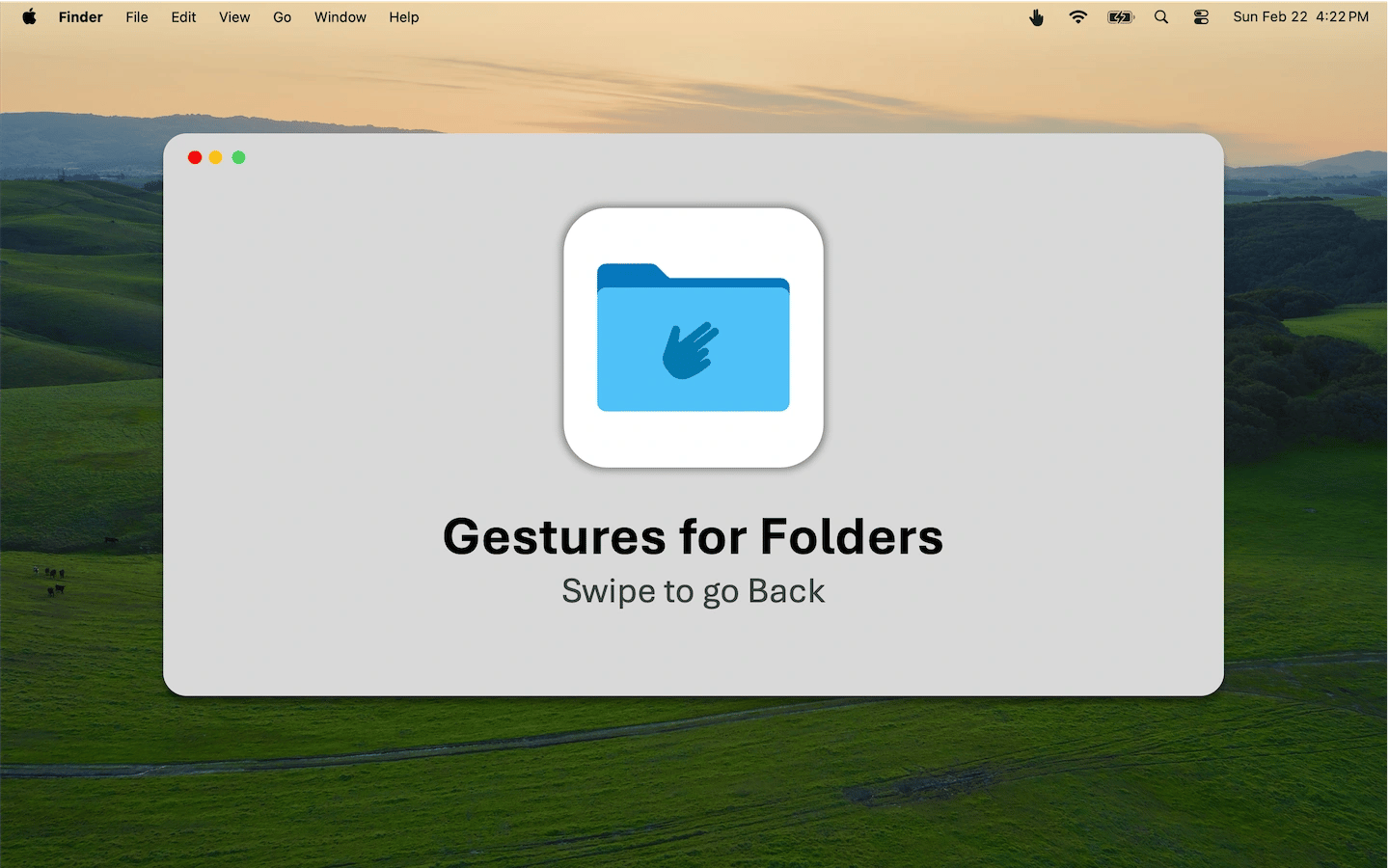
Gestures For Folders adds two-finger trackpad navigation to Finder. Swipe to go back to the last folder you visited, then forward again, much as you would move between pages in a browser.
The app runs from a hand icon in the menu bar without a Dock icon. Setup requires granting Accessibility permission in System Settings so it can read trackpad gestures and control navigation. No account is required, and the app does not track activity.
Tags
More in Utilities

AppAtlas
Utilities
A searchable inventory of installed Mac apps, with version comparisons for supported apps.
App inventory

Keep Mac Awake
Utilities
Menu bar utility that keeps a MacBook awake with the lid closed.
Idle prevention

ZeroDuplicates
Utilities
A duplicate file finder that compares file contents rather than names.
Duplicate finder