
ReTab
ReTab adds keyboard switching between recent Safari tabs. Tap Cmd+E to return to your previous tab, or hold it to choose from a visual picker of up to nine recent tabs.
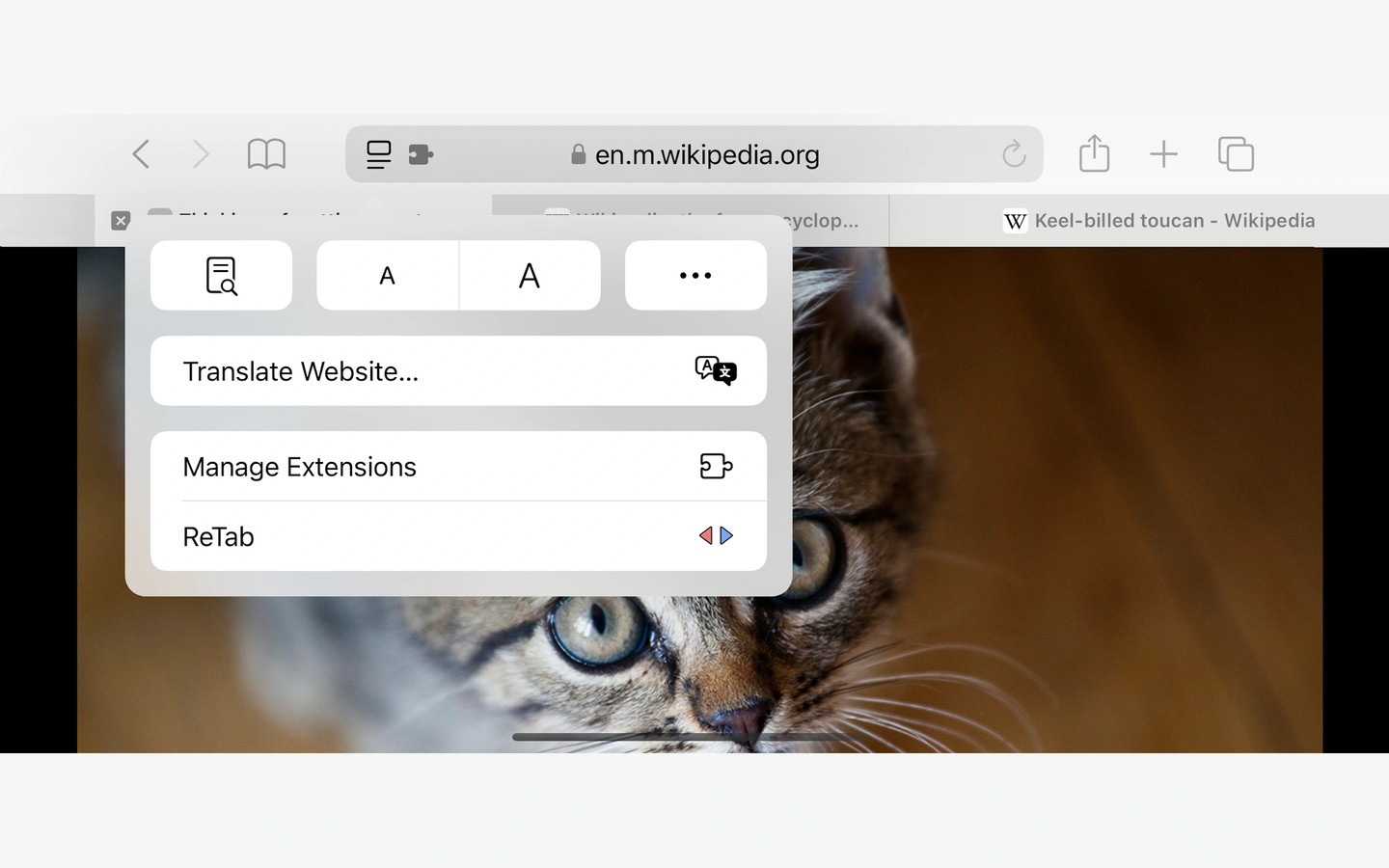
ReTab is a Safari extension for moving between recently used tabs without searching the tab bar. Tap Cmd+E to switch between your two most recent tabs. Clicking the ReTab toolbar icon performs the same action.
Hold Cmd+E to open a visual picker of up to nine recent tabs. Further taps of E move through the choices, and releasing the modifier switches to the highlighted tab. Shift reverses the direction; you can also use the arrow keys or click a tab card. Switching stays within your current tab group, and tabs with matching titles show their websites to help distinguish them.
An optional setting returns you to your most recently active tab when you close a tab. On Safari 26 and later, you can change ReTab’s shortcut in Safari Settings under Extensions.
Tab history and picker data stay on your Mac, with no analytics, tracking, or remote calls.

