Ribbon
Ribbon arranges windows in full-height columns on a strip that extends beyond the screen. Navigate with three-finger swipes or keyboard shortcuts without shrinking existing windows as new ones open.
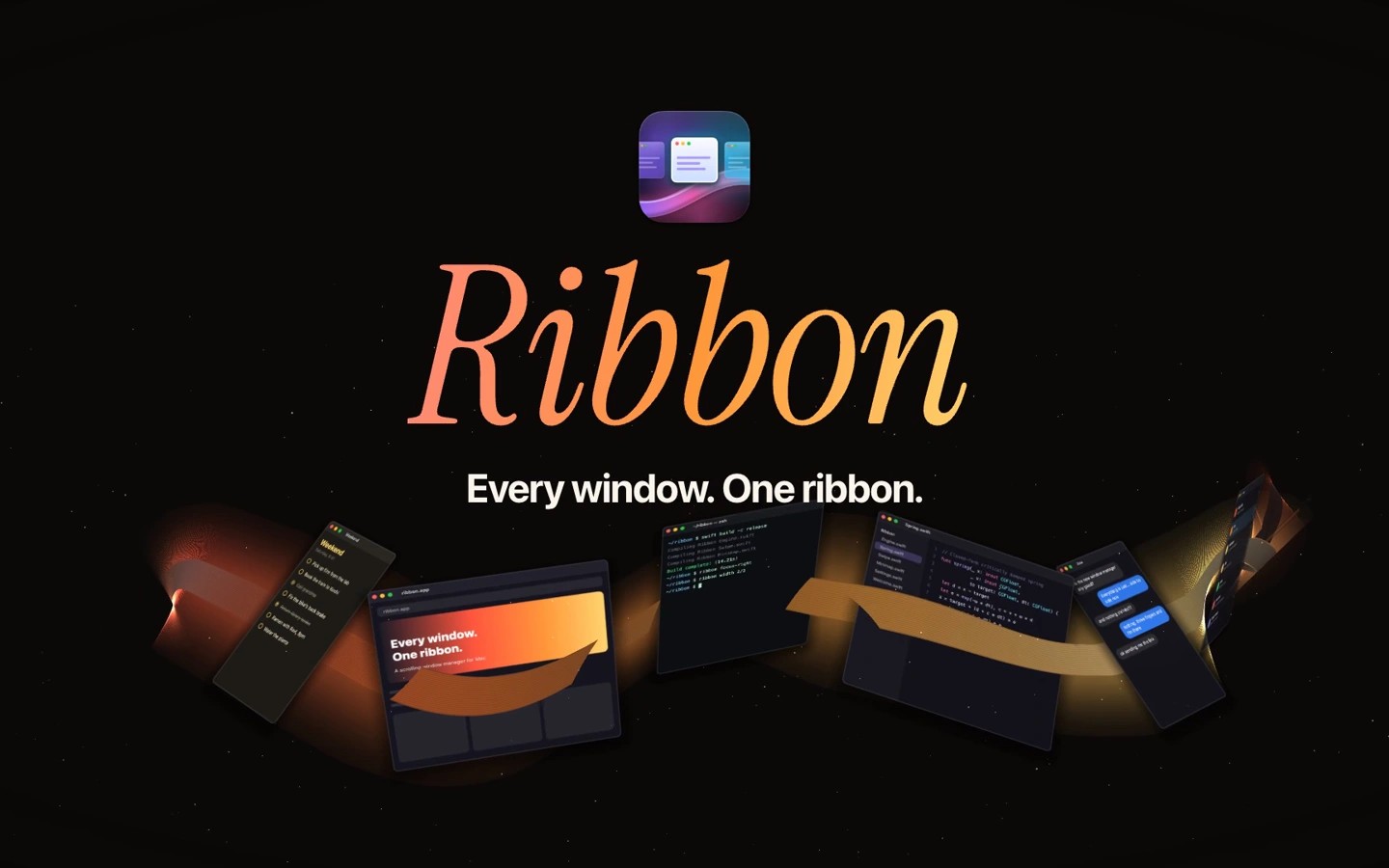
Ribbon is a scrolling window manager that places windows side by side in full-height columns. Opening a window adds it beside the active one and shifts the strip rather than shrinking the other windows. The strip extends beyond the screen, so you scroll to reach windows that are out of view.
You can move along the strip with three-finger trackpad swipes or customizable keyboard shortcuts. Shortcuts also reorder windows, jump to a particular window, and cycle widths between one-third, one-half and two-thirds of the screen. A full-width toggle expands a window and returns it to its previous width. An on-screen map shows your position and lets you click a window to jump to it.
Each display has its own strip, focus and scrolling. You can move windows between displays or disable Ribbon on individual displays. Dialogs, fixed-size windows and picture-in-picture windows remain floating, and app rules can keep other windows floating or assign them a consistent place on the strip.
Ribbon requires Accessibility permission to read window positions, sizes and titles and to move and resize windows. Setup guidance helps resolve conflicts with macOS three-finger gestures and edge tiling. A trackpad is optional because all actions are available from the keyboard.
Quitting Ribbon restores windows to their earlier positions. Starting it again restores the strip’s saved order and widths. Actions are also available through ribbon:// links, command-line commands and Raycast scripts.
Tags
More in Utilities

NosyPup
Utilities
DaisyDisk
Utilities