
masoc
masoc edits RAW photos and grades video with tone curves, color controls, masks, and film looks. It imports Lightroom presets and LUTs, while its AI editing tools run on the device.
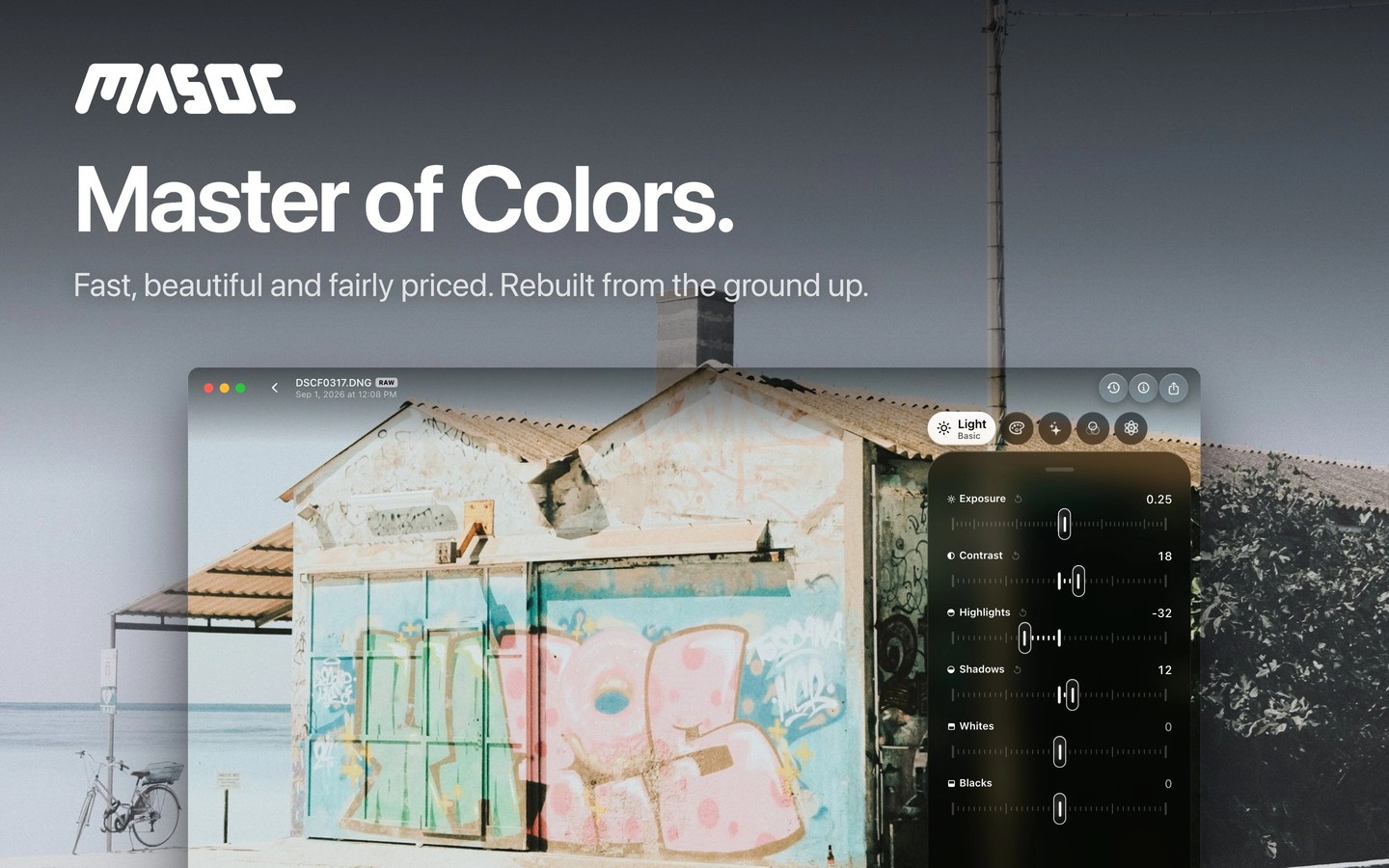
masoc is a photo and video editor with RAW support, light and color adjustments, and selective editing tools. RAW white balance uses Kelvin values, and tone curves let you adjust RGB together or each channel separately. An eight-band color mixer and separate grading controls handle shadows, midtones, and highlights.
Automatic masks select subjects, skies, and backgrounds. You can combine them with brush, linear, and radial masks to adjust specific areas. Retouching removes objects you paint over, while depth estimation lets you add background blur from a single photo. These AI tools run on the device and work offline. Smart Edit turns typed or spoken requests into adjustable slider settings and requires a device that supports Apple Intelligence.
Built-in film looks can be adjusted in strength. You can also import LUTs, import and export Lightroom .xmp presets, and save your own looks. Panorama stitching and HDR merging combine multiple frames into a new photo while keeping the originals.
For video, masoc applies light, color, tone curve, and HSL adjustments, along with the same looks used for photos. It supports Log footage, stabilization, and frame interpolation for smoother motion. Video exports use 10-bit HEVC or H.264, with resolution and frame-rate controls.
On Mac, menus and keyboard shortcuts provide access to editing tools, comparison, and export. You can copy selected adjustments across photos and export batches with size, color-space, and metadata options. The app needs no account, and photos, videos, and presets can sync across Mac, iPhone, and iPad through your own iCloud.
Tags
More in Photo & Video

PolyCapture
Photo & Video
Vivify Live
Photo & Video