
ActionClip
ActionClip shows a floating menu beside selected text for formatting, translation, AI tasks, and saved workflows. You can create reusable actions manually or describe them to an AI action builder.
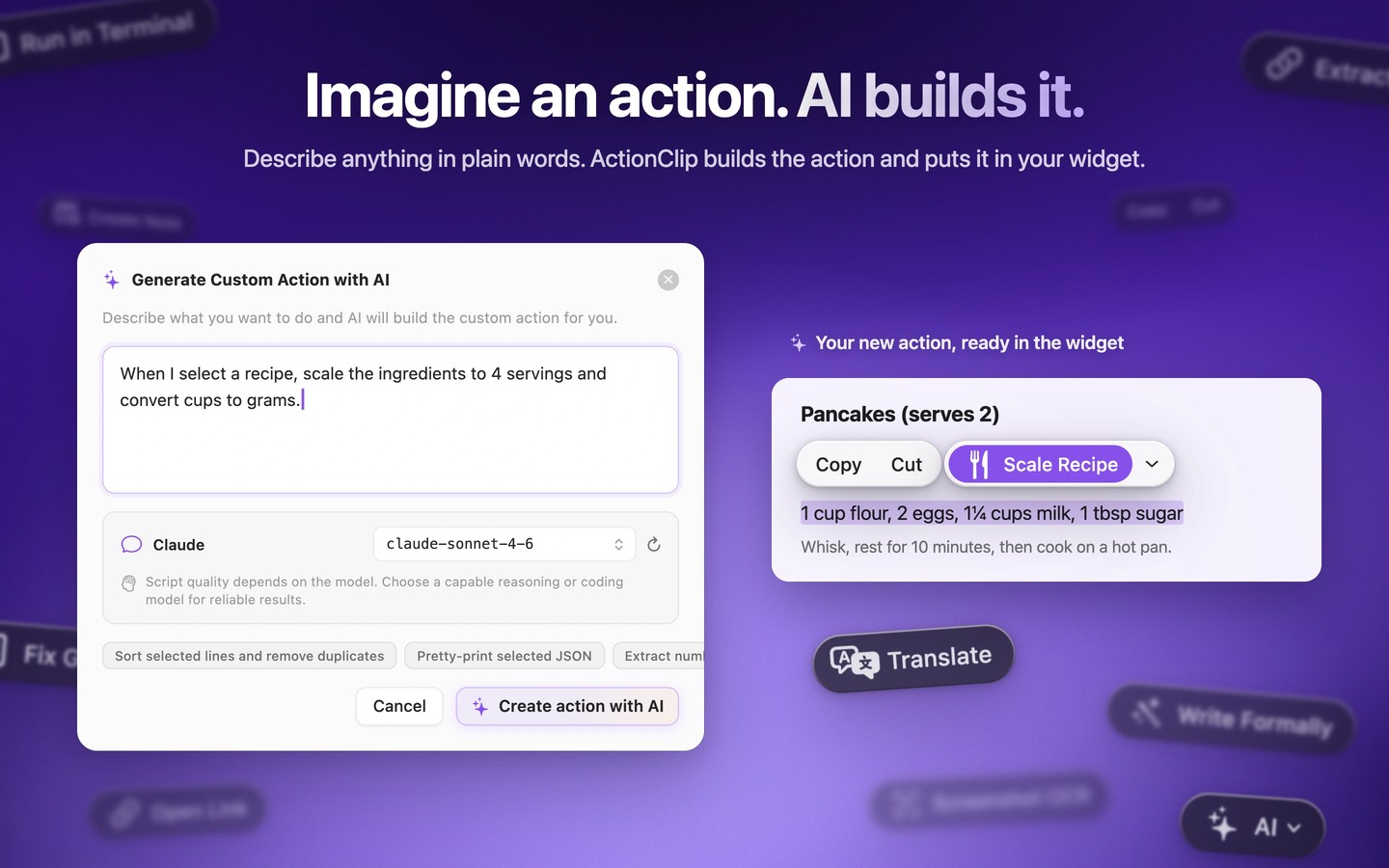
ActionClip brings text tools to a floating menu beside your selection. You can copy, paste, change formatting or case, count words, translate, and run AI prompts without moving the text to another app. The menu suggests actions based on the selection, and you can pin, reorder, group, or hide actions to suit your workflow.
Custom actions let you reuse prompts, transform text with JavaScript, build links, run user-created shell commands, or trigger AppleScript workflows. You can create actions manually or describe a task to the AI action builder, then test and adjust the generated action before saving it to the menu.
Many text utilities work without AI or an API key. For AI tasks, you can use on-device Apple Intelligence on compatible Macs, downloaded Ollama models, or external providers with your own API keys. Apple Intelligence and Ollama Local keep supported AI requests on your Mac. Online actions send selected text to an external destination only when you choose to run them.
ActionClip runs in the menu bar and requires Accessibility permission to read selected text and position its menu. It works in most apps that expose selections through macOS Accessibility, but custom editors, remote desktops, and unusual interfaces may behave differently. A shortcut can reopen the widget, and you can pause it for a particular app or website.
Tags
More in Productivity

Witch
Productivity
Launchy
Productivity