
OpenNavo
OpenNavo installs, updates and removes Mac apps through a graphical Homebrew interface. It scans Homebrew downloads locally before installation and includes tools for startup items, disk cleanup and hardware monitoring.
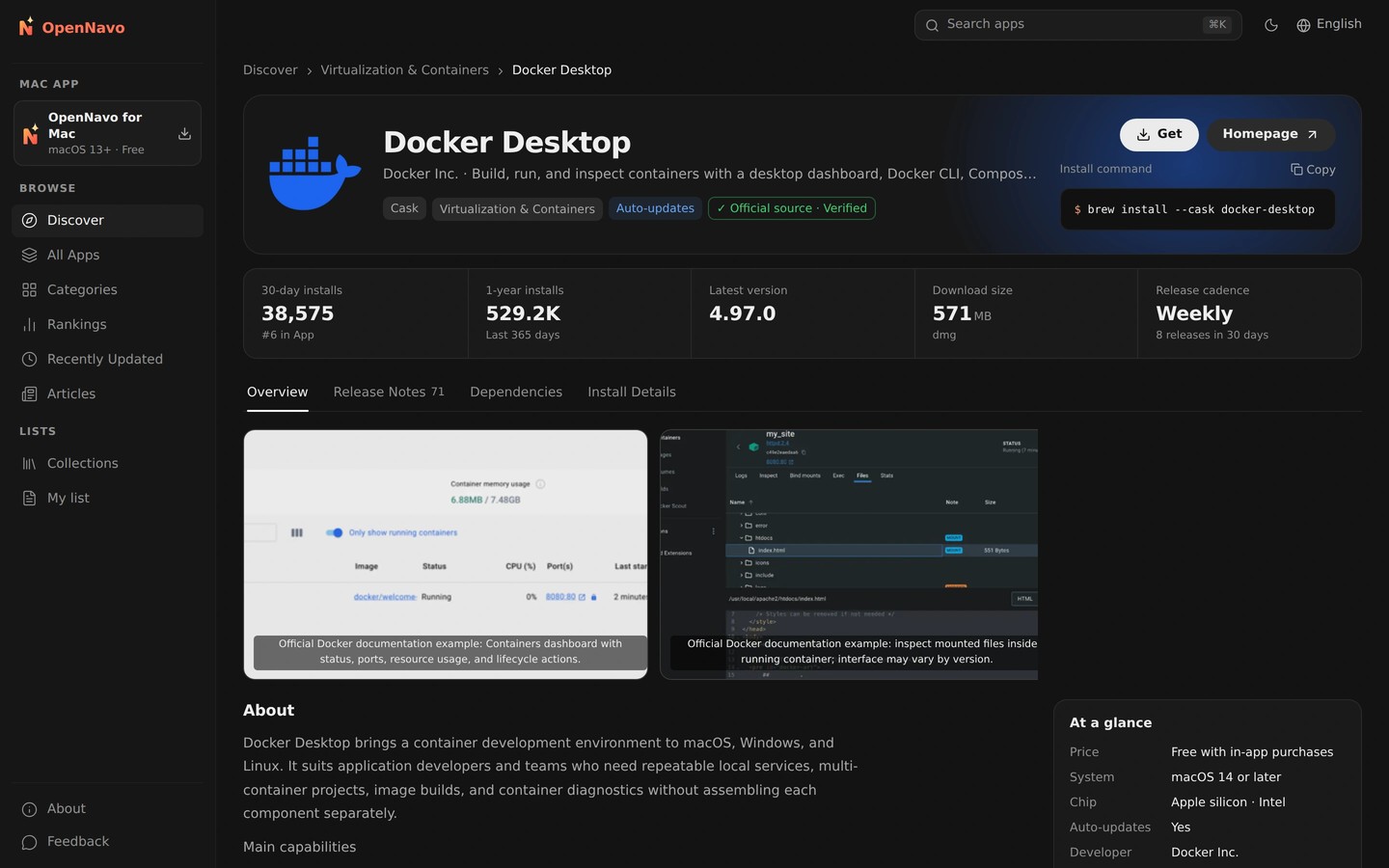
OpenNavo is an open-source app manager for installing, updating and removing Mac apps. It uses Homebrew on your Mac and shows the commands and logs as tasks run. You can also search for Mac App Store apps and install or update them after signing in with your Apple Account. Other catalog entries link to the developer’s official download.
Homebrew downloads are scanned with ClamAV before installation, and a detected threat stops the install. Scans run locally without uploading files. OpenNavo also offers quick, full and scheduled scans, watches new downloads and startup items, and checks app signatures and notarization. ClamAV’s coverage of Mac-specific malware is limited, so these tools supplement rather than replace macOS’s built-in protection.
Daily update checks gather updates from Homebrew, the App Store, Sparkle, Electron and GitHub, with an update count in the menu bar. You can update apps together, pin an app or skip a version. Updates from outside Homebrew must retain the same developer signature to be installed. Apps that support rollback can return to their previous version.
Additional tools find app leftovers during removal, preview disk cleanup and manage startup items. Hardware monitoring puts CPU, memory, disk, network and other readings in the menu bar. You can also export an app list as a Brewfile to reinstall those apps on another Mac.
Tags
More in Utilities

Strata Mac Cleaner
Utilities
UTC Time
Utilities