
MacMonitor
MacMonitor combines storage analysis, cleanup, file organization, and live resource monitoring. You can review cleanup candidates and proposed file moves before making changes, with additional tools for build caches, local AI models, and development servers.
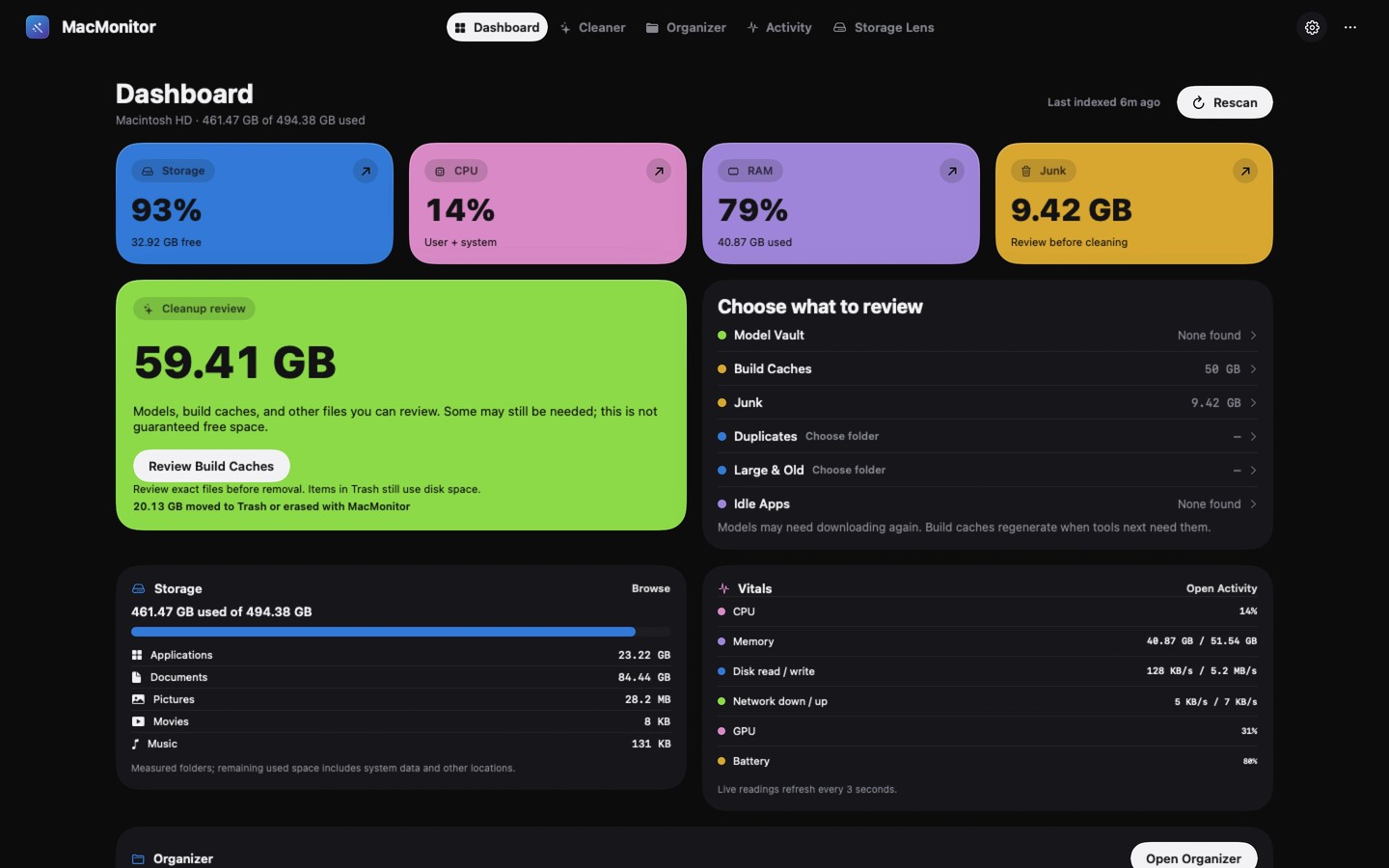
MacMonitor helps you understand disk usage, review files for cleanup, organize folders, and follow live system activity. Storage Lens displays your startup disk or a chosen folder as a list, bubble map, or treemap, with files and folders queued for review before removal.
Cleaner finds caches, logs, exact duplicates, large or old files, and unused apps. Cleanup requires confirmation, and most items move to the Trash. A Put Back action can restore items from those cleanups without overwriting replacement files. Permanent actions, including local model removal and simulator data deletion, are labelled and cannot be undone. Items in the Trash still occupy disk space.
Organizer proposes a folder structure and shows file moves and name collisions before you approve them. You can undo the last organization during the session. Optional document and image suggestions run on your Mac using Apple's models, without uploading files.
Activity views cover CPU, memory, disk, network, GPU, and battery readings, alongside memory pressure, swap, thermal state, and seven days of health history. The menu bar panel offers live readings and links to relevant tools. Per-app CPU and memory readings are available in the direct-download edition. Available readings depend on hardware and permissions; GPU utilization is not reported on every Mac. Optional alerts are off by default and run only while MacMonitor is open.
Developer tools find supported build caches, installed model weights from Ollama, LM Studio, and Hugging Face, and local TCP listeners. You can review cache cleanup, permanently remove unwanted models, and confirm stopping eligible developer processes. Model installation must be handled in your existing model tool.
Whole-disk measurement needs optional Full Disk Access. Without it, whole-disk scans skip Desktop, Documents, Downloads, iCloud Drive, and external drives, and identify what was not measured. Files, scan results, and history stay on your Mac. The direct-download edition sends the license key and Mac's name for activation checks; the app has no analytics.
Tags
More in Utilities

Menu Bar Tint
Utilities
Sandkorn
Utilities