
Folio Refresh
Folio Refresh finds identical photos, edited copies and bursts, then suggests which shots to keep and explains why. It works with folders, external drives, Apple Photos, Lightroom Classic and Capture One, with approval required before cleanup.
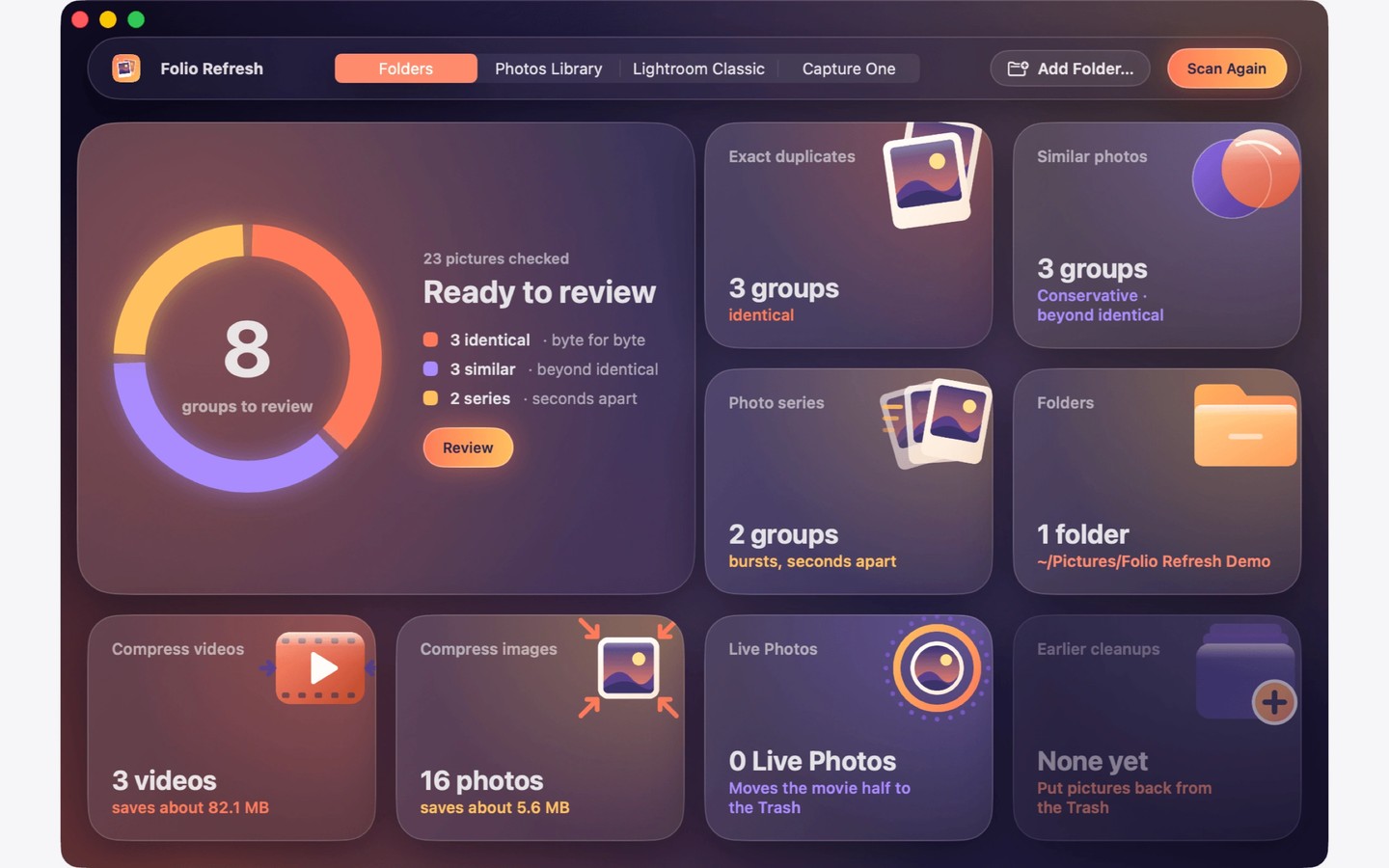
Folio Refresh finds duplicate and similar photos in selected folders, connected drives, Apple Photos libraries, and Lightroom Classic or Capture One catalogs. It groups identical copies, cropped or edited versions, and shots taken seconds apart. Photos are read and compared on your Mac without being uploaded.
Each group shows where its photos are and suggests which to keep, with a reason. You can compare images side by side, adjust how broadly similar photos are matched, and reorder rules such as eyes open, photo quality and pixel count. You can also choose a different photo, keep multiple burst frames, lock individual photos or protect a whole folder.
Cleanup requires your approval and keeps at least one photo in every group. Folder copies go to the Trash and can be restored until it is emptied. In Apple Photos, selected images go into a review album for you to delete yourself. Lightroom Classic duplicates are marked Rejected, while Capture One duplicates are tagged Red; these catalog changes require the respective app to be closed and a backup is made first. You finish deletion in the catalog’s own app, and the markings can be undone.
Folio Refresh can also reduce media size by re-encoding videos to HEVC, converting JPEG and TIFF images to HEIC when the result is smaller, or keeping only the still image from a Live Photo. An original goes to the Trash only after its smaller replacement has been checked.
Tags
More in Photo & Video

Photo Widget
Photo & Video
HEIC Converter
Photo & Video