
Beavery
Beavery turns selected moments from videos into Live Photos, GIFs, video clips and full-resolution photos. You can step through frames, collect several results in an export list, and save them to Photos or a folder, with all processing kept on your device.
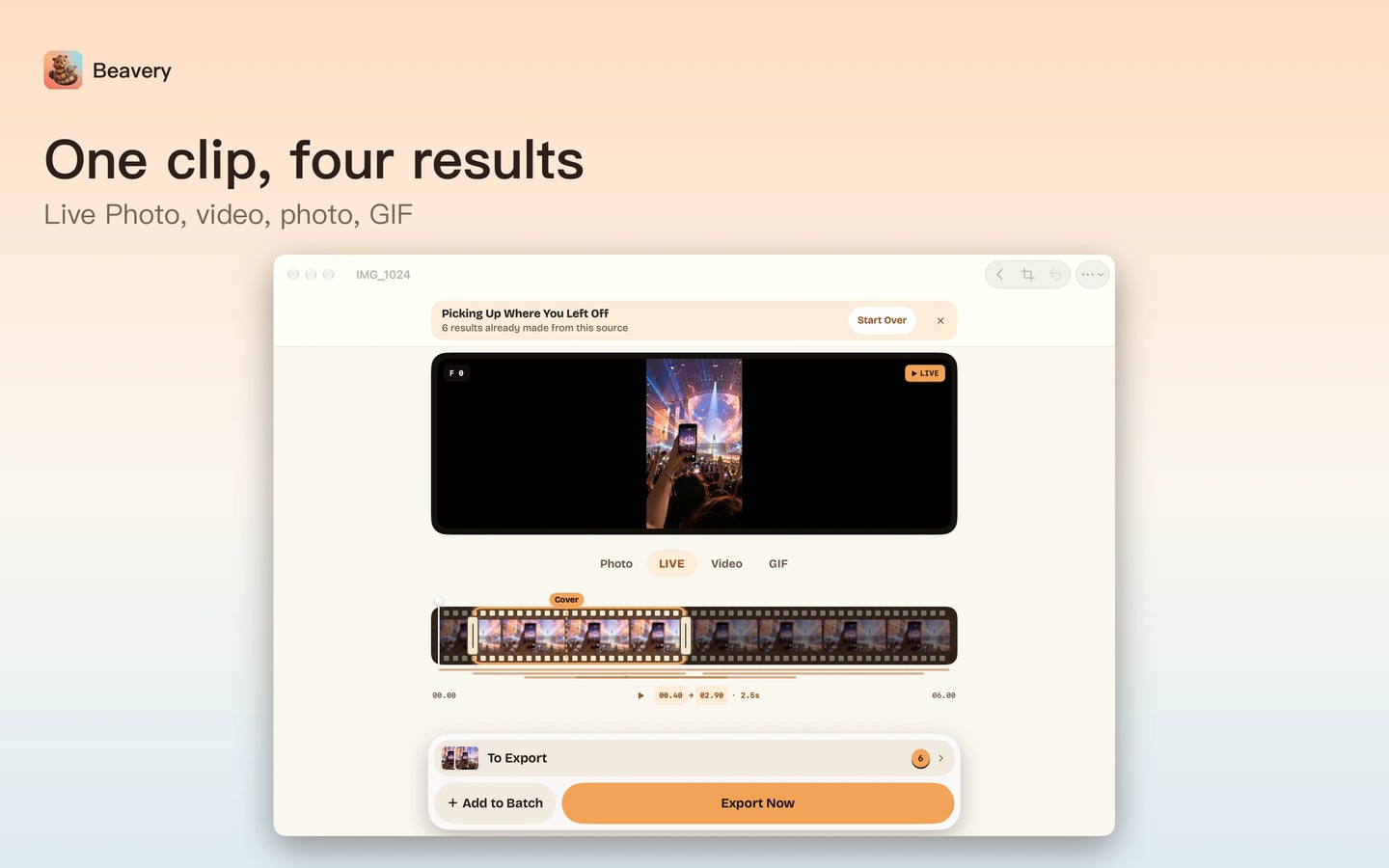
Beavery turns moments from a video into Live Photos, GIFs, video clips and full-resolution still photos. Drag a video into the Mac window, step through it with the arrow keys, and add the moments you want to an export list. Each result can have its own format, and exports can be saved to Photos or a folder.
You can choose any frame as a Live Photo’s cover, and Beavery points out a sharper frame nearby. GIF selections can be up to 20 seconds long and play at the source clip’s speed. Cropping a Live Photo adjusts its still image and video together. The app also accepts Live Photos and GIFs as sources, and can turn a still photo into a Live Photo with a still image or a slight zoom.
Live Photos and videos preserve the source video’s HDR and sound by default. Results retain the original capture date, time and location, with options to change these for individual exports. Results appear as newest in Photos by default; turning that setting off places them alongside the original video without changing the date stored inside the file.
Videos, photos and results are processed on your device and are not uploaded. Live Photo playback after sharing depends on the receiving app. For recipients who cannot play Live Photos, you can export the same moment as a video or GIF. Very long Live Photos may not be accepted by Photos; in that case, Beavery offers to save them as videos instead.
Tags
More in Photo & Video

Smoothie
Photo & Video
Meld Studio
Photo & Video