
Screen Mirror and Control
Screen Mirror and Control displays iPhone and iPad screens on your Mac over USB, with audio playback and support for multiple devices at once. Bluetooth lets you control devices with your Mac’s keyboard and mouse, though control is unavailable on macOS Ventura.
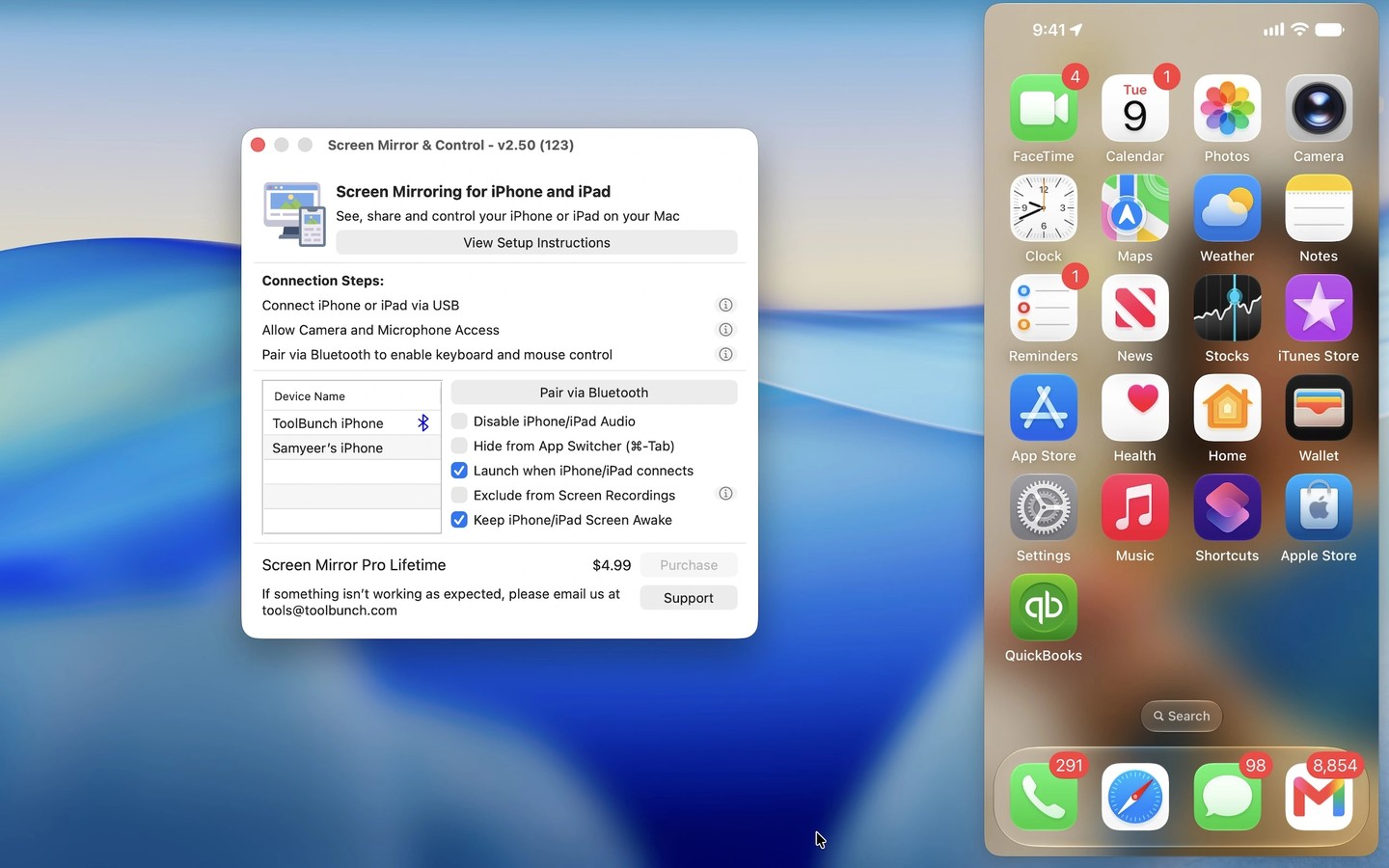
Screen Mirror and Control displays your iPhone or iPad screen on your Mac through a USB connection. You can resize the mirrored view, play device audio through your Mac, and connect multiple devices at the same time. The app remembers window positions for portrait and landscape views.
Bluetooth connectivity lets you type and navigate on the connected device with your Mac’s keyboard and mouse. Keyboard and mouse control is not available on macOS Ventura. Setup includes Bluetooth pairing and enabling Full Keyboard Access on the device; mouse control on iPhone also requires AssistiveTouch.
The mirrored display can be shared in Zoom or Teams for demonstrations and meetings. You can also use your Mac as a viewfinder while filming with the iPhone’s rear camera. Recording mirrored screens uses macOS screen capture features rather than a built-in recorder.
Initial setup requires establishing trust between the Mac and the connected device, granting camera permission, and unplugging and reconnecting the USB cable during setup. Microphone permission is needed to hear device audio through the Mac; without it, audio stays on the iPhone or iPad.
Tags
More in Utilities

RapidClick
Utilities
MacUpdater
Utilities