
Scroll Reverser
Scroll Reverser sets scrolling direction independently for each mouse and trackpad. It also lets wheel mouse users choose a fixed scrolling distance per wheel click instead of macOS scroll acceleration.
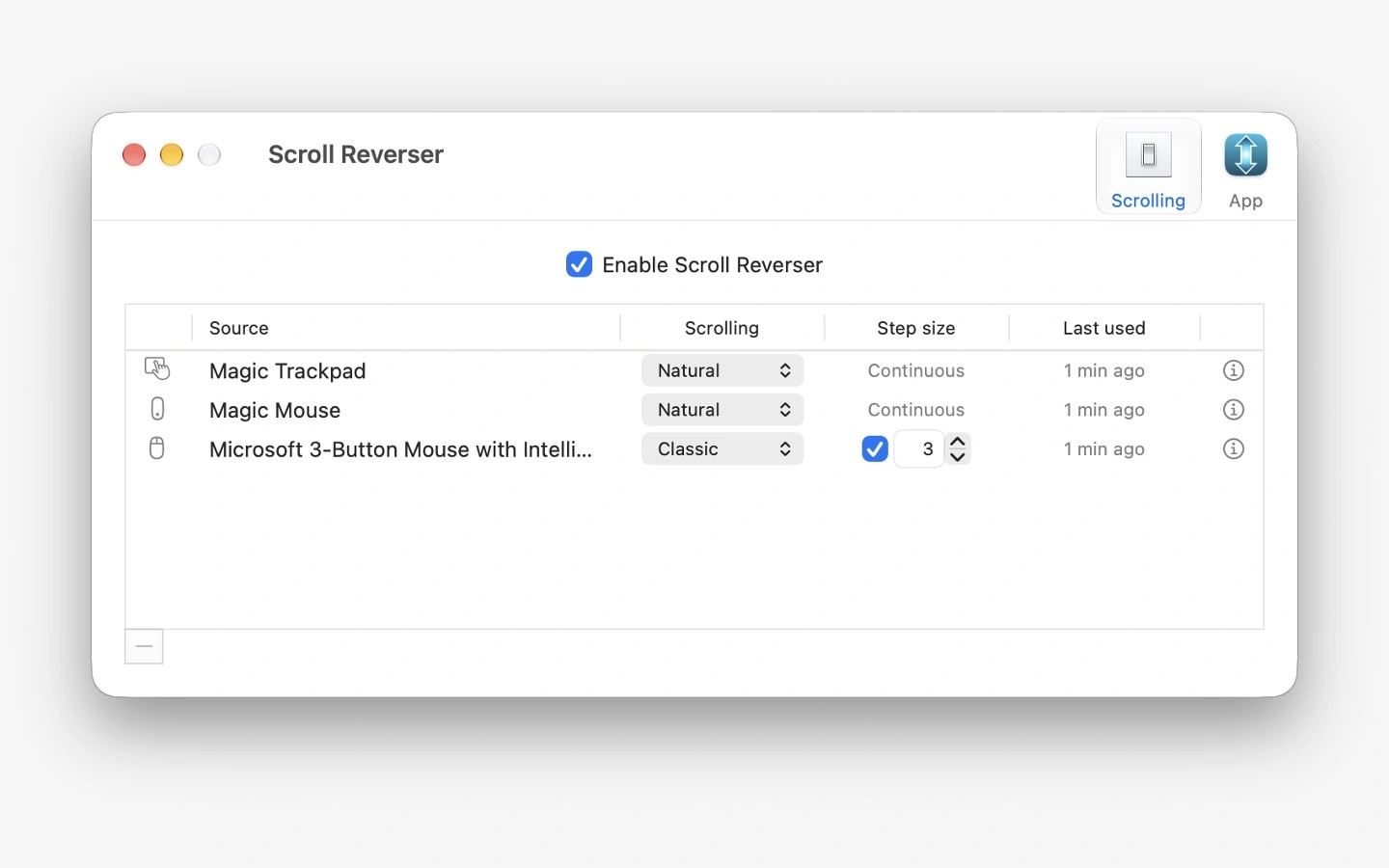
Scroll Reverser lets you set a separate scrolling direction for each mouse and trackpad. This allows you to keep natural scrolling on a trackpad while using classic scrolling on a mouse, without changing one to match the other.
For directly connected devices, you can choose natural scrolling, classic scrolling, or leave scrolling unchanged. Horizontal direction can be configured separately for each device. For mice with discrete wheel steps, a step size control sets the number of lines scrolled per click instead of using macOS scroll acceleration.
Scrolling generated by another app, such as remote access software or a mouse utility, can only be reversed or left unchanged because the underlying direction cannot be detected. Scroll Reverser cannot reverse swipe gestures, including the gesture-based scrolling used by iPhone Mirroring and Calendar.
Scroll Reverser is open source under the Apache Licence 2.0. It also supports AppleScript commands to turn scrolling adjustments on or off.
Tags
More in Productivity

Keyboard Maestro
Productivity
BirthdayBook
Productivity