
Vexilo Code
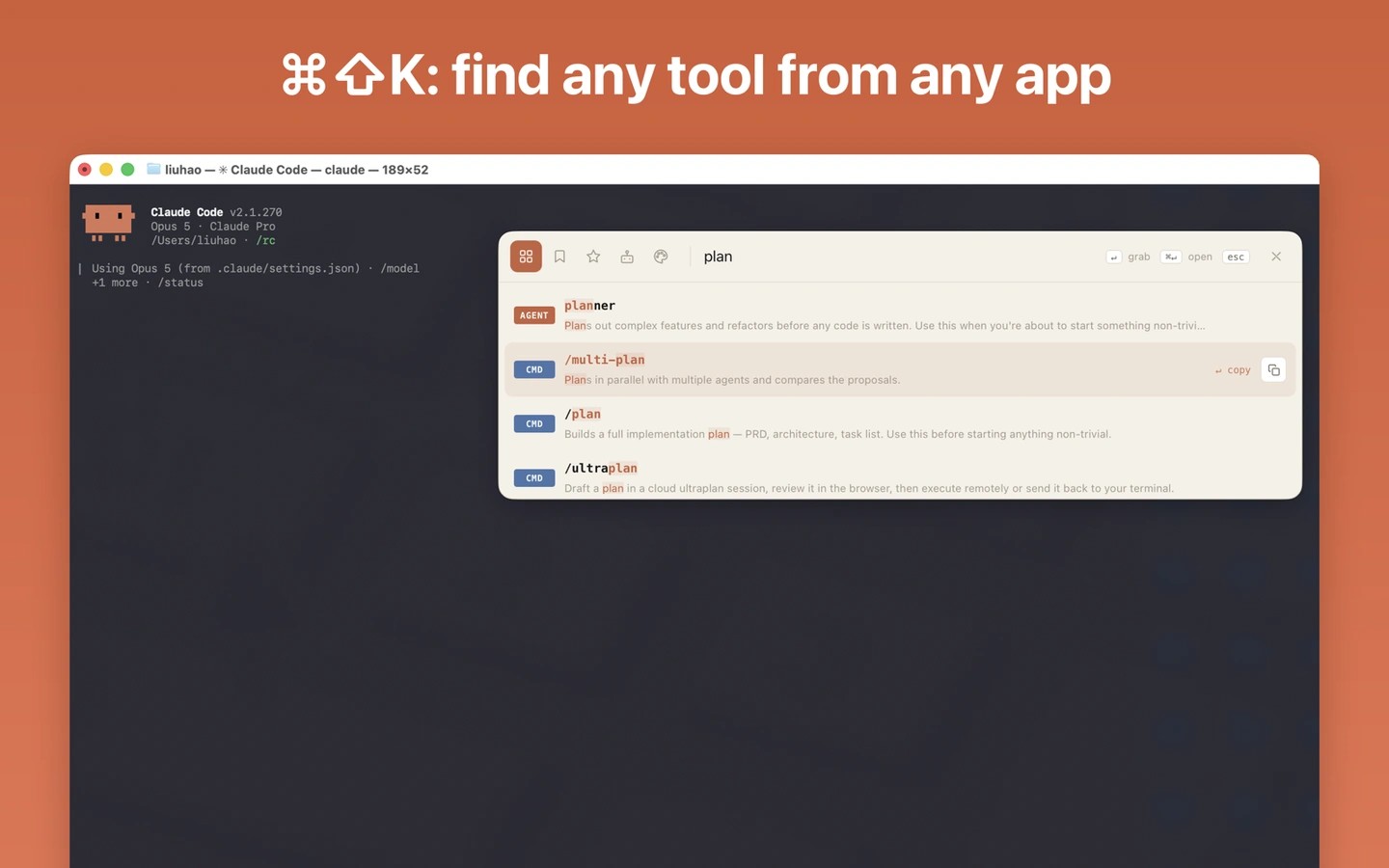
Vexilo Code helps you find Claude Code agents, commands, and skills and arrange them into workflows. Its system-wide search includes your installed tools, while an on-device assistant can recommend tools and help draft prompts on Macs with Apple Intelligence.
Vexilo Code is a reference and workbench for Claude Code. It brings together agents, commands, and skills from five toolkits, with plain-language explanations, use cases, and guides to help you choose a tool for each step of a task.
You can drag tools into reusable workflows and export the handbook as a CLAUDE.md file for Claude to read in your project. System-wide search opens with Command-Shift-K and includes tools installed in your ~/.claude folder alongside the built-in catalog. The app watches that folder to keep its view of your setup up to date.
A directory of MCP servers lets you copy configurations or write a server directly into a project’s .mcp.json file. Design Scan turns a website URL into a prompt describing its palette, typography, and layout, with an option to record motion.
The on-device assistant can suggest tools for a task, refine prompts, draft CLAUDE.md files, and generate custom subagents. This feature requires a Mac with Apple Intelligence and processes its requests locally; the rest of the app does not require Apple Intelligence.
Tags
More in Developer Tools

TokenBar
Developer Tools
Push Hero
Developer Tools