
PixRinse
PixRinse compresses, converts and resizes image batches entirely on your Mac. Reusable presets and Delivery Projects help organize repeated exports, with previews and checks for file-size and dimension requirements.
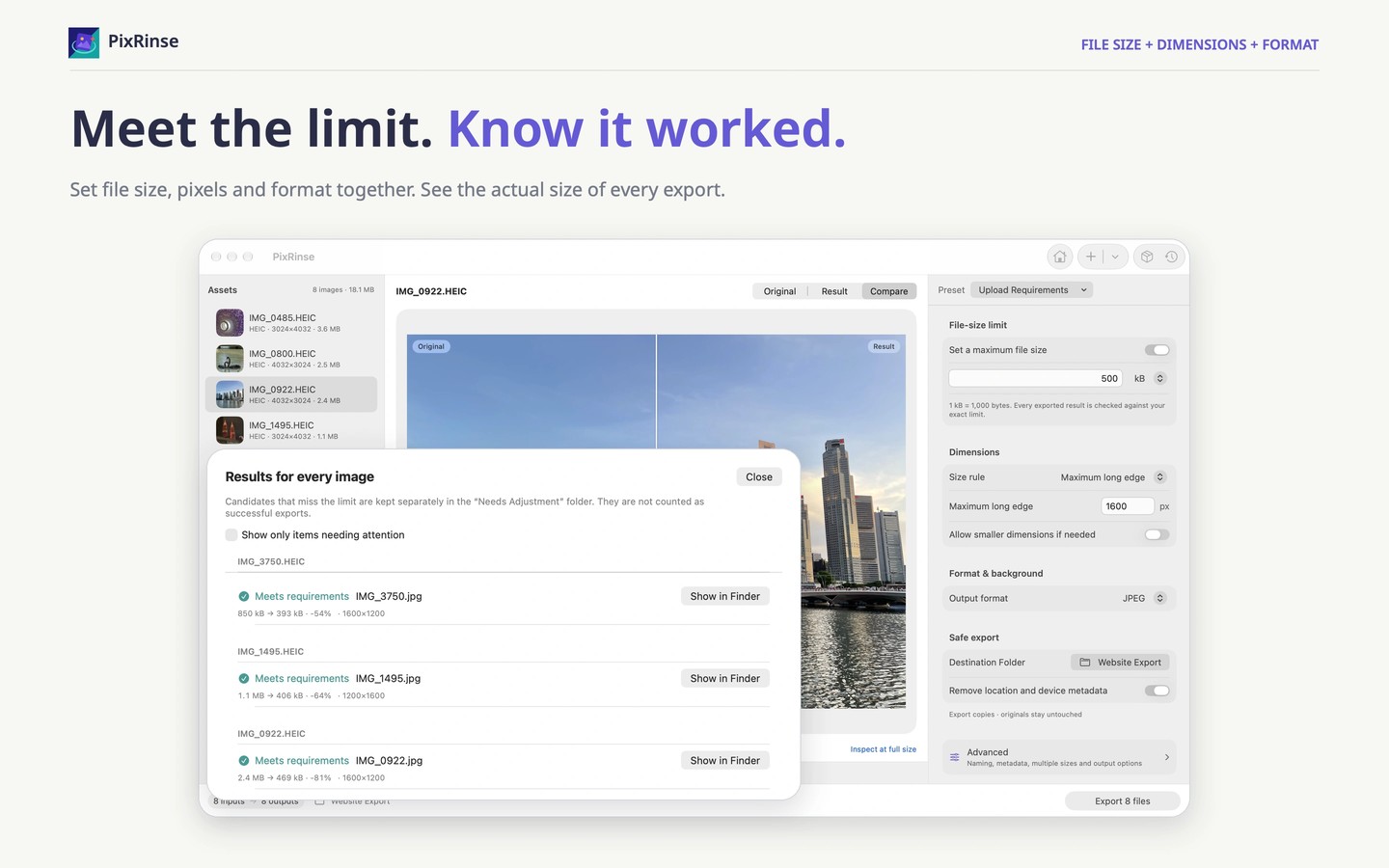
PixRinse prepares batches of images for uploads, websites and product catalogs. Add files or folders, including subfolders, then choose an output format, dimensions, file-size limit and metadata settings. Image processing stays on your Mac without cloud uploads, and no account is required.
You can resize by long edge, fit or crop images, or place them on a consistent canvas. Preview the result before exporting, then review whether the exported files meet your requirements. A strict file-size limit is not guaranteed: it may conflict with your chosen dimensions or quality, and the app reports unmet requirements.
Save settings as reusable presets for recurring tasks. Delivery Projects keep sources and output purposes together so you can track what is ready, what has changed and what needs updating. Multiple-output workflows can generate different sizes from the same original, such as responsive web images or mobile app assets.
Supported inputs include JPEG, PNG, WebP, HEIC, TIFF, BMP and GIF. Outputs include JPEG, PNG, WebP, HEIC and TIFF, depending on codec availability. The app is designed for still images; animation preservation is not guaranteed.
Built-in presets export copies, and metadata controls let you choose what information stays in the output. Replacing originals requires a deliberate change in settings. That mode includes preflight checks, backup controls and history-based rollback while the necessary backups remain available.
Tags
More in Photo & Video

TinyOwl
Photo & Video
TouchRetouch
Photo & Video