NoteOwl
NoteOwl records calls without a meeting bot, then creates speaker-labelled transcripts, summaries and action items on your Mac. You can ask questions about saved meetings and follow citations back to the recording.
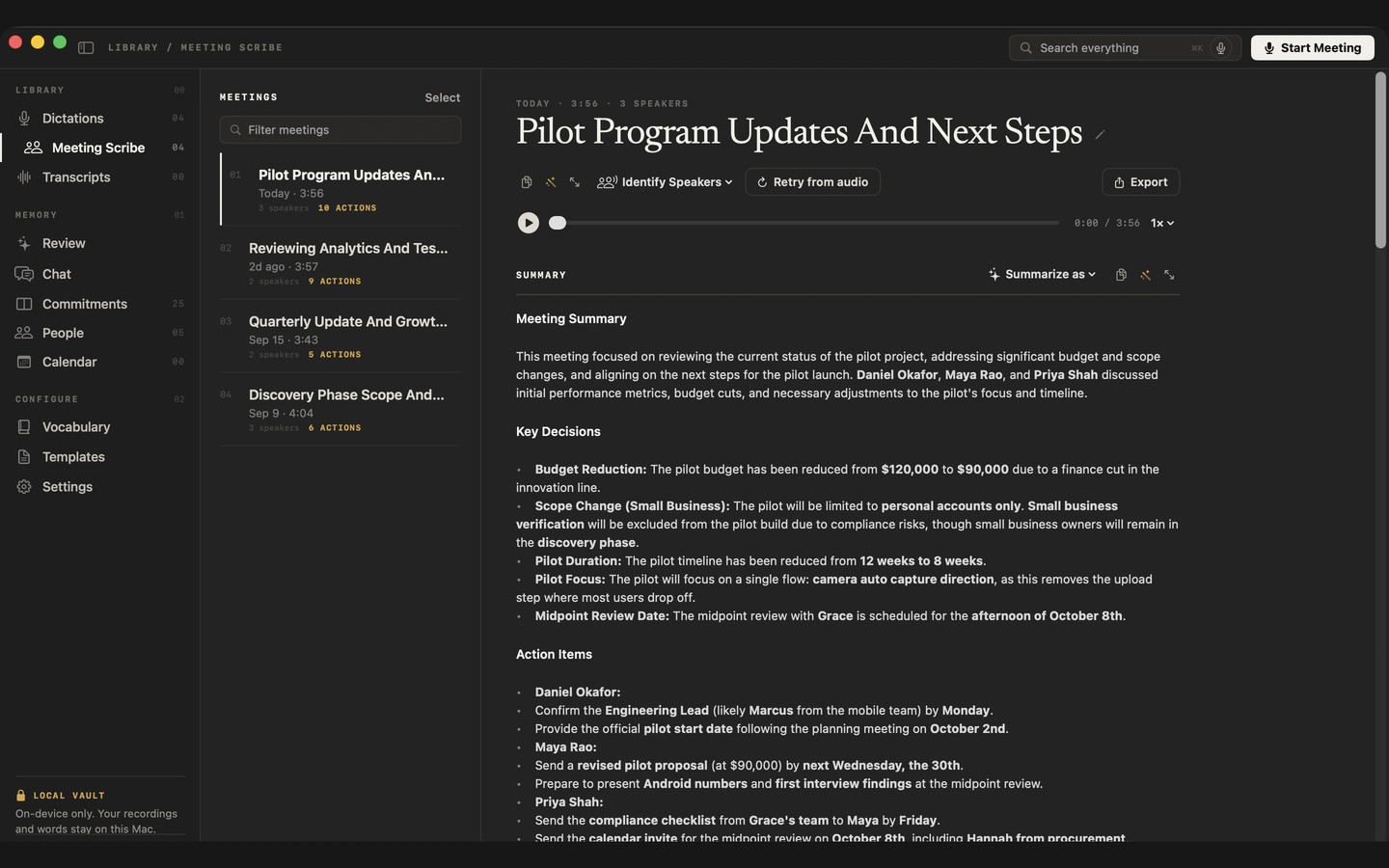
NoteOwl records your microphone and your Mac’s call audio without sending a bot into the meeting. When recording stops, it creates a speaker-labelled transcript, summary, decisions and action items. It works with apps such as Zoom, Google Meet, Teams and FaceTime, and can offer to record when it detects a call.
You can use built-in templates or create your own to shape the summary. Notes typed during a call feed into the summary, and commitments involving you are tracked with their owners, due dates and links to the recording. Existing audio and video files can also be imported for transcription, one recording at a time.
Chat answers questions from your saved meetings, notes and imported recordings rather than the web. Answers cite passages and let you open the recording at the relevant moment. You can also review what you owe others and what they owe you, or prepare for meetings using calendar details and outstanding commitments.
Dictation types speech at the cursor in any Mac app. Keyboard shortcuts also let you rewrite selected text by voice and ask questions about saved conversations. Notes can be exported as Markdown, PDF, plain text or SRT subtitles, with a ZIP export available for all your data.
Recording, transcription, summaries, search and dictation run locally. They work offline after a one-time AI model download, and recordings, transcripts, notes and memory stay on your Mac. NoteOwl requires an Apple silicon Mac with an M1 or newer chip and at least 16 GB of memory; 24 GB is recommended.
Tags
More in Productivity

Notch Now
Productivity
Focusey
Productivity