Klip
Klip keeps copied text, images, links, and files in a searchable clipboard history. It works entirely offline from the menu bar, with encrypted local storage and keyboard navigation.
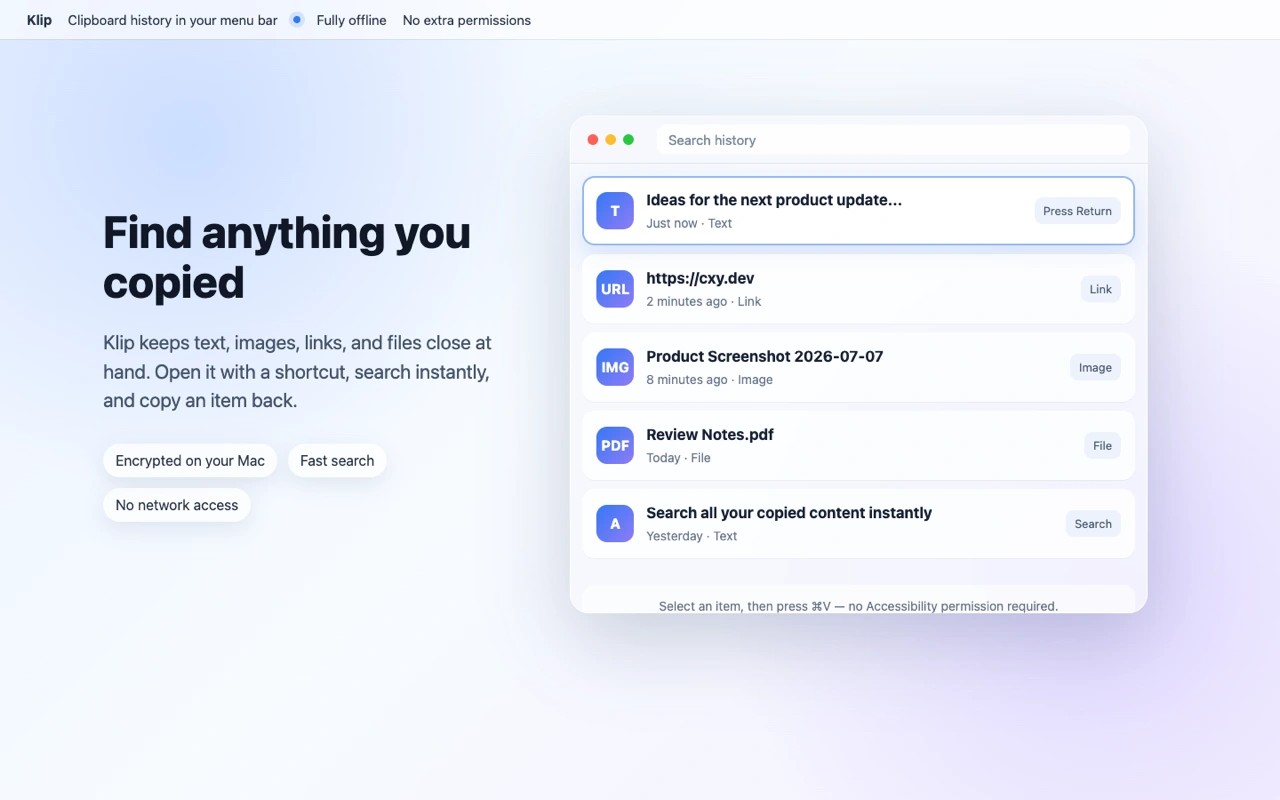
Klip is a menu bar clipboard manager that saves copied text, images, links, and files for later reuse. You can open its history with a customizable keyboard shortcut, search saved items, and filter by content type.
Selecting an item copies it back to the clipboard; you then press Command-V to paste it. Klip does not paste directly into other apps and does not require Accessibility permission. Keyboard navigation and pins help you find and reuse saved content, while duplicate content is merged automatically.
History stays on your Mac in an encrypted database, with its encryption key stored in Keychain. Klip works completely offline, requests no network access, and includes no third-party analytics or crash-reporting SDKs. It automatically skips confidential content marked by password managers.
You can configure how long history is kept and set an item limit. The interface supports English and Simplified Chinese, with language switching inside the app.
Tags
More in Productivity

TextSniper
Productivity
+Timer 2
Productivity