
Caddie
Caddie combines tasks, notes, calendar and meetings, with a planner that appears in your Mac’s notch. It can turn meeting follow-ups into tasks and actions, and run agents using your own Claude Code or Codex.
Caddie brings tasks, notes, calendar and meetings into one workspace. Its planner helps organize your day and gives nudges when you lose focus. It appears in the Mac’s notch, or floats at the top right on Macs without one.
Notes can organize themselves into smart folders, and a journal lets you move from a yearly view down to individual days. You can import notes from Notion, Obsidian, Mem, Evernote or Apple Notes. Booking links let guests choose a time in their timezone while keeping lunch and existing meetings blocked out.
Meeting recording works without a bot joining the call. Caddie provides a live transcript, meeting notes and follow-ups, with actions such as sending messages through Slack or Gmail, creating Linear issues and scheduling another meeting. Dictation lets you hold fn and speak into the app you are using, with support for English and Hinglish. Meeting recording and dictation require macOS 26.
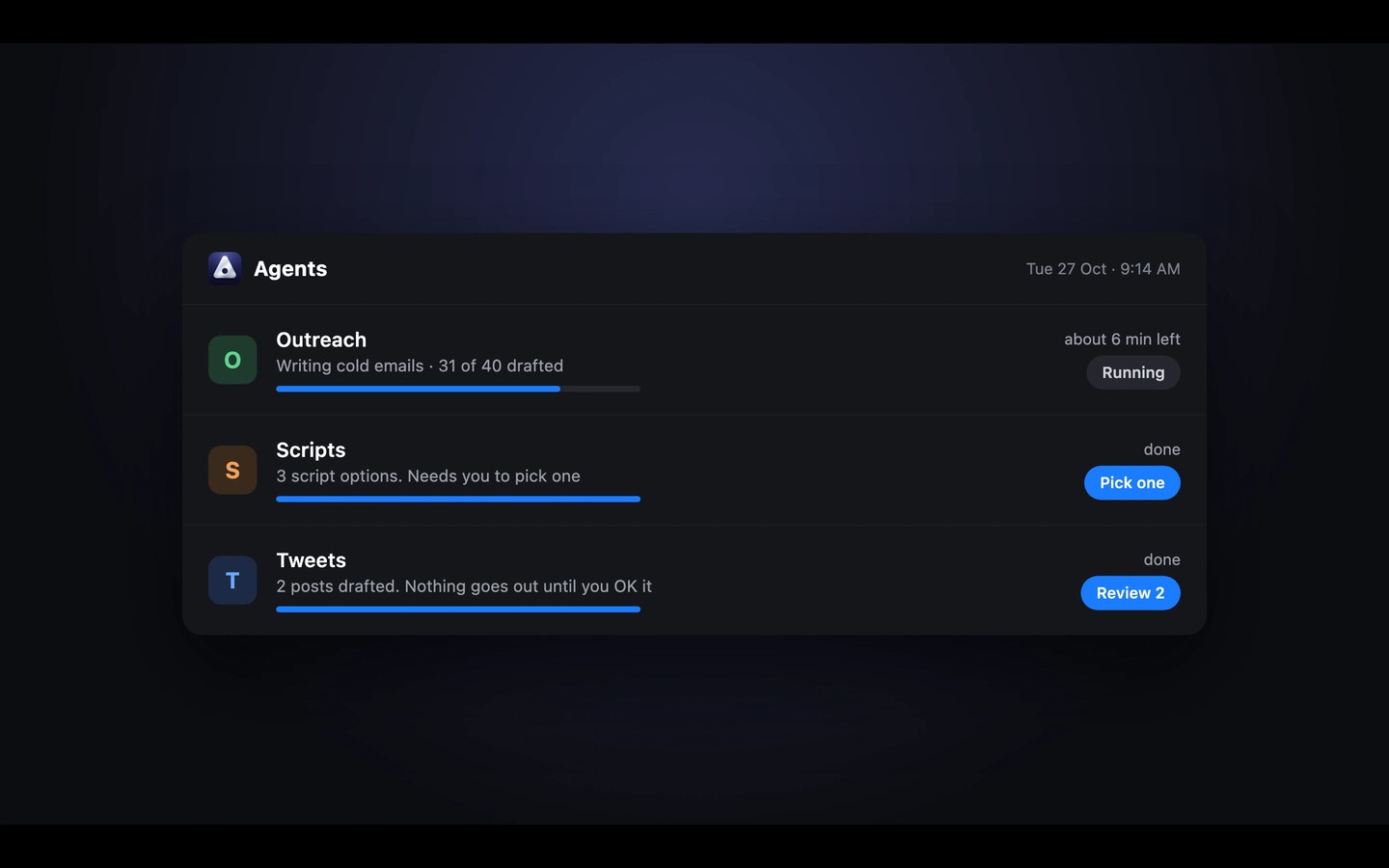
Agents use your own Claude Code or Codex through your Anthropic or OpenAI account. You can assign tasks and routines that use MCP tools, a browser and your Mac’s apps. Teams can also edit shared notes together and keep meeting records in a searchable knowledge base.
The Mac app requires Apple silicon. Notes, tasks, calendar and video notes are also available in a browser; agents, meetings and dictation require the Mac app.
Tags
More in Productivity

Keystroke Pro
Productivity
CopyLess
Productivity