
Keyboard Maestro
Keyboard Maestro automates repetitive Mac tasks with macros that combine built-in actions, conditions, and loops. Run workflows on command or on a schedule to control applications, work with text, and interact with websites.
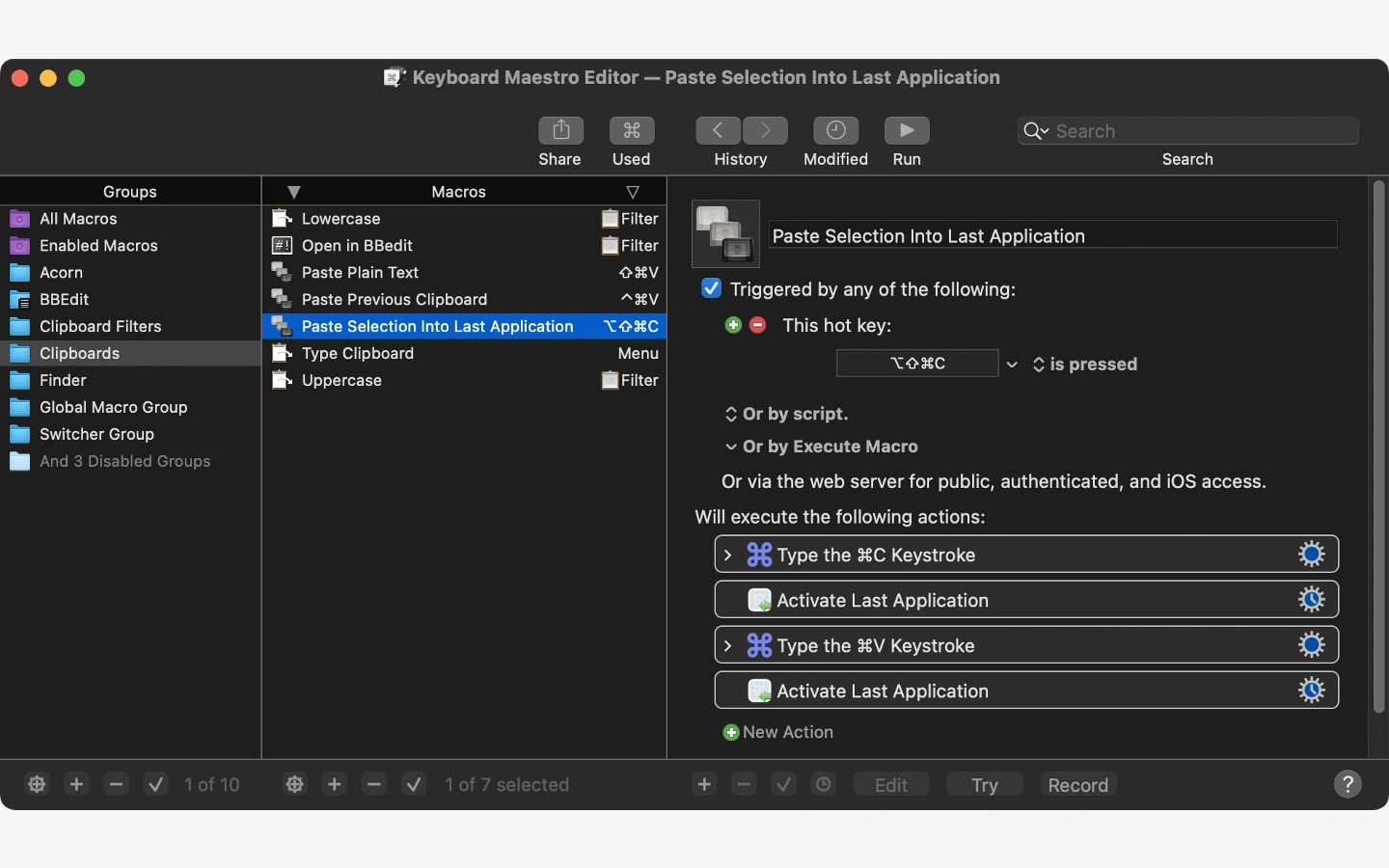
Keyboard Maestro automates repetitive tasks on your Mac, from inserting an email address to running workflows across several applications. You build macros by combining built-in actions, then run them on command or on a schedule. Conditions and loops let a workflow make decisions and repeat steps.
Macros can launch applications, open specific documents, and arrange windows. They can also coordinate applications, such as quitting other apps when you launch one or setting up your workspace at a scheduled time.
Text tools include snippet expansion, text transformations, calculations, and clipboard filtering, with a history of multiple clipboard entries. Keyboard Maestro can also extract text from images using OCR. Website automation covers tasks such as filling in forms, visiting pages, and downloading reports or bank statements.
Tags
More in Productivity

Second Clock
Productivity
PopChar
Productivity