
Otterdock
Otterdock keeps project apps, files, folders, and links together in Dock groups. A visual editor manages each group, while desktop and Notification Center widgets provide access to individual items.
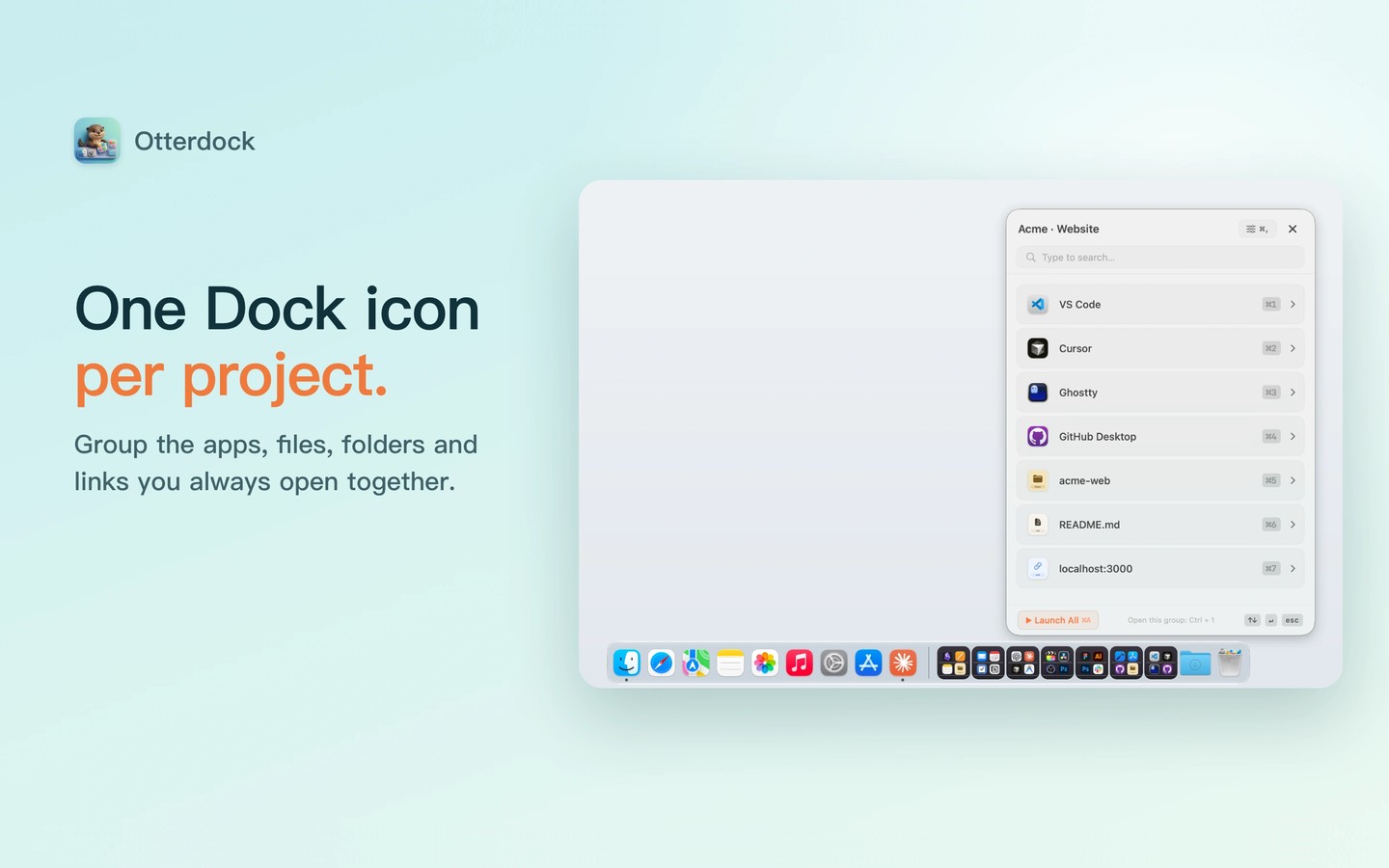
Otterdock organizes apps, files, folders, and web links into project groups in your existing Mac Dock. Its visual editor lets you mix item types, add them by drag and drop, and arrange them within each group.
The Direct edition adds custom Dock popups and global shortcuts that open groups from any app. Its popups support search, arrow-key navigation, and numbered keyboard shortcuts for launching items. Custom Dock interactions require Accessibility permission; global group shortcuts do not.
The Mac App Store edition uses native Dock folders, which you add by dragging a group card to the folder area near the Trash. Native Dock folders do not require Accessibility access. Both editions offer desktop and Notification Center widgets. These widgets open individual items, not the whole group.
Group configurations and full file paths are stored locally on your Mac. The Direct edition supports Intel and Apple silicon Macs, while the Mac App Store edition requires Apple silicon.
Tags
More in Productivity

Hyperduck
Productivity
Atomic
Productivity