
Arca Mail Backup
Arca Mail Backup saves IMAP, Gmail and Outlook mail to your own disk, mounted NAS or S3-compatible storage. Its searchable archives retain messages deleted from the server and use standard mbox files that can be opened without the app.
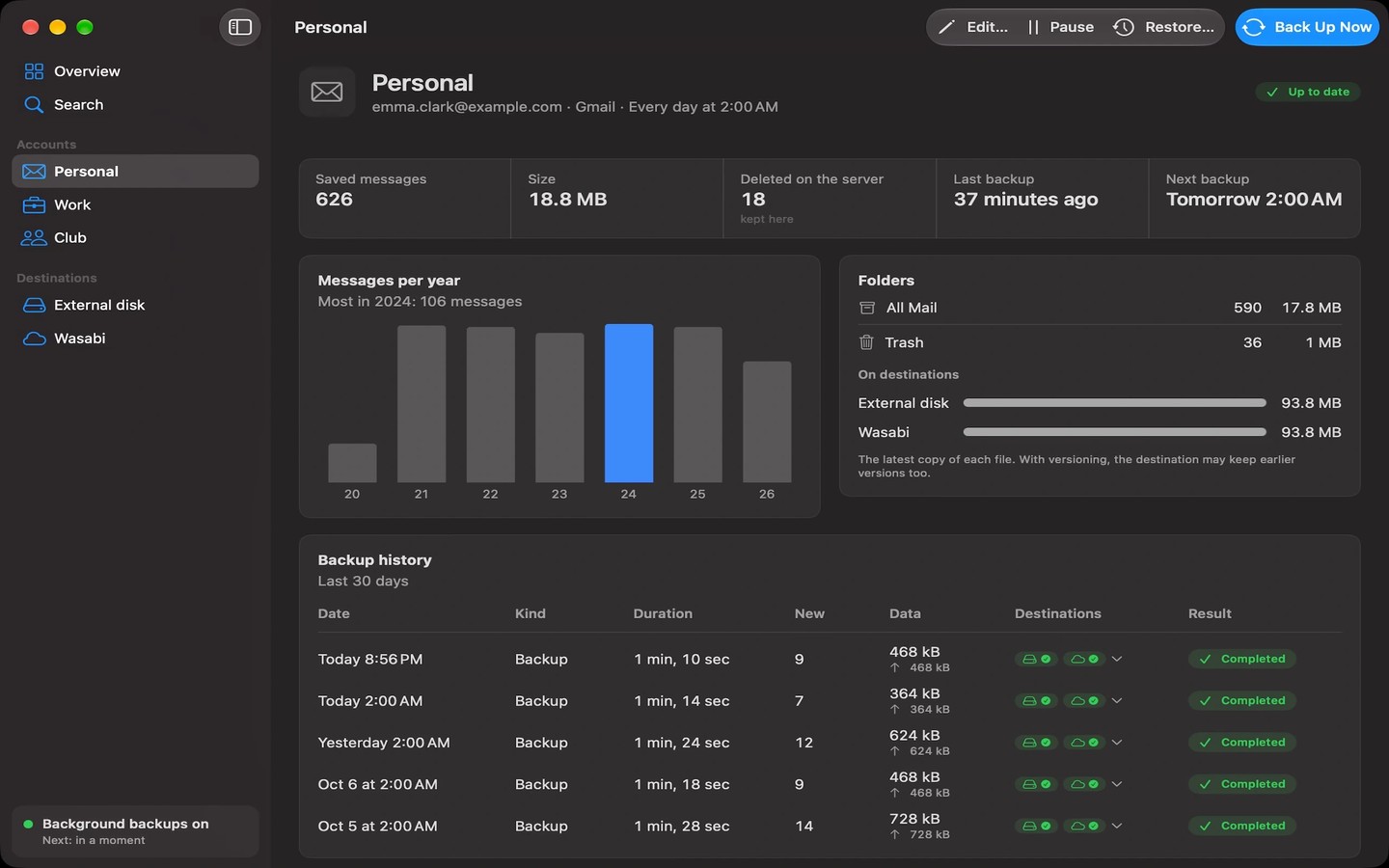
Arca Mail Backup backs up email accounts in the background to storage you control: an internal or external disk, a mounted NAS share or an S3-compatible bucket. It supports IMAP accounts, Gmail and Google Workspace using an app password, and Outlook.com and Microsoft 365 using Microsoft sign-in over IMAP. Interrupted backups resume where they left off.
Mail is saved in standard mbox format, with one file per folder and month. These files can be opened in compatible apps such as Apple Mail or Thunderbird without Arca. Messages deleted from the mail server remain in the backup and are marked as deleted.
You can search across accounts by subject, sender, recipient or message text. Message previews block remote content. Restoring mail sends it to a new folder in the same account; by default, only deleted messages are restored. You can also import mbox files from Google Takeout, Apple Mail or Thunderbird as an offline account and restore imported mail into your account.
Backups run on your computer without passing through the developer’s servers, and passwords are stored in macOS Keychain. Optional age encryption encrypts files before they leave your computer. A recovery key lets you decrypt the backup with the age command-line tool without Arca.
Tags
More in Utilities

Command Reopen
Utilities
PulseTiles
Utilities