Platter
Platter gives Apple Music and Spotify a desktop CD-player interface. Drag an album cover onto the deck to play it, with an animated spinning disc and playback controls.
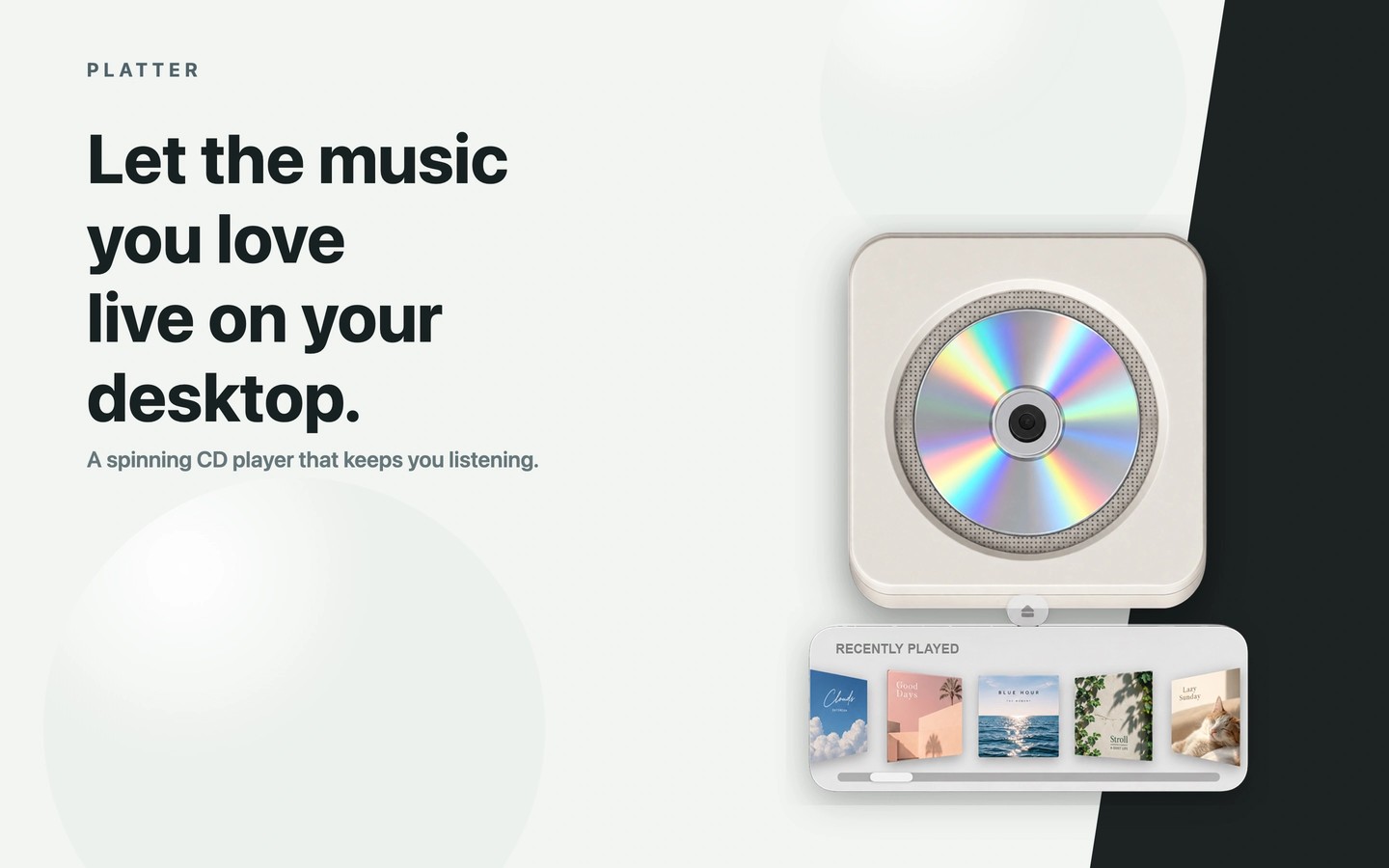
Platter is a desktop music player with a CD-player interface for Apple Music and Spotify. Recently played albums appear on a shelf beneath the player. Drag a cover onto the deck to load the album and watch the disc spin as it plays.
Apple Music tracks play directly inside Platter and require an Apple Music subscription. For Spotify, Platter controls the Spotify desktop app, which must remain open while you listen. Platter does not provide its own music service or play physical CDs.
The front of the player has controls for play, pause, skipping tracks, shuffle, and repeat. A menu bar mini player shows what is playing and provides access to playback controls. When you change albums, the player tilts and swaps discs; you can turn off the 3D transition in the right-click menu for a simpler, face-on disc change.
The player follows your Mac’s light or dark appearance and supports English, Japanese, and Simplified Chinese.
Tags
More in Music

Airfoil
Music
NotchMuse
Music