
TextSniper
TextSniper extracts text from a selected area of your screen and copies it to the clipboard. It works with non-selectable text in images, PDFs, webpages, and videos, using a customizable shortcut or menu bar command.
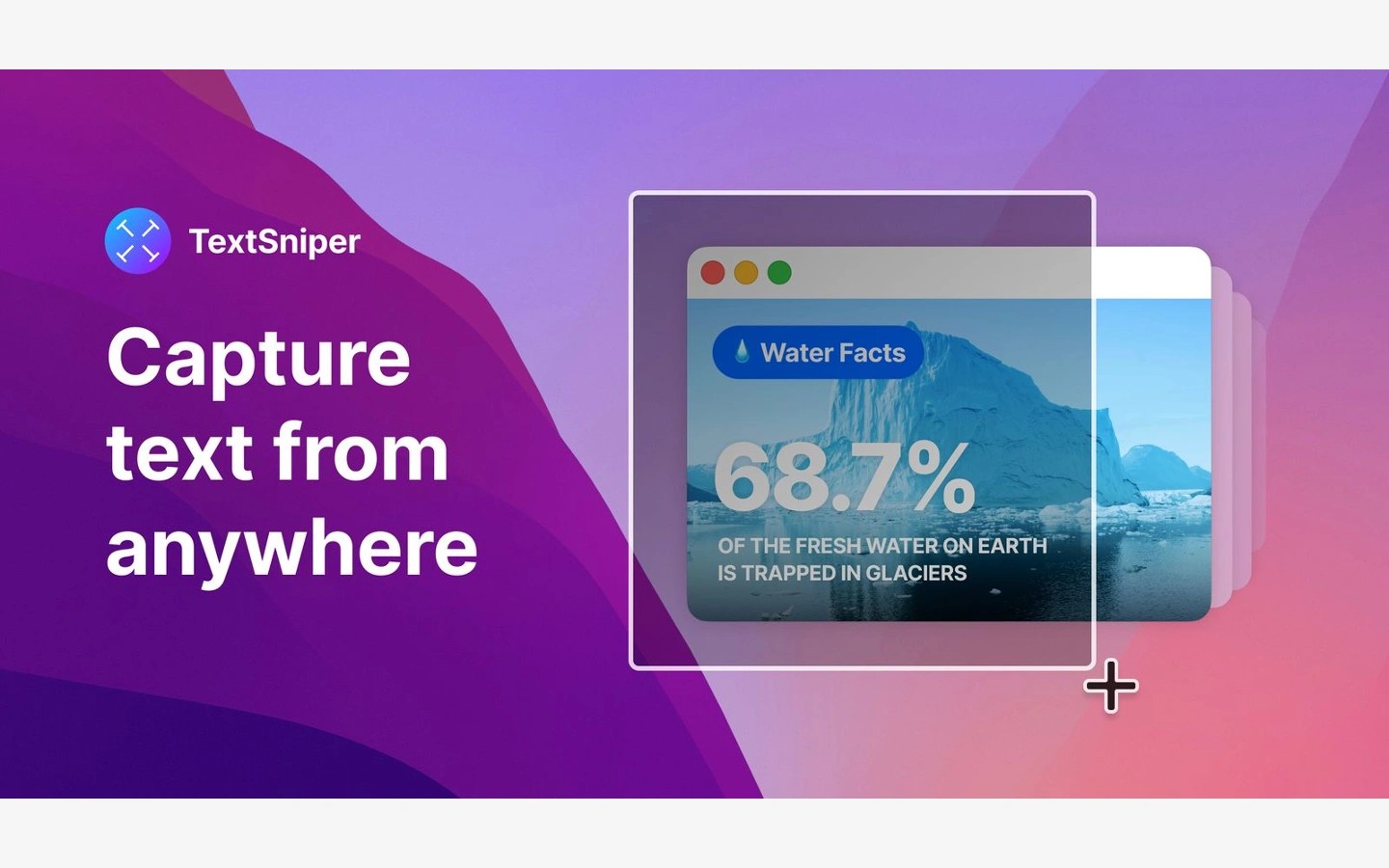
TextSniper uses optical character recognition to copy text that you cannot select normally. It can capture text displayed in images, PDFs, webpages, presentations, and videos without requiring you to retype it.
Start a capture with a customizable keyboard shortcut or the menu bar command, then select an area of the screen. The recognized text is copied to the clipboard, ready to paste into notes, an editor, a message, or another app. TextSniper stays in the menu bar rather than the Dock.
Beyond text capture, TextSniper can read recognized text aloud and extract the contents of QR codes and barcodes as text.
Language support depends on your macOS version. Recognition is limited to English on Catalina, with additional languages supported on later systems. Text containing many symbols, such as computer code, can produce recognition errors, and accented characters in some Latin-alphabet languages may also be misread.
Tags
More in Productivity

OmniFocus
Productivity
Clop
Productivity