
Shottr
Shottr captures and annotates screenshots, including scrolling pages and chats. It combines image editing with text recognition, pixel measurements, and color picking for inspecting and explaining on-screen details.
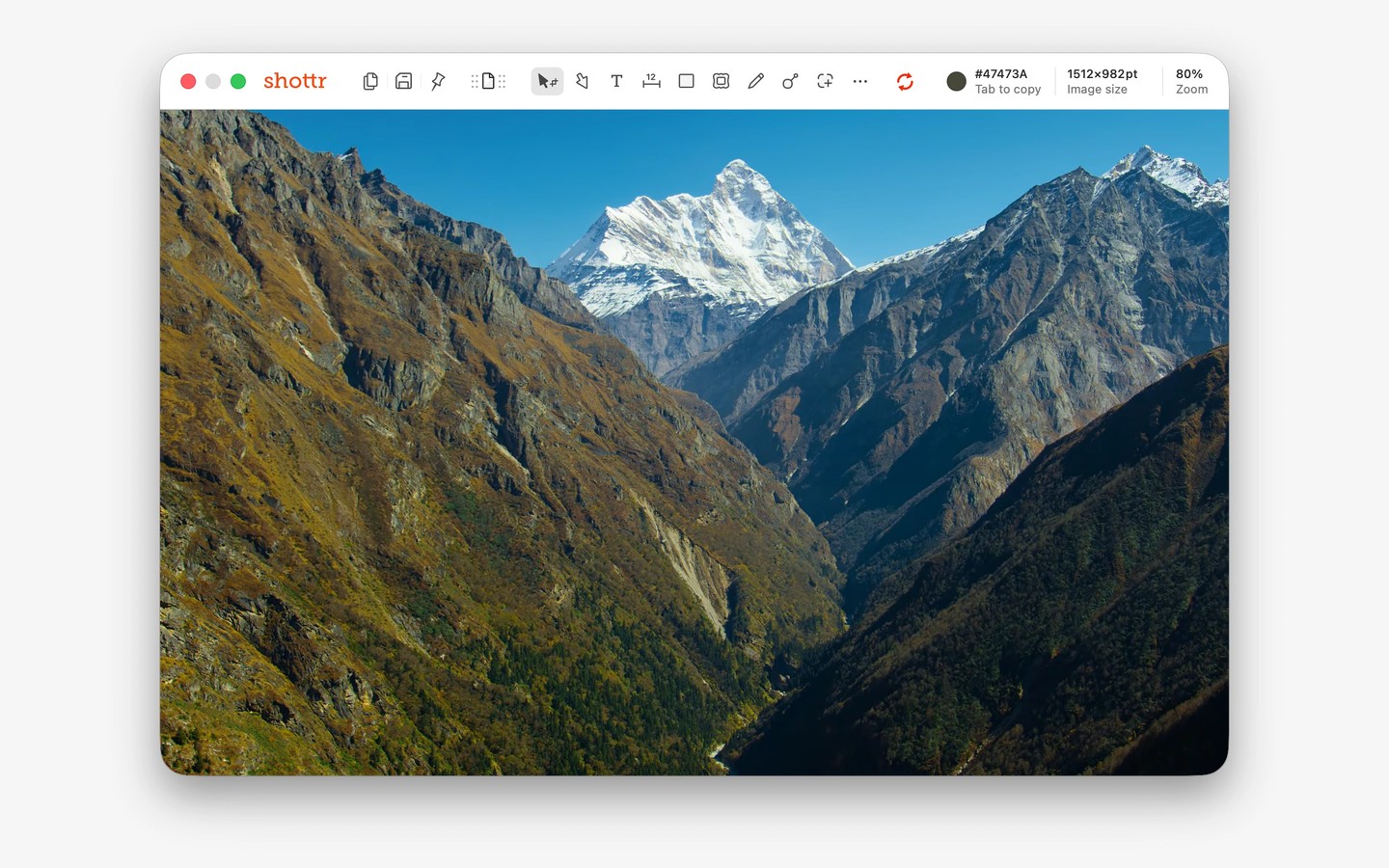
Shottr is a screenshot tool for capturing, editing, and inspecting on-screen content. It can capture a selected area, a window, or a scrolling page or conversation. You can combine multiple captures on one canvas, crop or resize them, and add gradient backgrounds, shadows, and rounded corners.
Annotation tools let you add text, arrows, freehand drawings, highlights, and spotlights. You can pixelate or remove selected content, with a text-only mode for hiding text while leaving surrounding details intact. Images can also be pinned in floating, always-on-top windows for reference.
For detailed visual work, Shottr lets you zoom in, measure objects and gaps, and copy pixel colors. Measurements on Retina displays use logical pixels by default, with an option to view physical pixel sizes. You can overlay images with adjustable transparency to compare them or create two-frame before-and-after animations.
Text recognition lets you press a hotkey, select an area, and copy otherwise unselectable text to the clipboard. It also reads QR codes. Captures can be saved to a dedicated folder, and keyboard shortcuts support common capture and editing actions.
Tags
More in Productivity

+Clock 2
Productivity
QuickGPT
Productivity