
Scratchpad
Scratchpad keeps one persistent plain-text note for quick thoughts and drafts. Open it from the menu bar or a custom hotkey, with optional iCloud sync across Apple devices.
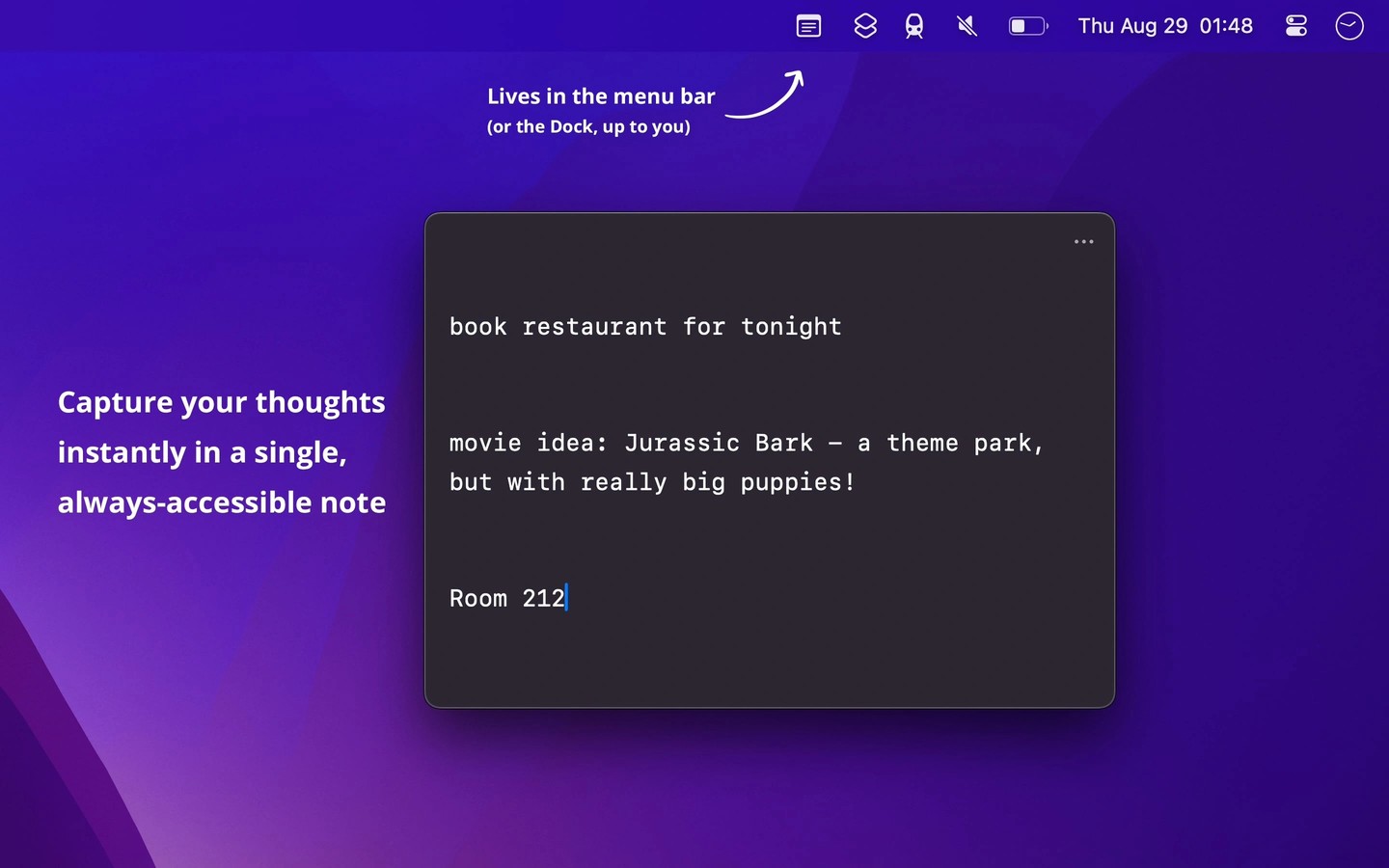
Scratchpad holds a single, persistent plain-text note for quick thoughts, drafts, and text you want to keep handy. It does not support multiple notes, text formatting, images, or opening and saving external files.
On Mac, it appears in the menu bar by default, with an optional Dock icon. A custom keyboard shortcut opens it for writing. You can adjust the font and text size, see word and character counts, and keep the window on top of other windows.
You can add selected text through the Share menu or macOS Services. Shortcuts integration and a custom URL scheme let you automate adding text. The URL scheme supports appending and prepending text; reading or replacing the note requires Shortcuts.
Optional iCloud sync keeps the note available across macOS, iOS, watchOS, and visionOS. If edits on different devices create a sync conflict, you can compare the versions and keep either one or both. Syncing is not fully covered by iCloud Advanced Data Protection.
Automatic local backups help recover from accidental edits or deletion. You can preview a backup before restoring it, and the current note is backed up before it is replaced. The app keeps the most recent 100 backups on each device; these backups do not sync.
Tags
More in Productivity

Usher
Productivity
rcmd
Productivity