
DaisyDisk
DaisyDisk shows disk usage as colorful rings so you can find large files and choose what to delete. It scans local, external, and network disks, plus supported cloud storage services.
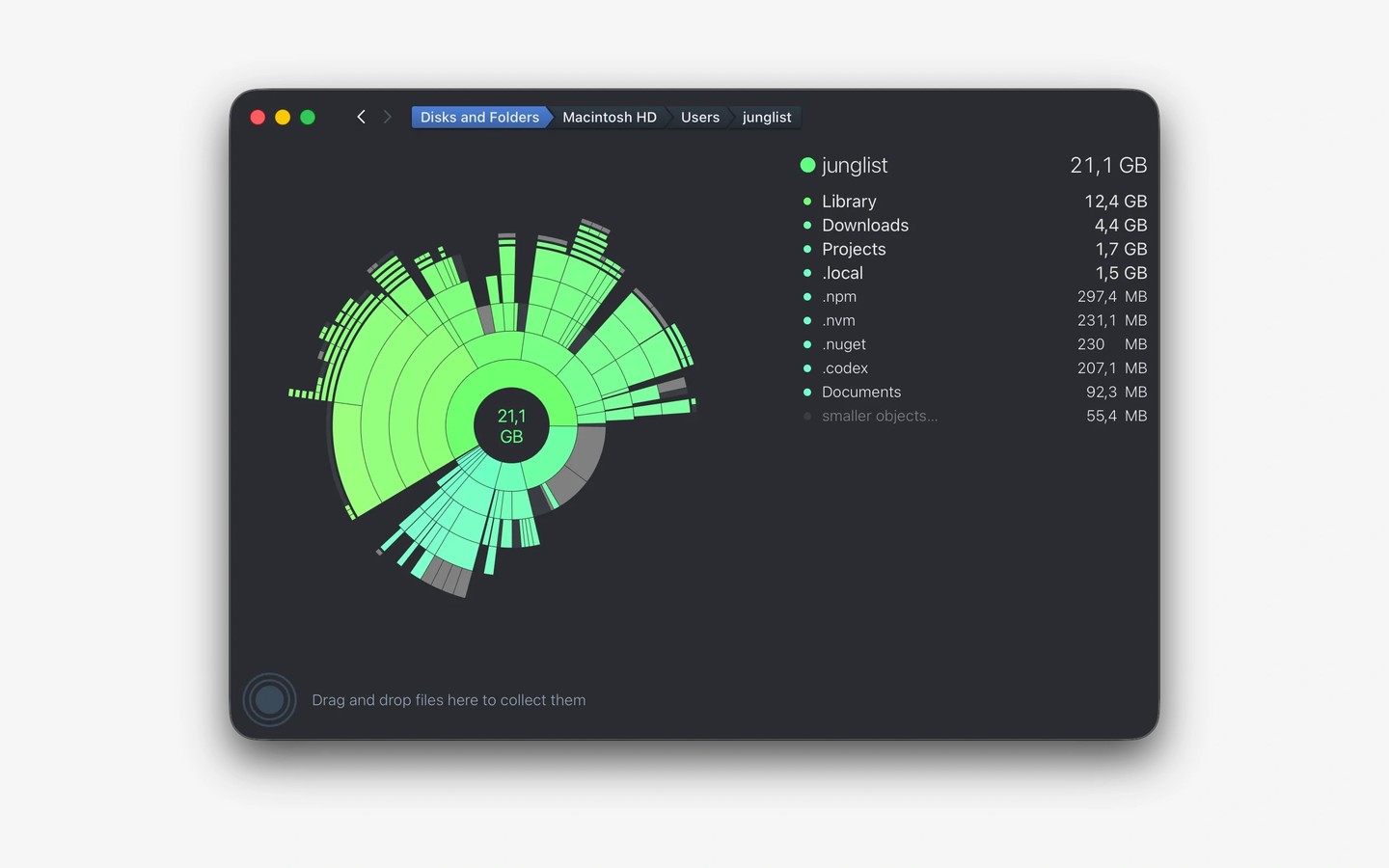
DaisyDisk analyzes storage usage and displays files and folders as colorful rings. You can explore the breakdown to find large files, press Space to preview them, and choose which ones to delete. Cleanup is manual rather than automatic, and system files are protected from deletion.
It works with internal and external drives, network disks, and virtual disks. You can also connect Dropbox, Google Drive, Microsoft OneDrive, and Box to scan cloud storage remotely. Connected disks show their capacity and free space before you run a scan.
Administrator scanning reveals restricted files and folders that regular scans cannot access. DaisyDisk also breaks down the “Other” and “System Data” storage categories and can find and purge macOS snapshots. Its space calculations account for clones and hard links without counting them as additional disk usage.
Tags
More in Utilities

Tuck
Utilities
LiteIcon
Utilities