
Resolutionator
Resolutionator switches display resolutions from the menu bar or a keyboard-accessible panel. It supports multiple displays, lets you pin frequently used resolutions, and can reveal additional resolution options depending on your display.
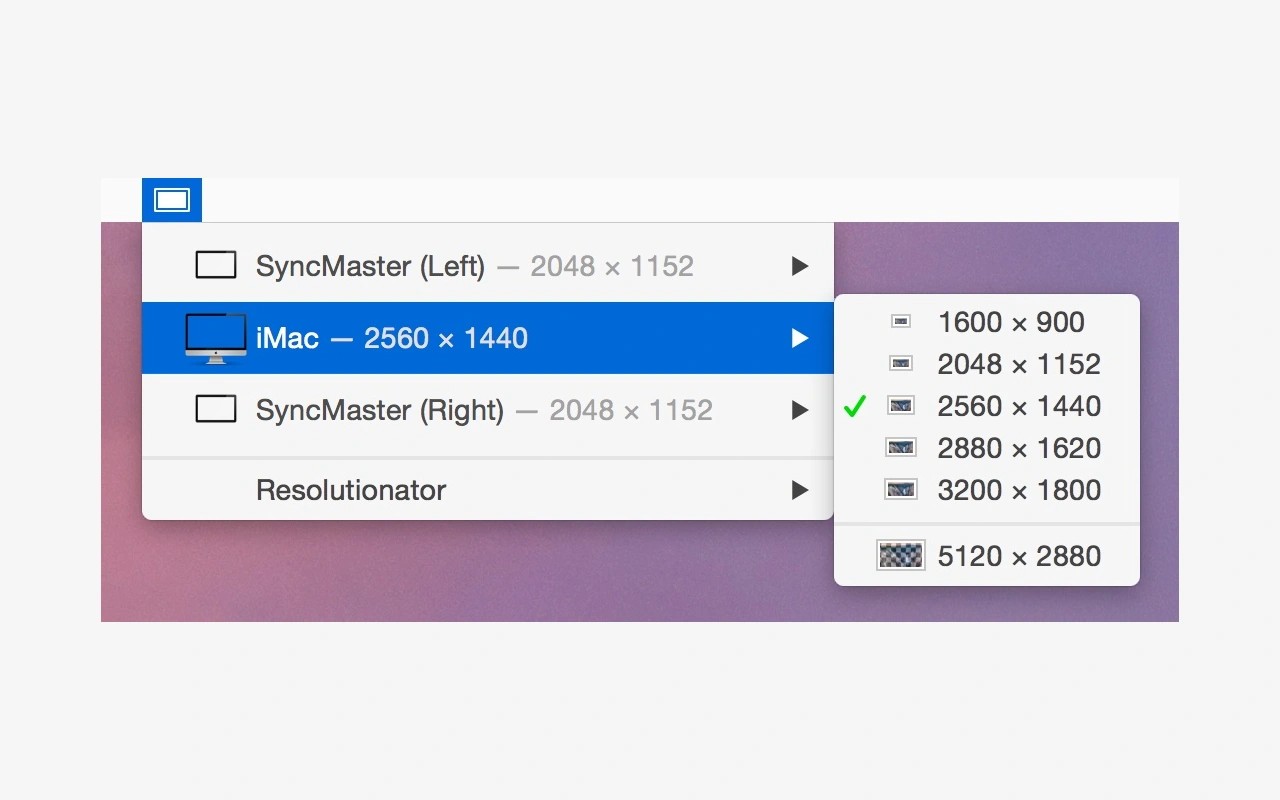
Resolutionator lets you change display resolutions from the menu bar or a panel opened with a keyboard shortcut. Both interfaces give you access to all attached displays, so you can adjust their resolutions without opening system settings.
You can pin frequently used resolutions to the top of the menu by holding the Option key. For keyboard use, you can assign your own shortcut and use the panel’s left arrow key to reveal the attached displays.
By default, Resolutionator shows the resolution choices offered by macOS. Its preferences can reveal additional resolutions reported by your display, including non-Retina modes and resolutions larger than the display’s physical pixel count. For those larger modes, macOS scales the image down to fit the screen.
The app is designed with Retina displays in mind. Available modes depend on your hardware, and additional capabilities on non-Retina displays are not guaranteed. Resolutionator also relies on an unpublished macOS programming interface, so changes to that interface could cause it to stop working.
Tags
More in Utilities

Chorus
Utilities
Leech
Utilities