
Leech
Leech manages downloads independently of your browser, with scheduling, bandwidth limits, and rules for sorting files. It can also use multiple data streams to potentially speed up downloads on servers that support it.
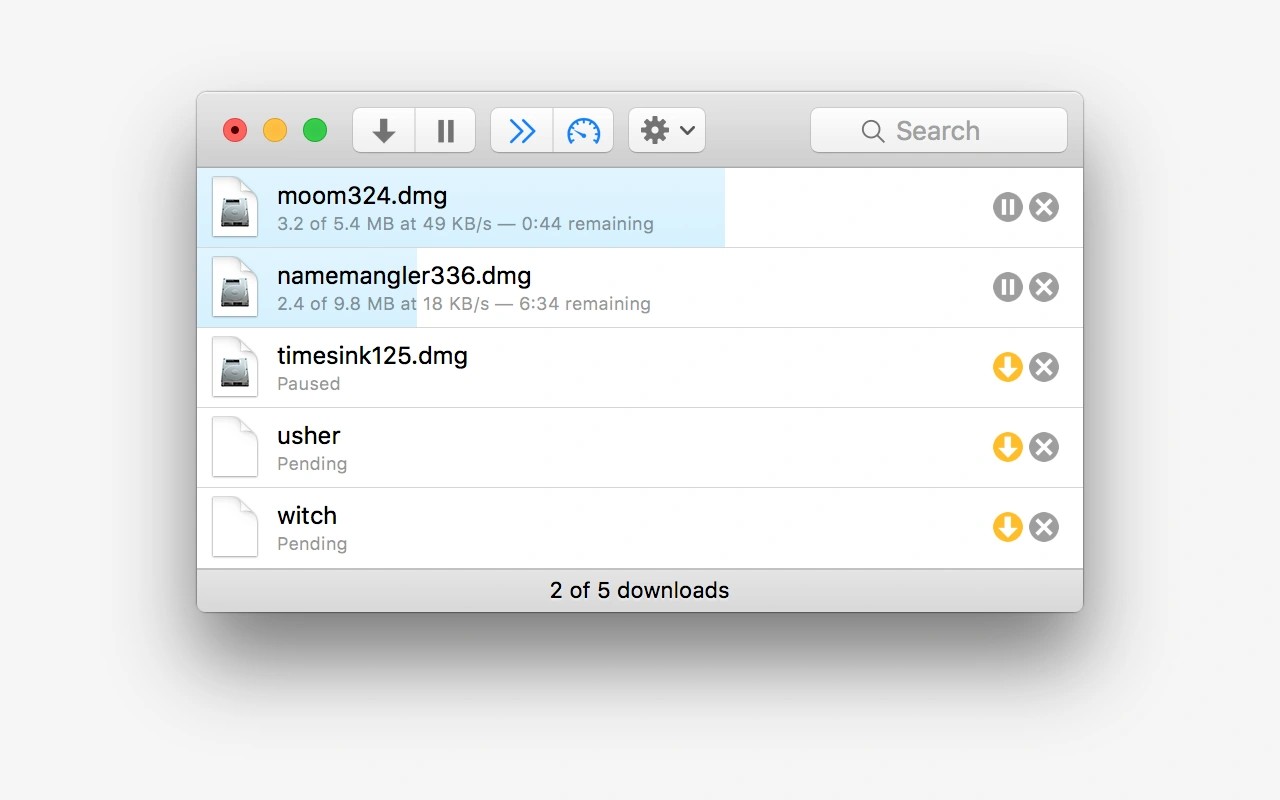
Leech is a download manager that keeps transfers running independently of your browser. You can schedule downloads for later and limit how much bandwidth they use, leaving room for other internet activity.
To add downloads, paste a list of URLs, drag a URL onto the Dock icon, or send a download through the included Safari contextual menu extension. For files with numbered addresses, you can enter a range such as file_{1-3}.jpg to download several files at once.
Rules based on host names and filename extensions help sort incoming files. Leech can also organize downloads into subfolders by date and optionally keep a complete download history.
On servers that support it, Leech can download multiple data streams at once, which may speed up transfers. This cannot exceed your connection’s maximum speed. The app can run in the Dock, the menu bar, or both, and can optionally quit when all downloads finish.
Tags
More in Utilities

IsThereNet
Utilities
NetSpot
Utilities