
Chorus
Chorus controls your Mac’s speakers and microphones from the menu bar. Combine outputs into a group or stereo pair, adjust group volume, and give individual apps their own volume and output on macOS 14.4 or later.
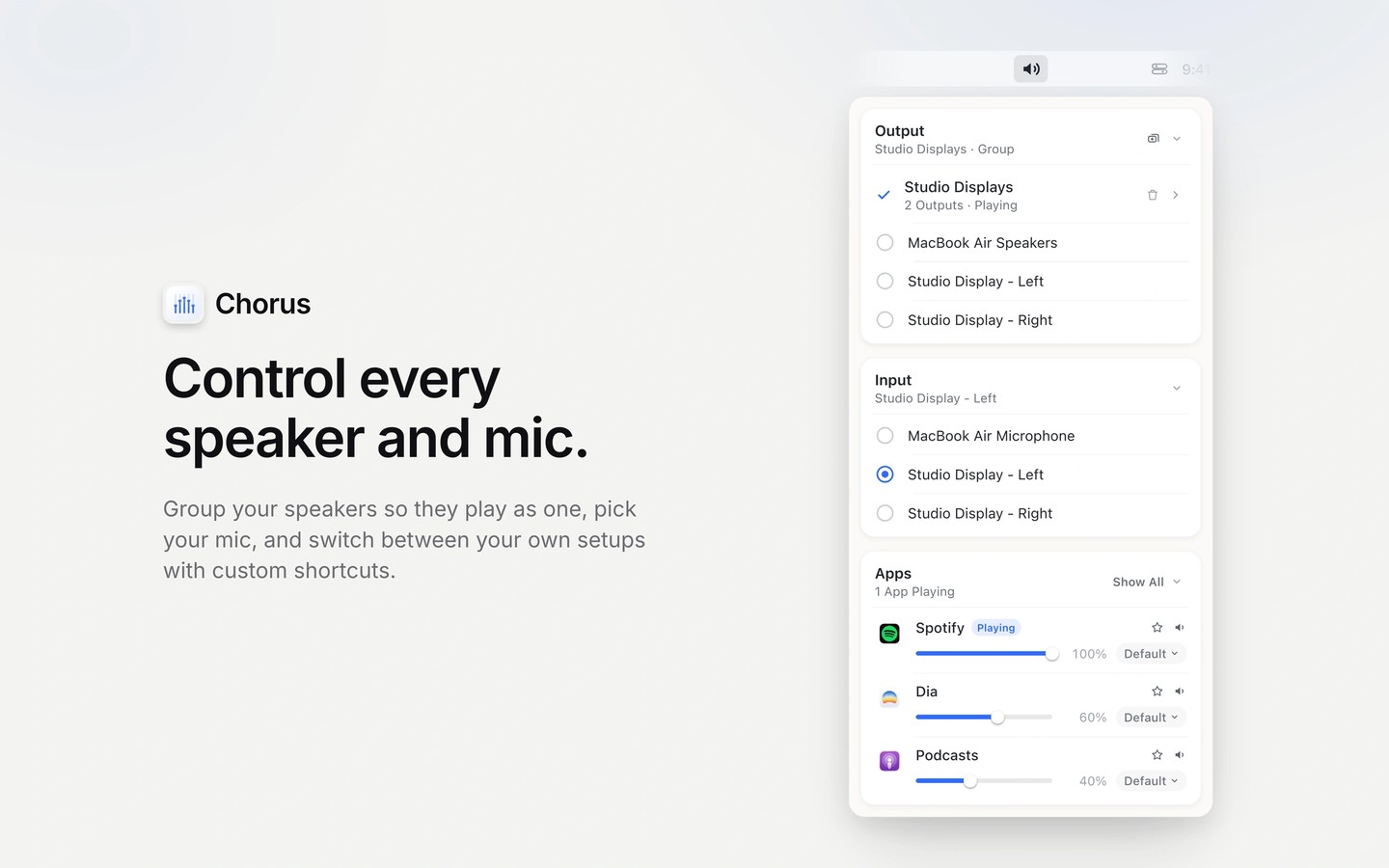
Chorus is a menu-bar app for managing your Mac’s audio outputs and microphone selection. It can combine speakers, headphones, displays or AirPlay devices recognized by your Mac into a group, including a stereo pair with separate left and right channels.
Groups have a shared volume control and balance adjustment. Your keyboard’s volume keys can control the group with an on-screen volume indicator; this requires optional Accessibility permission. Custom keyboard shortcuts let you switch between groups, outputs and inputs, and you can trigger Chorus from Raycast, Shortcuts or Stream Deck.
On macOS 14.4 or later, you can give each app its own volume and output. For example, music can play through desk speakers while a call uses headphones. This feature requires a separate optional permission, and audio is not recorded or saved.
Chorus can also pause, lower or mute audio when dictation apps such as Wispr Flow, superwhisper or MacWhisper start listening, then restore it when dictation stops. You choose the behavior for each app in Settings. Audio grouping uses macOS’s built-in capabilities without installing a driver or kernel extension.
Tags
More in Utilities

Folder Peek
Utilities
Lingon
Utilities