
Keep Mac Awake
Keep Mac Awake keeps an Apple silicon MacBook working with the lid closed, without an external display. Start a timed or unlimited session from the menu bar or command line, with optional battery use and a watchdog that restores normal sleep if a service fails.
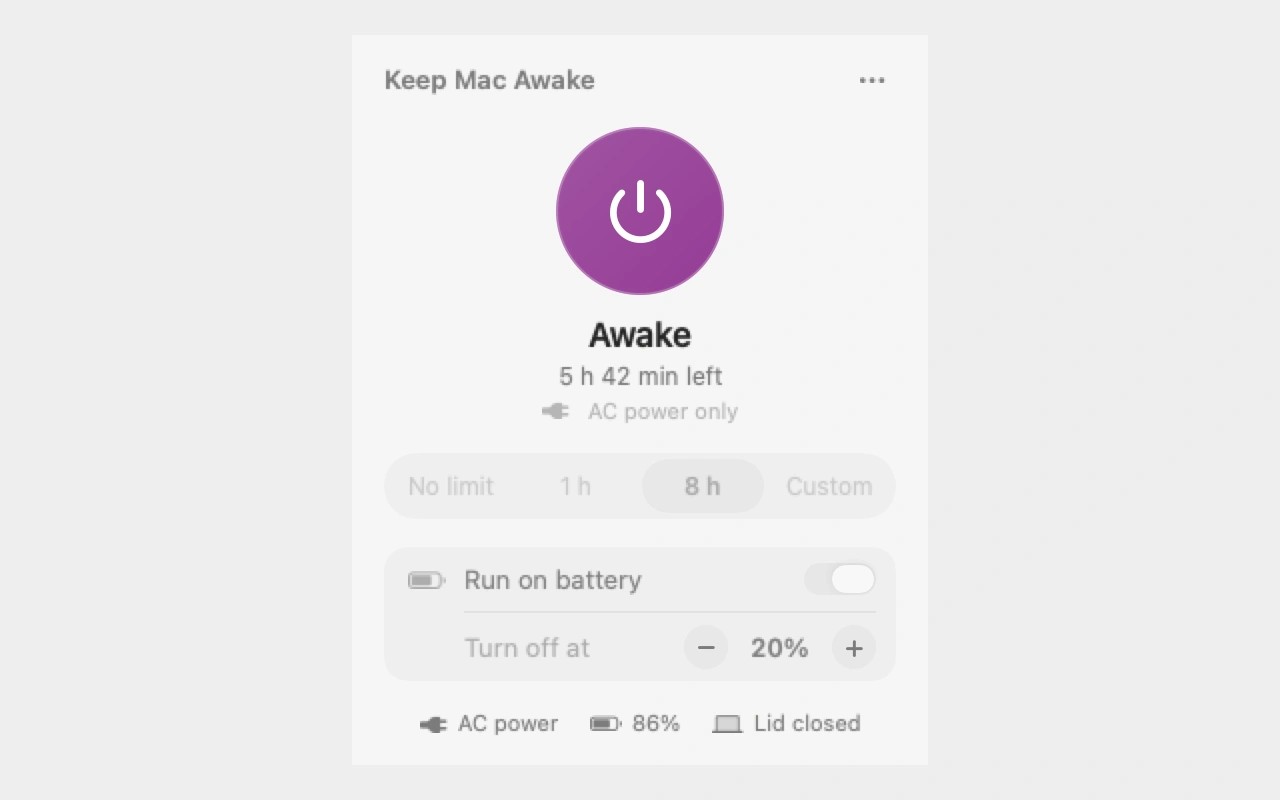
Keep Mac Awake prevents sleep during sessions you start, allowing an Apple silicon MacBook to keep working with its lid closed and no external display, keyboard or mouse attached. It can keep long-running jobs such as builds, renders, downloads and AI coding tasks running while the display is dark.
Start a session from the menu bar with no time limit, a one-hour or eight-hour duration, or a custom duration up to 168 hours. Sessions use AC power by default and wait if you unplug the Mac. You can allow battery use and choose the battery level at which the session ends.
Normal sleep returns when a session ends or you quit the app. A separate watchdog restores the sleep setting if the background service or system service stops or hangs. Battery sessions also end at a serious thermal state; on AC power, temperature management is left to macOS. The Mac still needs ventilation and should not run inside a closed bag or on soft surfaces.
The keepmacawake command lets scripts and AI coding agents start, check and stop sessions using JSON responses and documented exit codes. Remote access must come from another tool, such as an agent’s remote-control feature or SSH. Keep Mac Awake does not provide a remote connection, maintain network connectivity or wake a Mac that is already asleep.
Installation requires an administrator password because a system service changes the Mac’s sleep setting. The app does not require Accessibility or Full Disk Access permissions.
Tags
More in Utilities

NetSpot
Utilities
Lingon
Utilities