FingerBridge
FingerBridge fills your saved Mac password after a fingerprint match in supported lock-screen and administrator password fields. It requires an Apple Silicon Mac and a Waveshare UART Fingerprint Sensor connected over USB.
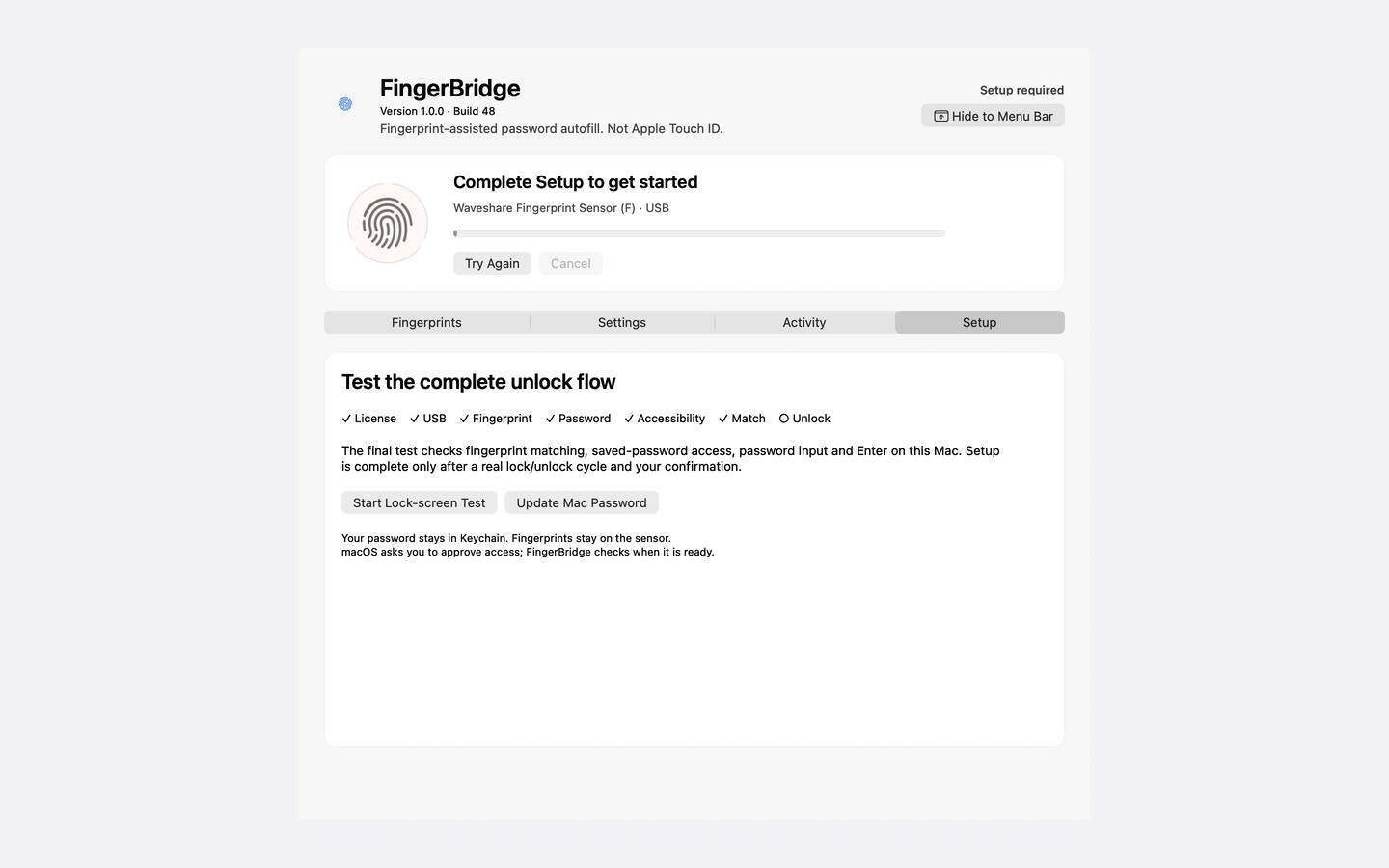
FingerBridge adds fingerprint-assisted password entry to an Apple Silicon Mac using a separate USB sensor. When it recognizes a registered finger, the app enters your saved Mac password and presses Enter in supported lock-screen and administrator password fields. You can enable these two uses separately.
The app requires the Waveshare UART Fingerprint Sensor. Other fingerprint readers are not supported. Guided setup walks you through connecting the sensor, registering a finger, saving your Mac password, approving macOS permissions, and testing lock-screen entry.
Your saved password stays in Mac Keychain, while fingerprint templates stay on the sensor. Setup requires allowing FingerBridge to access the saved password in Keychain. Keep your Mac password available as a fallback. If the lock screen shows a Touch ID hint, press a key to reveal the password field before touching the sensor.
FingerBridge is not Apple Touch ID. It does not replace FileVault startup login, Apple Pay, passkeys, or a website password manager, and some password dialogs are not supported.
Similar Apps

Command Reopen
Utilities
Shareful
Utilities