
Shiny
Shiny clears cached memory and helps manage busy apps from the menu bar. It shows memory pressure in plain language, offers one-click cleanup, and can pause demanding apps temporarily.
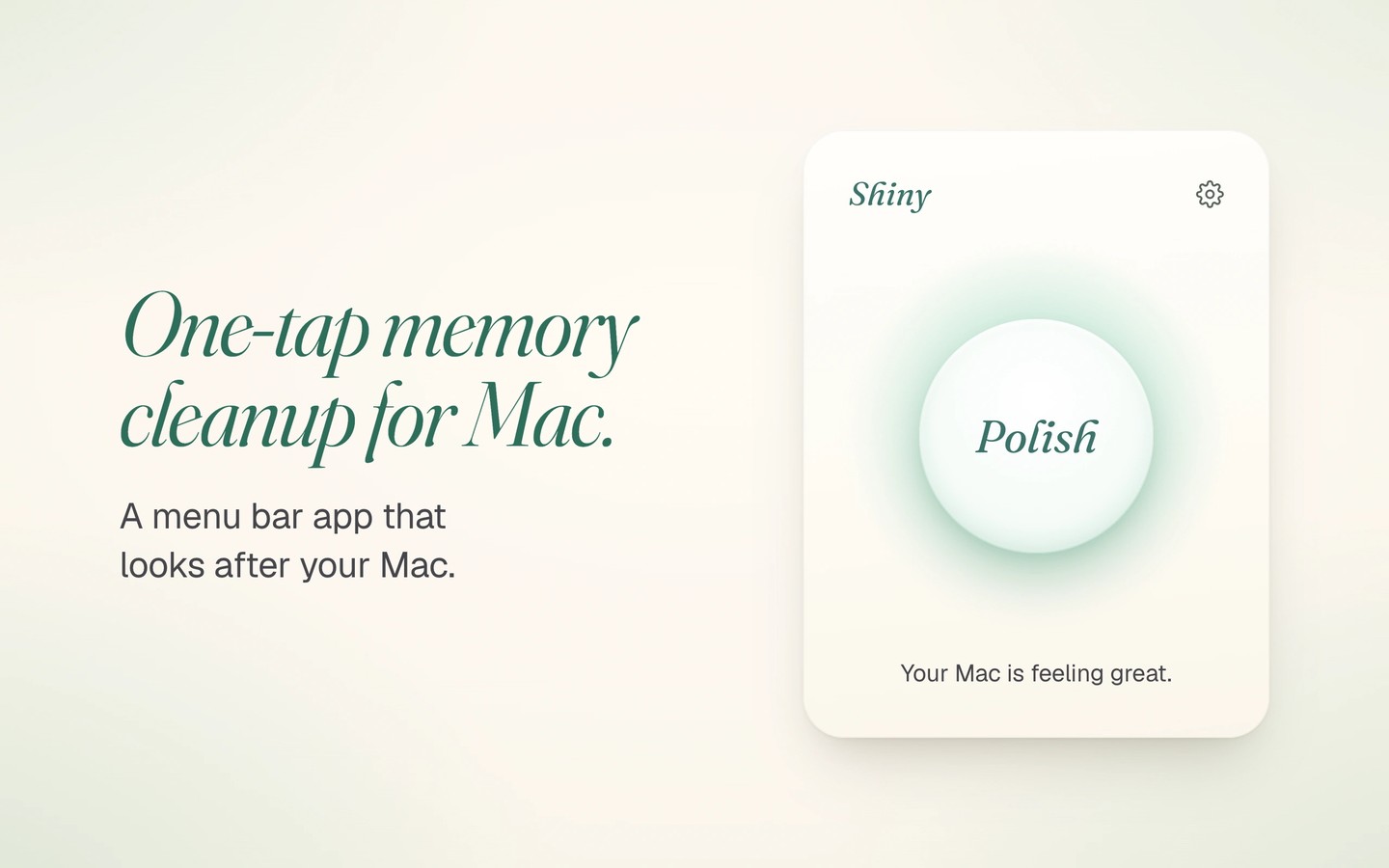
Shiny is a menu bar utility for clearing cached memory and managing background activity. Its panel summarizes memory, storage, heat, and battery status in plain language, rather than requiring you to interpret detailed system statistics.
The Polish button clears cached disk data held in memory, writes pending data to disk, and refreshes stale network lookups. It is offered when memory pressure rises. Optional automatic cleanup is off by default and runs at most once every five minutes under memory pressure. Shiny skips the memory clear while audio is playing. It targets memory pressure rather than general slowdowns and does not scan your disk for files to delete.
When an app has been working hard for a few minutes, Shiny offers to pause or quit it. Pausing requires approval of its background helper and freezes the app for up to an hour, including any calls or downloads in it. The app resumes when you switch back to it, undo the pause, or reach the time limit. A separate Background Apps view lets you disable unwanted startup items or set them aside for a week before they turn back on automatically.
A global keyboard shortcut opens the panel from other apps. Alerts can stay within the panel, change the menu bar icon, or add notifications, with an optional screen-edge glow. Shiny does not collect analytics or usage data, and crash reports are optional. It connects for updates and license checks and works offline for up to seven days between checks.
Tags
More in Utilities

Haptiker
Utilities
ZeroDuplicates
Utilities