
Online Check
Online Check monitors internet access from the menu bar, rather than just checking whether Wi-Fi is connected. It can flag outages with notifications or a red screen border, record status changes, and run shortcuts.
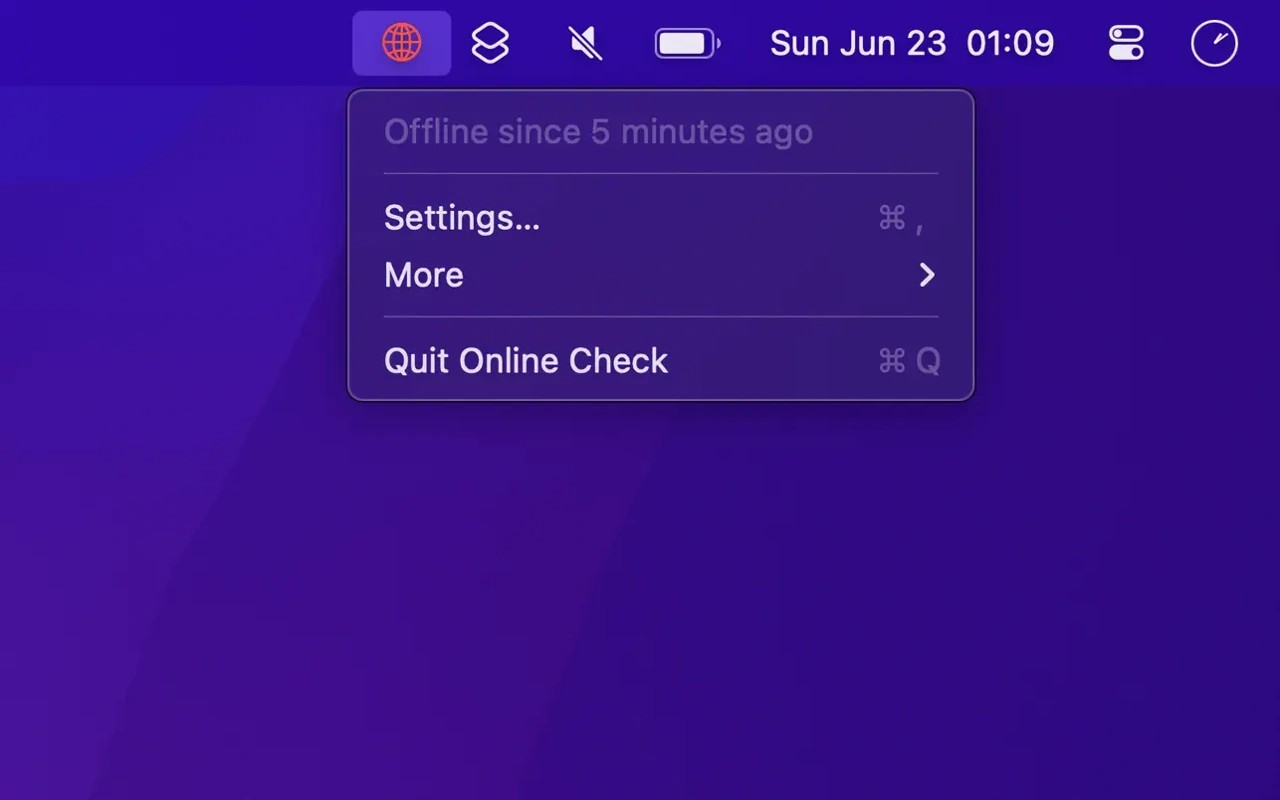
Online Check monitors internet connectivity and shows the status in your Mac’s menu bar. Its icon turns red when you are offline, and you can enable notifications or a red border around the screen to make outages more noticeable.
The app checks internet access when the network changes and at adjustable intervals. It first loads captive.apple.com, then tries requests to apple.com and cloudflare.com if needed. If all requests fail, it treats the connection as offline. Blocking these domains can therefore cause an offline reading even when other internet access works.
A history of connection status changes helps you review interruptions and can be exported as CSV. The history is not persistent.
You can also run a shortcut when the connection status changes. With a shortcut configured in the Shortcuts app, this can restart Wi-Fi or connect to a different Wi-Fi network when the connection goes offline.
Tags
More in Utilities

MacClearings
Utilities
LaunchHome
Utilities