
MacScapes
MacScapes combines live wallpapers with matching desktop widgets, folder icons and optional ambient sound. Save scene, palette, widget and sound settings as “vibes” that switch by schedule, sunrise, sunset or power source.
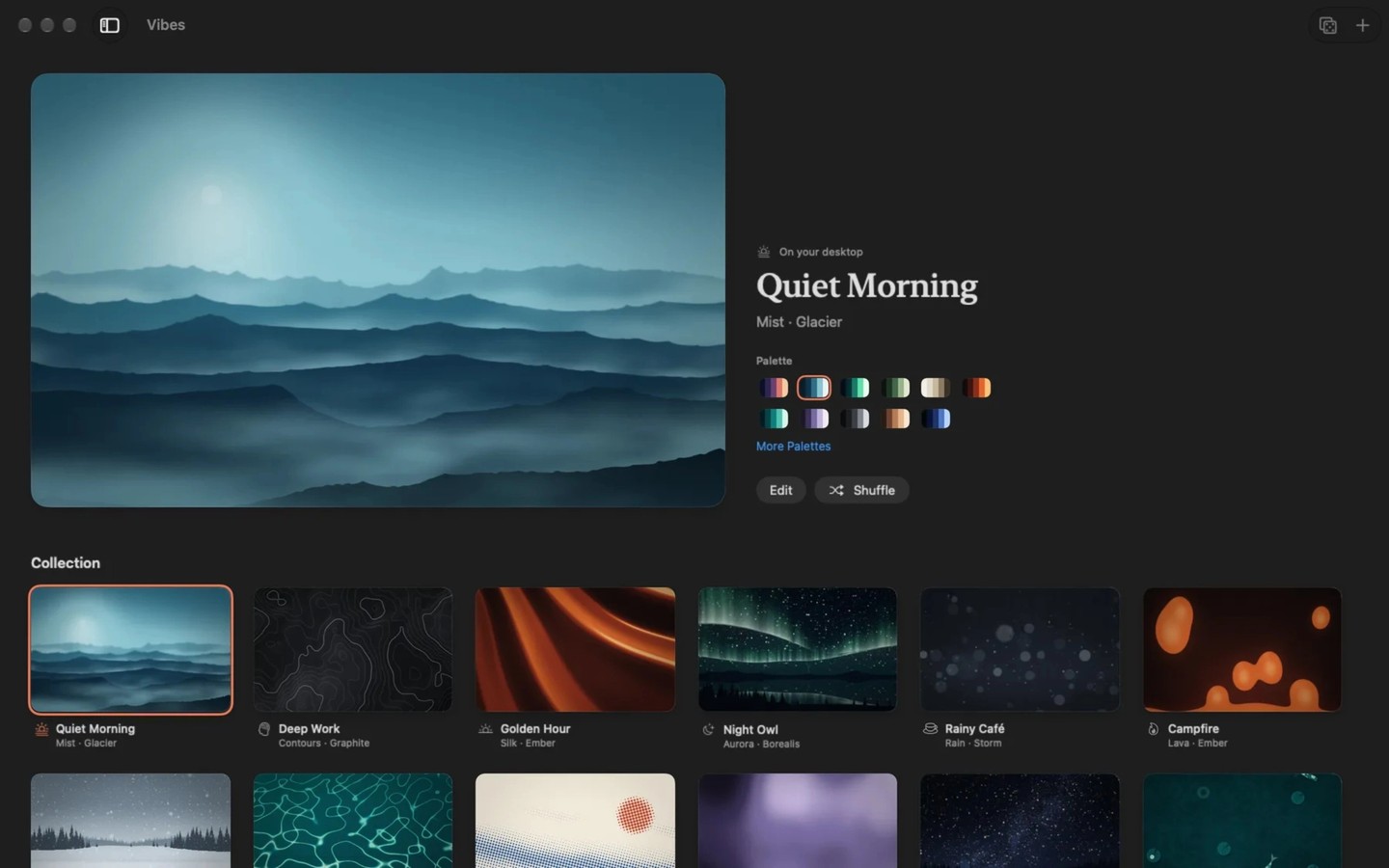
MacScapes customizes your desktop with animated scenes drawn live on the GPU rather than played as recorded clips. You can recolor scenes with palettes, adjust their motion and appearance, or use your own photos and silent looping videos as backgrounds. Its Living Stills add depth-based movement to still pictures without recoloring the images.
A saved “vibe” combines a scene, palette, desktop widgets and optional ambient sound. Switching vibes cross-fades the picture and sound together. You can switch from the menu bar or with a keyboard shortcut, or set rules for particular times and days, sunrise and sunset, or battery power. A manual choice stays in place until the next scheduled change.
Desktop widgets include clocks, calendars, weather, timers and notes. Their colors follow the selected palette, and you can arrange them across displays. Folder icons can also use matching patterns, scene images or your own pictures. Drag folders into the app to change their icons, then use its saved list to restore the standard icons later.
Drawing pauses when windows or a full-screen app hide the desktop, and when the display sleeps. With the battery-saving setting enabled, the app reduces rendering to 30 frames per second at half resolution while unplugged. Custom video backgrounds use more energy than the generated scenes.
MacScapes supports multiple displays and runs on Apple silicon and Intel Macs. No account is required. Anonymous usage counts are sent by default and can be disabled in Privacy settings. Location is optional for sunrise and sunset scheduling; the weather widget requests a forecast for your approximate area from MET Norway.
More in Utilities

Displaperture
Utilities
BackupList+
Utilities