
LocArk
LocArk combines Markdown notes, a password vault, kanban boards, and mind maps in a locally stored workspace. You choose the storage folder, and new workspaces use local encryption and a master password.
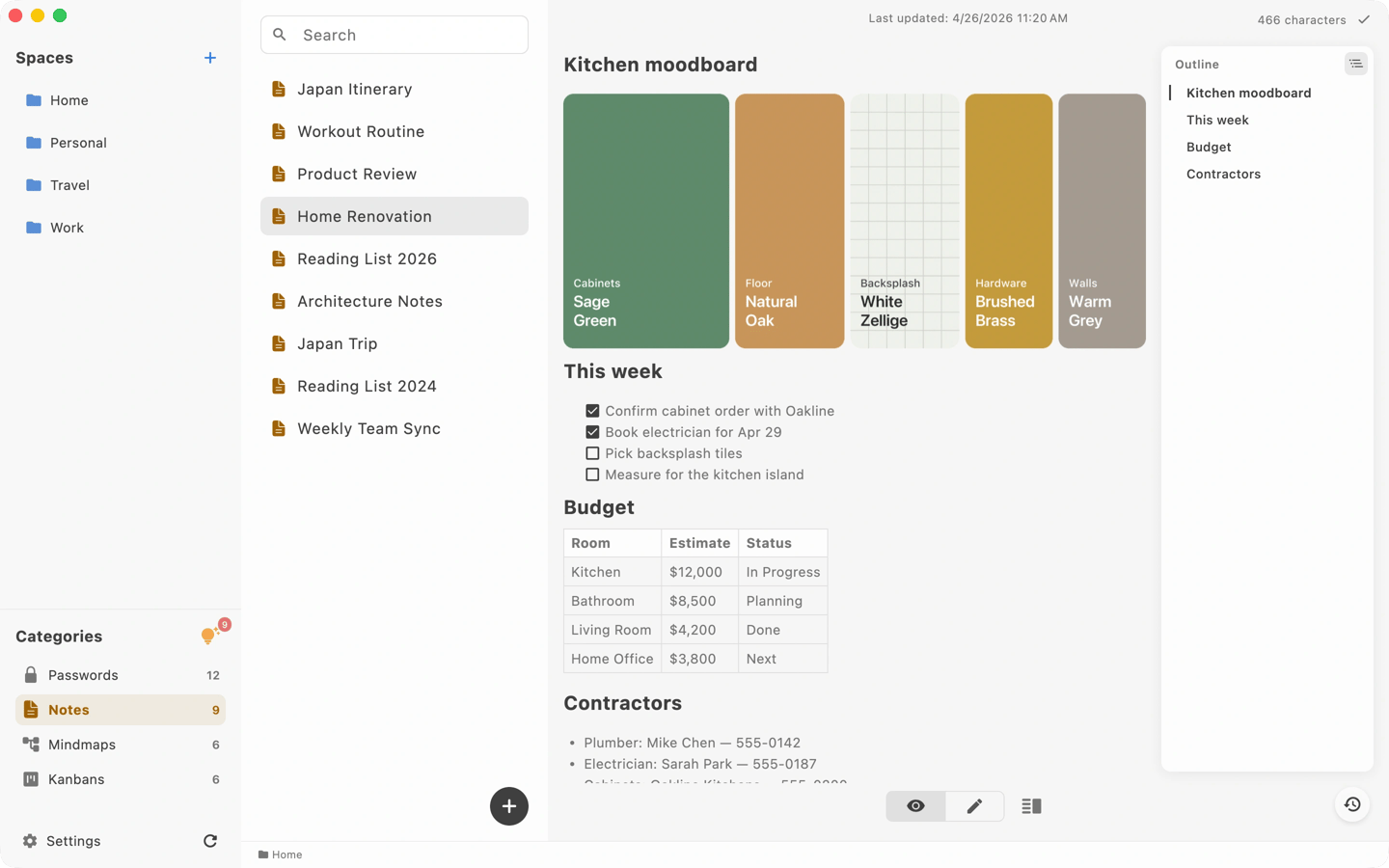
LocArk brings Markdown notes, password records, kanban boards, and mind maps into one workspace. Spaces and nested folders organize projects, while category filters let you focus on one content type. Notes support search, local images, and history recovery.
The password vault stores website logins, app credentials, and private records, with password generation, quick copy, auto-lock, and clipboard clearing. Kanban boards organize tasks with custom columns, priorities, and due dates. Mind maps help outline projects and ideas and can be exported as PNG images.
You choose where the workspace is stored. New workspaces use local encryption and a master password, and the core workspace works offline. You can back up the complete workspace and export readable content, but backup and migration remain your responsibility.
LocArk is also available on Windows, iPhone, iPad, and Android with the same workspace structure. Cross-device access depends on a sync location you choose that is supported by your platforms; LocArk does not provide hosted cloud sync. Installation, updates, purchases, and activation or verification of Pro access still require network services.
Tags
More in Productivity

Maccy
Productivity
Audio Hijack
Productivity