KarmaDisk
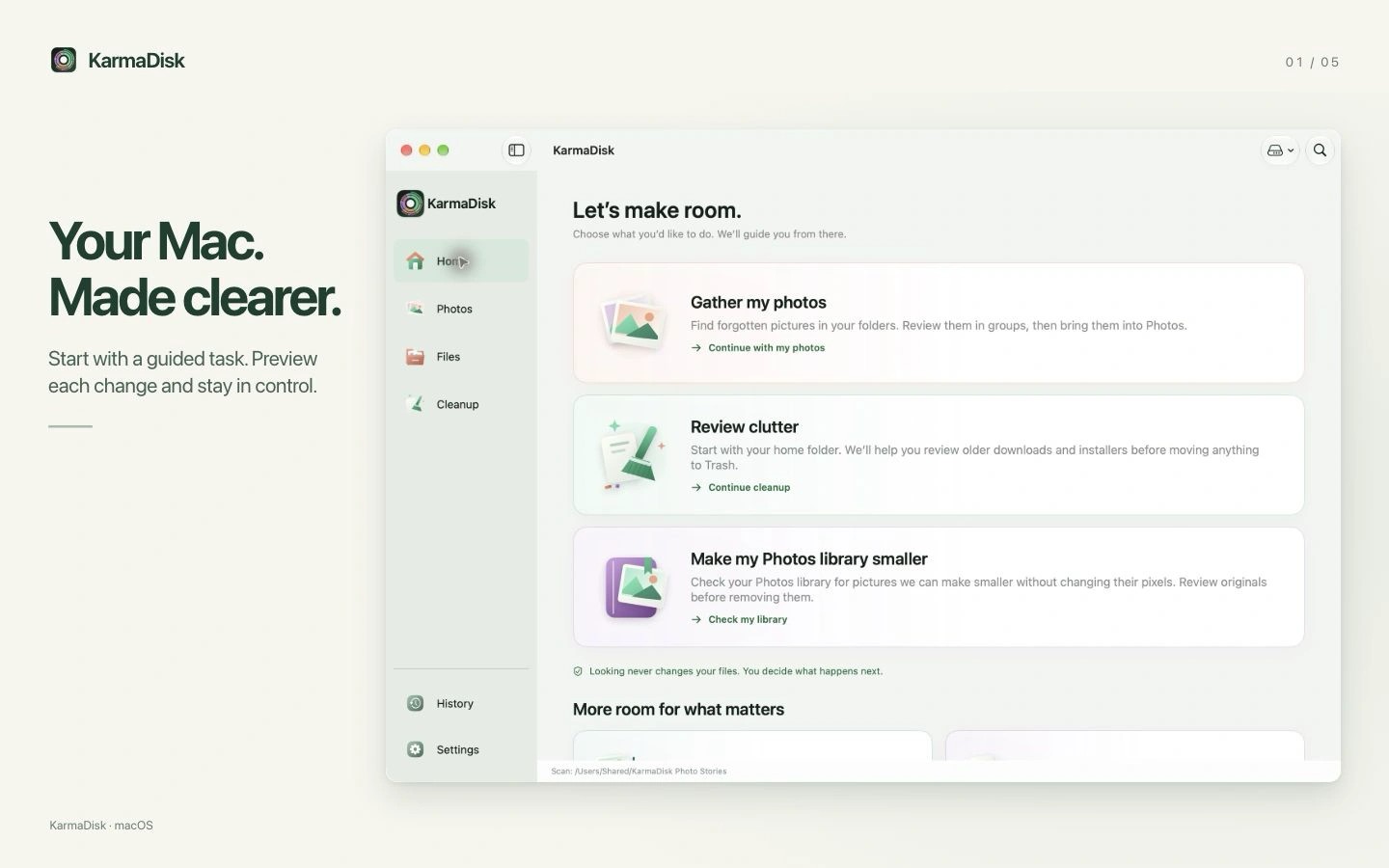
KarmaDisk helps you find what is taking up space on your Mac and review files before removing them. It maps folders you choose as a circular chart or treemap, lets you sort large files and compare identical copies, and guides you through reviewing old downloads and installers without selecting anything automatically.
Its photo tools can search folders for pictures, group them into suggested albums and import them into Apple Photos. You can preview and rename each group, optionally compress supported images first, and approve moving originals to Trash after the imported copies have been verified—or keep the originals.
KarmaDisk can make supported JPEG, PNG and TIFF images smaller without changing their pixels, though savings vary and some images cannot be reduced. It verifies results and retains originals for recovery until you choose to remove them. Optional JPEG-to-JPEG XL conversion is accepted only after reconstruction matches the original JPEG byte for byte, but some apps and websites cannot open JPEG XL.
For photos already in Apple Photos, KarmaDisk creates verified, smaller copies of eligible unedited JPEG, PNG and TIFF images. It carries over and checks dates, locations, favorites and regular album membership. HEIC, RAW, Live Photos, edited photos and videos are left untouched. Some Photos-specific details, including captions, keywords and People, may not transfer.
Analysis runs locally, with access to folders you choose and your Photos library with permission. Imports and Photos optimization use your System Photo Library; with iCloud Photos, additions and removals may sync to other devices. Copies and retained originals temporarily need extra space, while Trash and Photos’ Recently Deleted can delay storage savings. Protected system data, other apps’ private data and Photos library packages are not scanned. The App Store edition does not uninstall apps or clean other apps’ private data.
KarmaDisk requires macOS 15 or later.
Similar Apps

Caffeine
Utilities
Simple Screen Shade
Utilities