
Dropshare
Dropshare uploads files, screenshots, and screen recordings to storage accounts or servers you configure, then copies a sharing link to the clipboard. It combines menu bar uploads with screen capture and annotation tools.
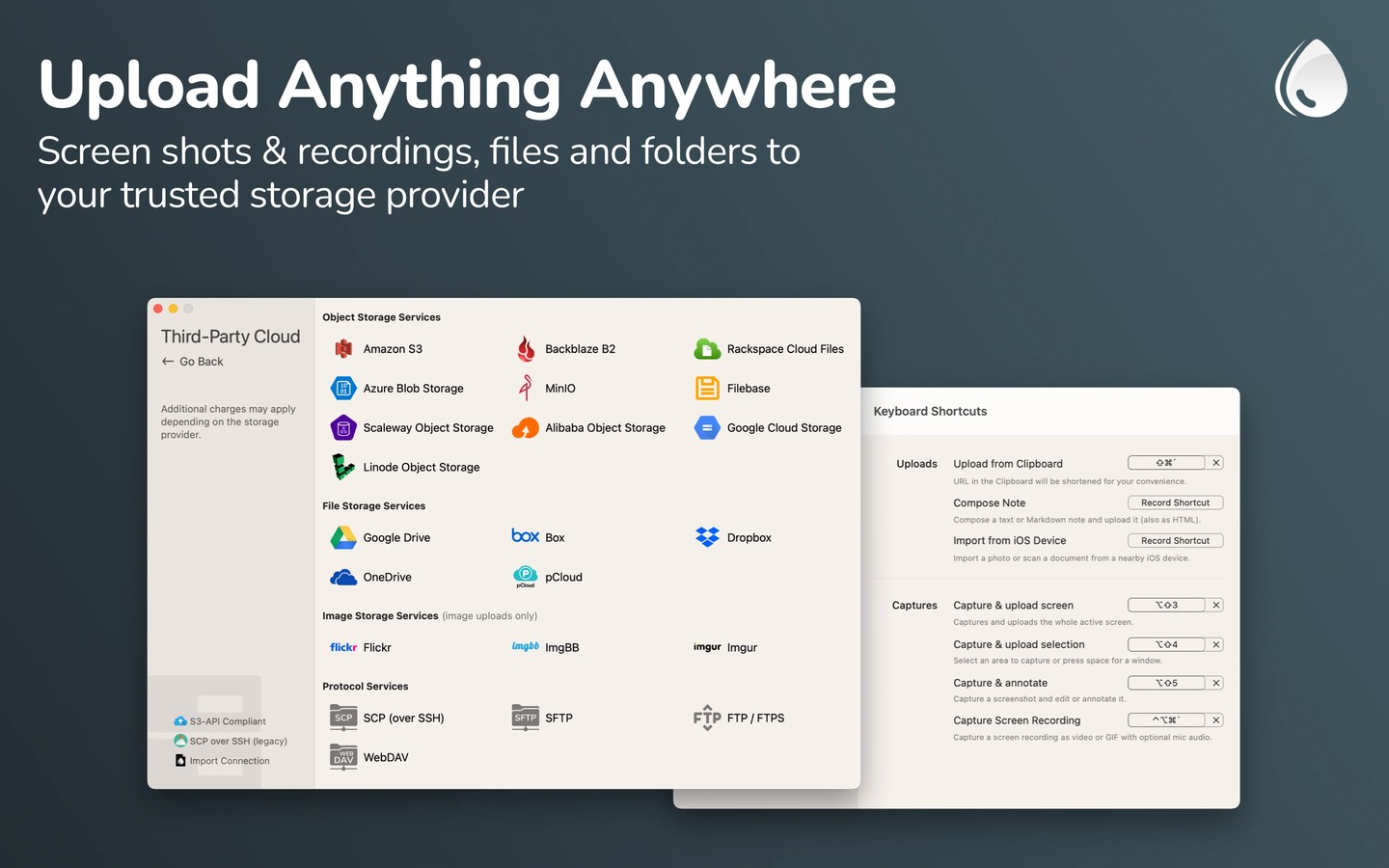
Dropshare is a menu bar file-sharing app that uploads files, folders, text, screenshots, and screen recordings and puts a sharing link in your clipboard. You can start uploads by dragging and dropping, using keyboard shortcuts or the Share menu, or running Shortcuts automations.
Uploads go directly to the storage accounts and servers you configure, without being stored on Dropshare’s infrastructure in between. You can set up several destinations and choose one for each upload. Supported options include cloud drives, S3-compatible storage, image hosts, and servers accessed through SFTP, FTP, SCP, or WebDAV. Provider availability varies by platform.
Built-in screenshot tools let you add comments or blur parts of an image, and you can also use an external annotation app. Screen recordings can capture part or all of the screen as video or an animated GIF, with options to include your voice, Mac audio, webcam video, and pressed keyboard shortcuts.
Shared links can lead directly to a file or to a landing page customized with HTML, CSS, and JavaScript. For Object Storage and Protocol Services destinations, files can be encrypted on your Mac before upload and require the correct key to open. iCloud sync keeps upload history, preferences, landing pages, and connections available across Mac and iOS devices.
Tags
More in Productivity

Oriloq
Productivity
GoodLinks
Productivity