
Cursor Pro
Productivity
Cursor Pro highlights your mouse pointer and magnifies your desktop during screen presentations. Customizable highlight styles and click animations help viewers follow your actions.
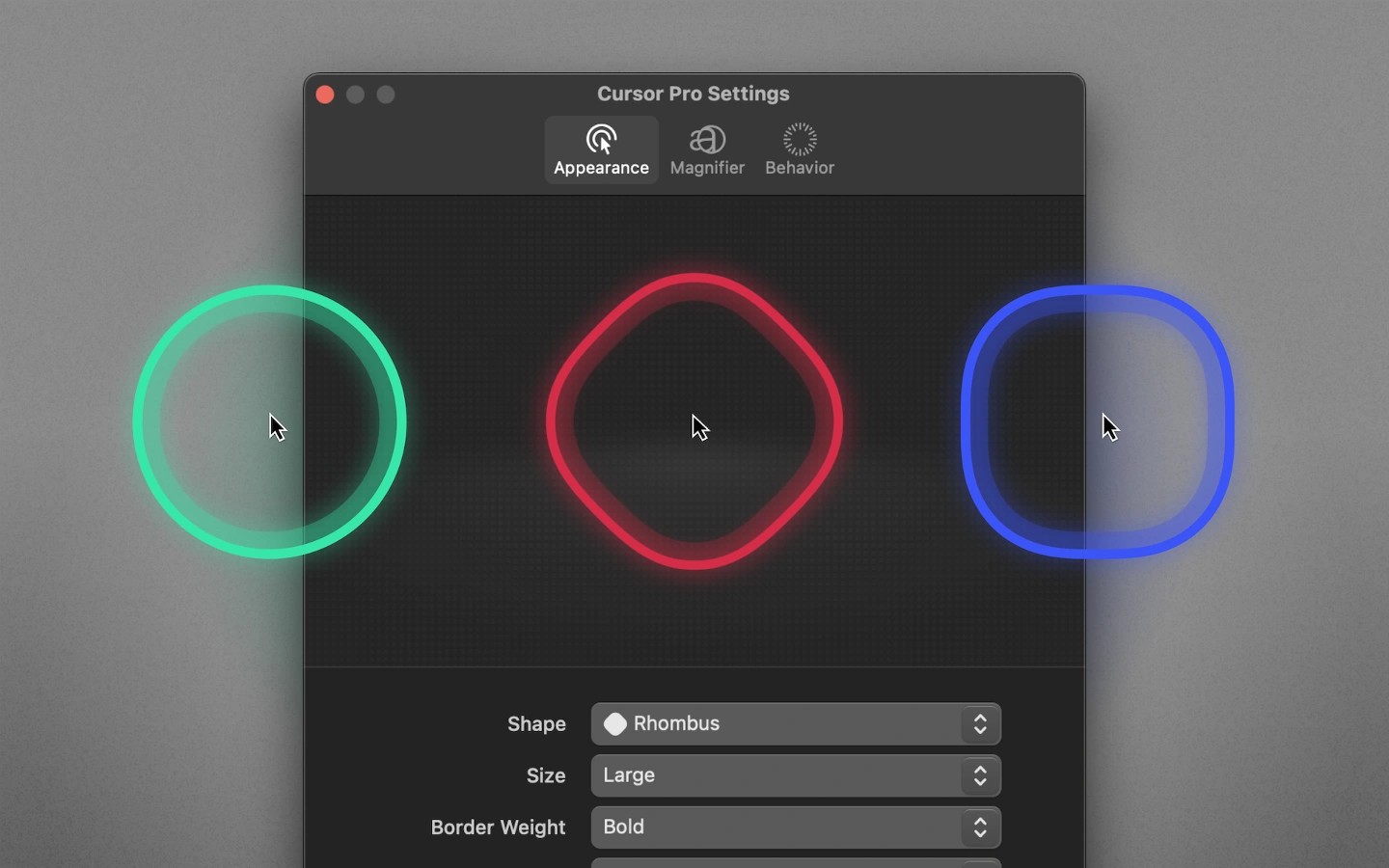
Cursor Pro highlights your mouse pointer and magnifies your desktop to help viewers follow screen presentations. It lives in the macOS menu bar.
You can adjust the highlight’s shape, size, colors, border weight, border style, and glow. Animations distinguish left and right mouse clicks, making those actions visible to your audience.
The highlight can pulse to draw attention to the pointer. It can also hide automatically when no pointer movement is detected.
Tags
More in Productivity

Klip
Productivity
A menu bar clipboard manager with searchable, encrypted history stored entirely on your Mac.
Clipboard manager

XtraFinder
Productivity
Finder extension for file management with dual-panel views.

Todoey 2
Productivity
Menu bar checklist app for tracking tasks, with iCloud syncing across Macs.
Menu bar
Task management