
AppCleaner
Utilities
AppCleaner uninstalls unwanted apps along with their related files. Drop an application onto its window to find associated files, then click the delete button to remove them.
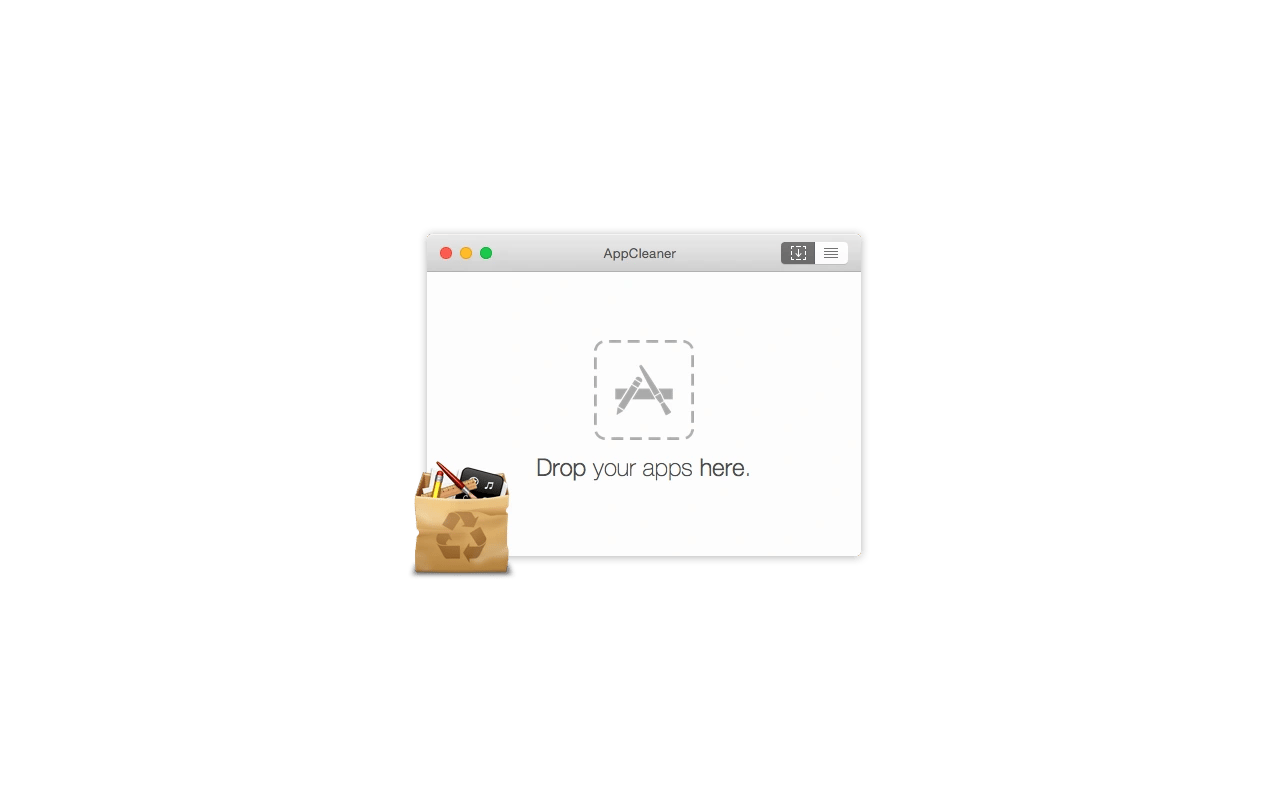
AppCleaner helps uninstall unwanted applications by finding the related files they have placed elsewhere on your Mac. It lets you remove these files along with the application rather than leaving them behind.
To start, drag an application onto the AppCleaner window. AppCleaner searches for its related files, which you can then remove by clicking the delete button.
Tags
More in Utilities

Screen Mirror and Control
Utilities
USB screen mirroring for iPhone and iPad, with Bluetooth keyboard and mouse control.
Remote access
Screen mirroring

QuickShot
Utilities
Screenshot and screen recording app with annotation, scrolling capture, and text recognition.
Screen capture
Screen recording

AppAtlas
Utilities
A searchable inventory of installed Mac apps, with version comparisons for supported apps.
App inventory