
TinyOwl
TinyOwl compresses and resizes images locally on Apple silicon Macs. Save repeatable workflows and run them from the main window, menu bar, Finder, or Terminal, with optional uploads to your own cloud storage.
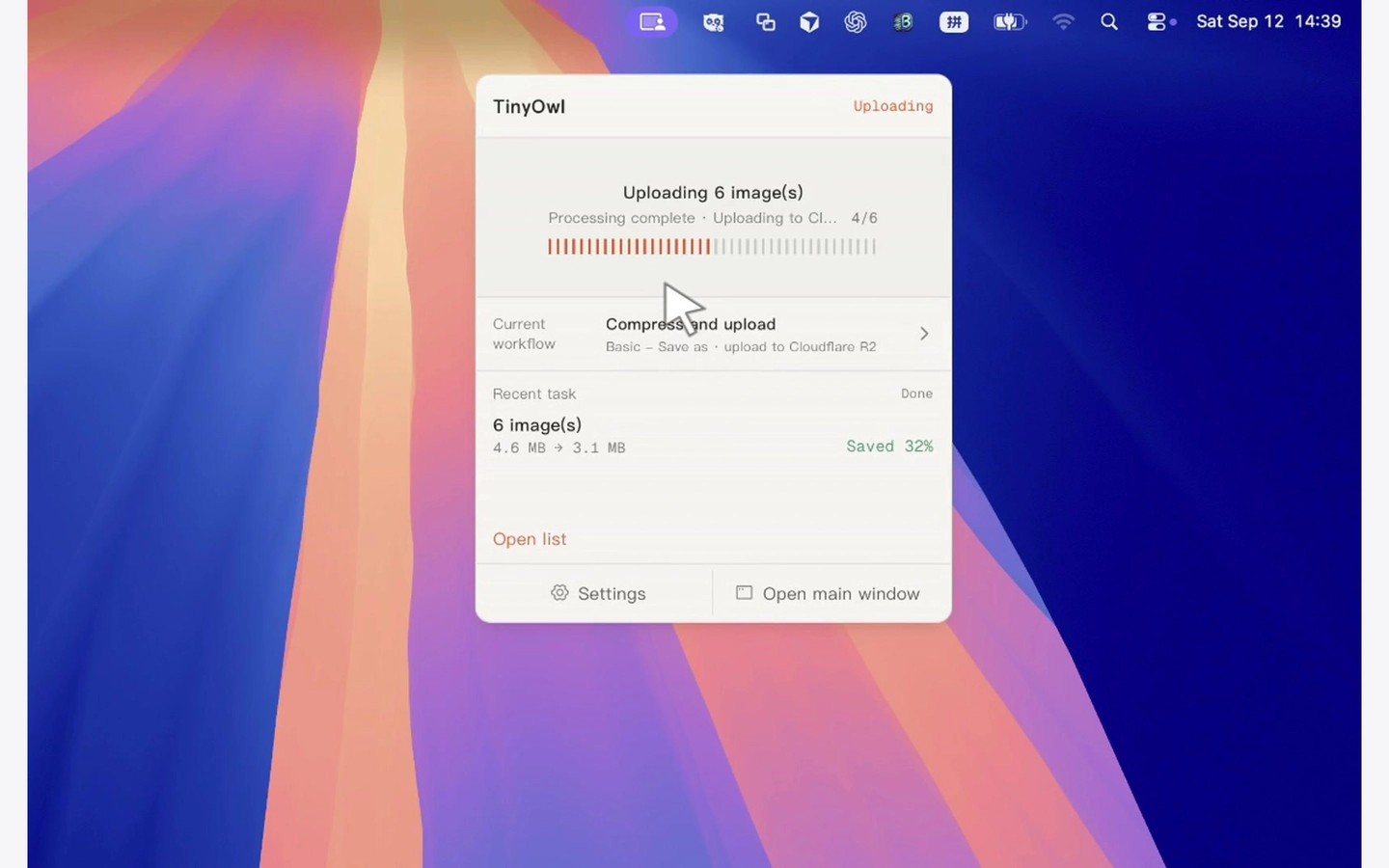
TinyOwl compresses, resizes, and converts images in batches on Apple silicon Macs (M1 or newer). It supports PNG, JPEG, WebP, BMP, TIFF, and AVIF input and output. Compression settings let you balance file size and image quality; stronger compression or format changes can introduce visible differences.
You can save resizing, compression, output format, save behavior, and destination settings as reusable workflows. Run them from the main window or menu bar, paste copied images into the app, or send selected images from Finder using Open With → TinyOwl.
Resizing and compression happen on your Mac. Workflows can save results locally or upload only the finished files to storage configured with your own credentials. Supported destinations include Cloudflare R2, AWS S3, Alibaba OSS, Tencent COS, MinIO, and other S3-compatible buckets. TinyOwl does not host your images or send them to its own servers.
For scripted processing, the tinyowl command-line tool runs workflows without opening a window. It provides JSON output, stable exit codes, and a dry-run option that previews processing without writing files. The command-line tool must first be enabled in the app’s settings.
More in Photo & Video

HEIC Converter
Photo & Video
PhotoShrinkr
Photo & Video