
Snaggy
Snaggy saves pages from supported browsers into a shared bookmark library, searchable from the menu bar. It includes a reader and on-device AI folder sorting on Macs that meet its Apple Intelligence requirements.
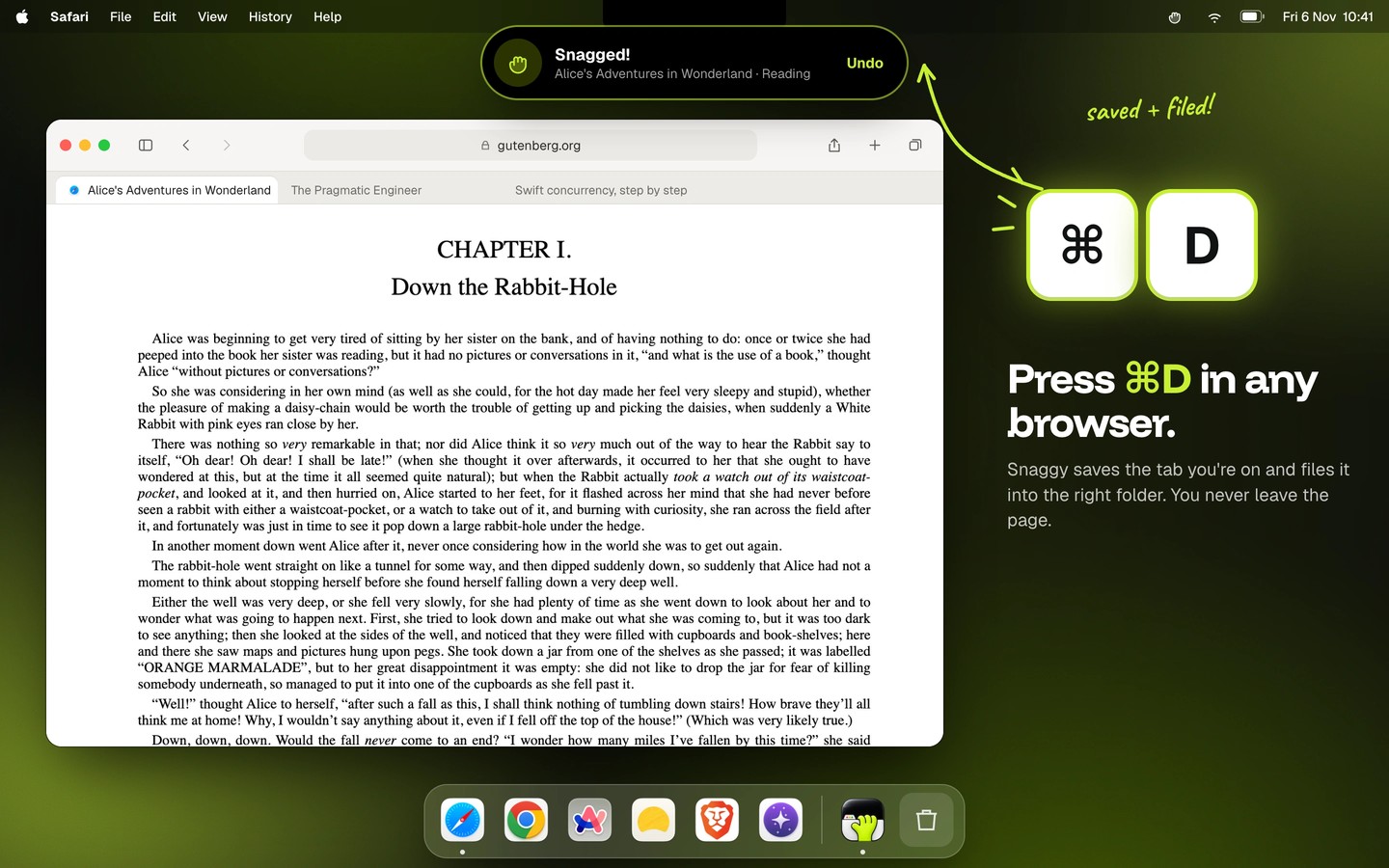
Snaggy is a menu bar bookmark manager that brings links from multiple browsers into one library. Press Command-D while a supported browser is in front to save its current tab. This replaces the browser’s bookmark shortcut without changing Command-D in other apps, and you can choose a different shortcut in settings. Supported browsers include Safari, Chrome, Firefox, Arc, Dia, Brave and Orion.
On-device AI can create folders and sort pages as you save them. This requires macOS 26 Tahoe or later, an Apple silicon Mac, and Apple Intelligence enabled in System Settings. On other supported setups, Snaggy sorts links by website instead. You can move a link to another folder if needed.
Select a saved link and press Space to open it inside Snaggy with ads and trackers blocked. Reader mode shows just the article, and reaching the end marks the link as read. Command-Return opens it in the browser it was saved from.
Snaggy imports browser bookmarks and pinned tabs while preserving their folders, and also accepts HTML bookmark files. The library stays on your Mac, with optional iCloud sync for links, folders and pins across your Macs. You can export your library as JSON, CSV or an HTML bookmarks file.
A built-in local MCP server lets compatible AI tools, including Claude, Codex and Cursor, search saved links, list folders and save new links.
Tags
More in Productivity

GyazMail
Productivity
Keep It
Productivity