
SimplyShot
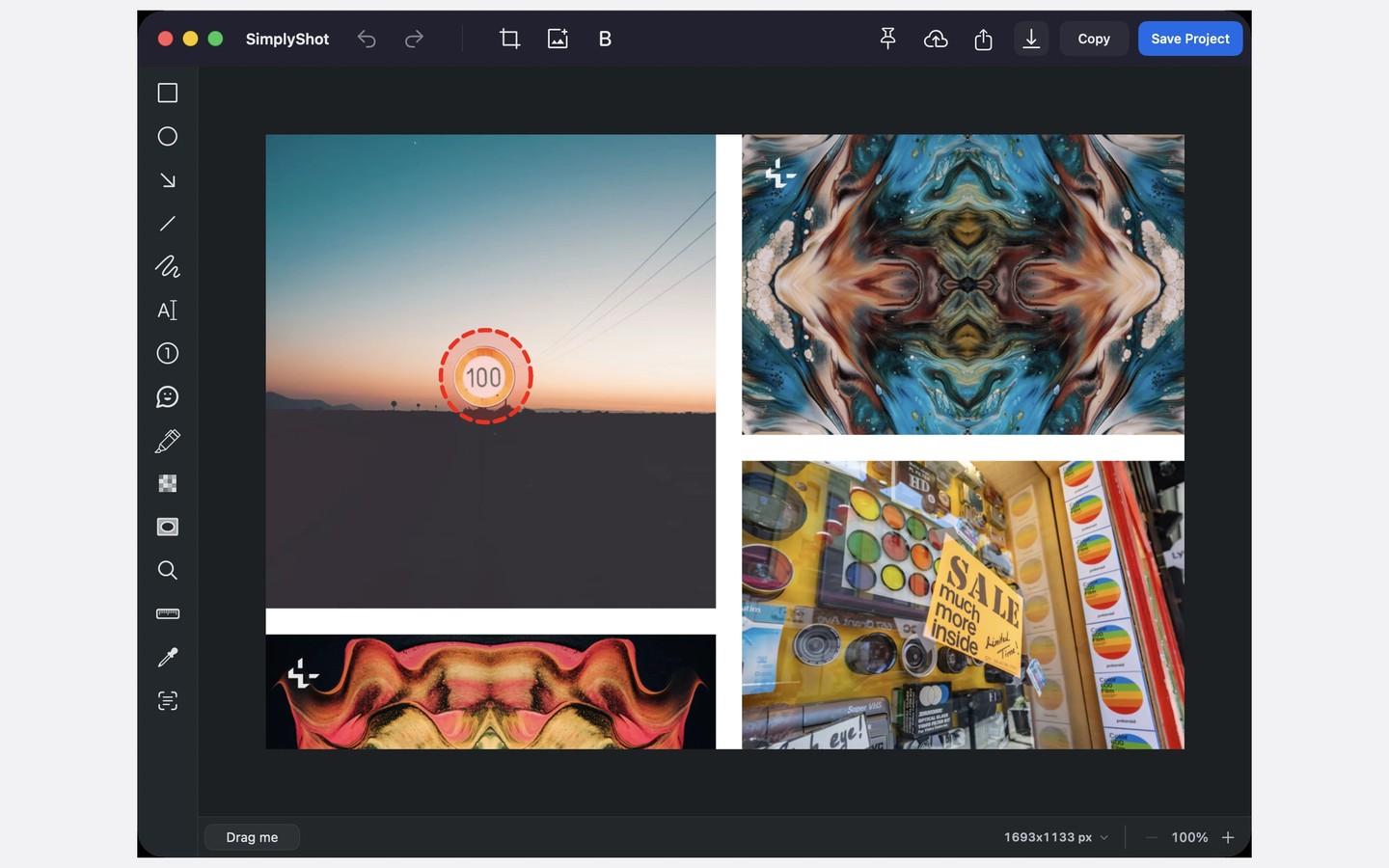
SimplyShot is a screenshot and screen recording app for Mac, with built-in tools for annotating images and editing videos. Capture a screen, window, or selected area, or use manual or automatic scrolling capture to combine a long page or wide spreadsheet into one image.
The screenshot editor includes arrows, text, highlights, numbered steps, cropping, and backgrounds. Text recognition runs locally, letting you copy text from captures or select it for redaction. Optional sensitive information detection also runs on your Mac and flags details such as credentials, card numbers, and emails. You must review and choose what to hide; detection does not automatically redact anything.
Recordings can include system audio, microphone audio, a camera overlay, and visible clicks and keystrokes. In Studio, suggested zooms follow clicks and typing, and you can adjust or remove them. You can also trim clips, cut video by deleting transcript words, add backgrounds, and generate editable captions locally. Videos export as MP4 or GIF, with captions available as SRT files.
Capture History keeps captures on your Mac, with retention and storage controls. Optional text search finds screenshots by their contents or meaning. You can drag recent captures into other apps, pin screenshots above your work, or share through the macOS Share menu. Link sharing uses your own S3-compatible storage rather than a SimplyShot-hosted cloud.
SimplyShot requires macOS 14.6 or later and Screen Recording permission to capture other apps. Captions and transcripts work best on macOS 26 or later.
Similar Apps

AI Photo
Photo & Video
HUUSH
Photo & Video