
MacClean
MacClean analyzes disk usage and helps you choose files to remove. Start with Storage Map to find folders taking up space, then review items such as app caches, old installers, duplicates and app leftovers. It runs on macOS 14 or later on Apple silicon and Intel Macs. Files and scan results stay on your Mac.
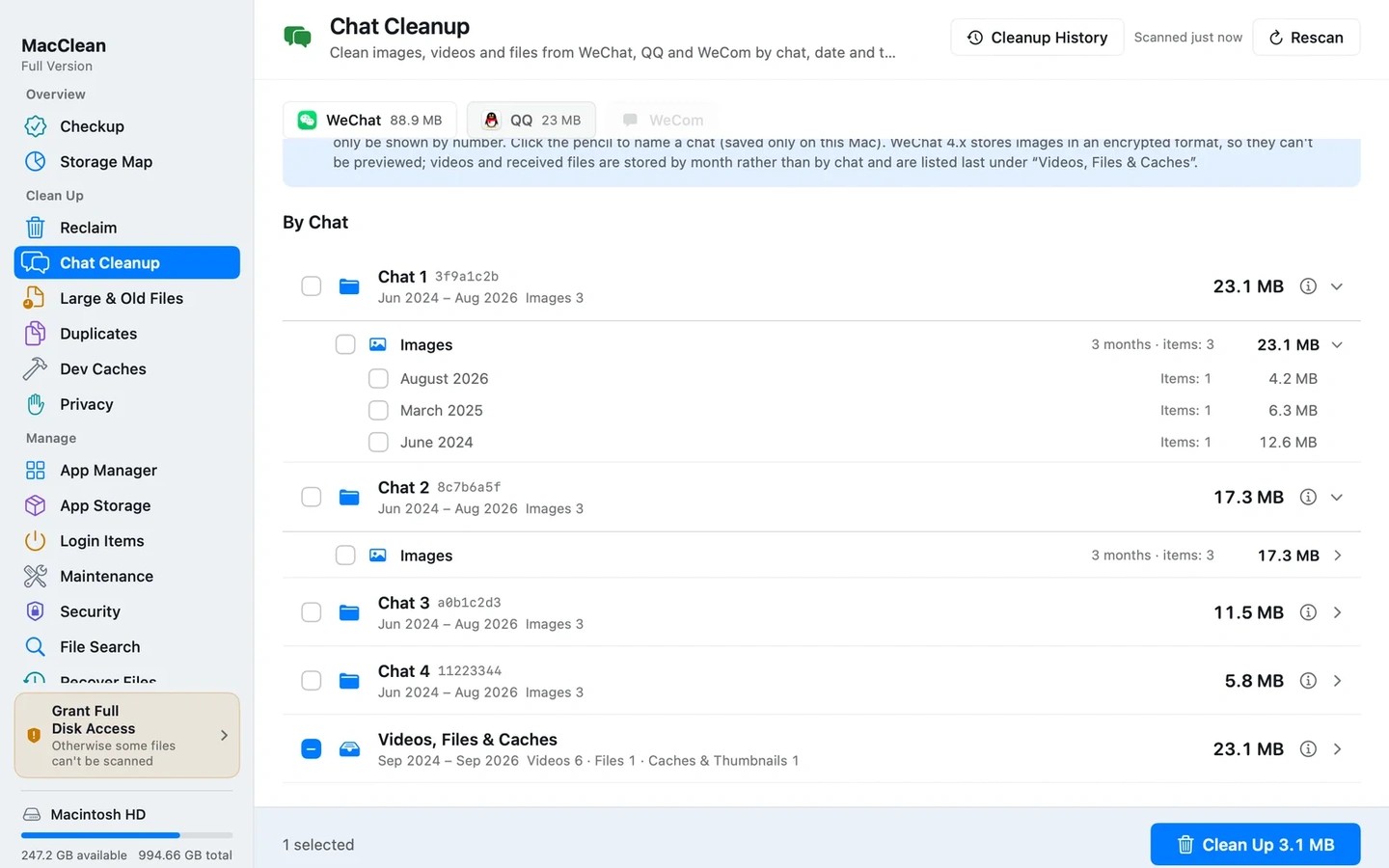
For WeChat, QQ and WeCom, you can review photos, videos, files and caches by type and month. Supported WeChat media can also be grouped by conversation folder with your own labels, without reading message databases. Removing media may make it unavailable in the original chat, so important attachments need to be saved before cleanup.
Developer cleanup includes Xcode DerivedData and npm, pip and Gradle caches, with sizes and notes to help you decide what to remove. Relevant tools should be closed first, and deleting caches may require rebuilding projects or downloading dependencies again. Xcode Archives contain release archives and debug symbols rather than ordinary caches, and are not selected by default.
Ordinary file cleanup moves items to the Trash. Cleanup History can restore them to their original locations until the Trash is emptied; moving files to the Trash alone does not immediately free disk space. Emptying the Trash, Docker cleanup and deleting local snapshots cannot be undone through Cleanup History. File recovery can try existing APFS snapshots or Time Machine backups, but restoration is not guaranteed.
Similar Apps

Klack
Utilities
Menu Bar Calendar
Utilities