Recall
Recall brings live call transcription, clipboard history, media controls, and a temporary file shelf to the top of your screen. It also provides weather and floating widgets, with support for Macs without a physical notch and multiple displays.
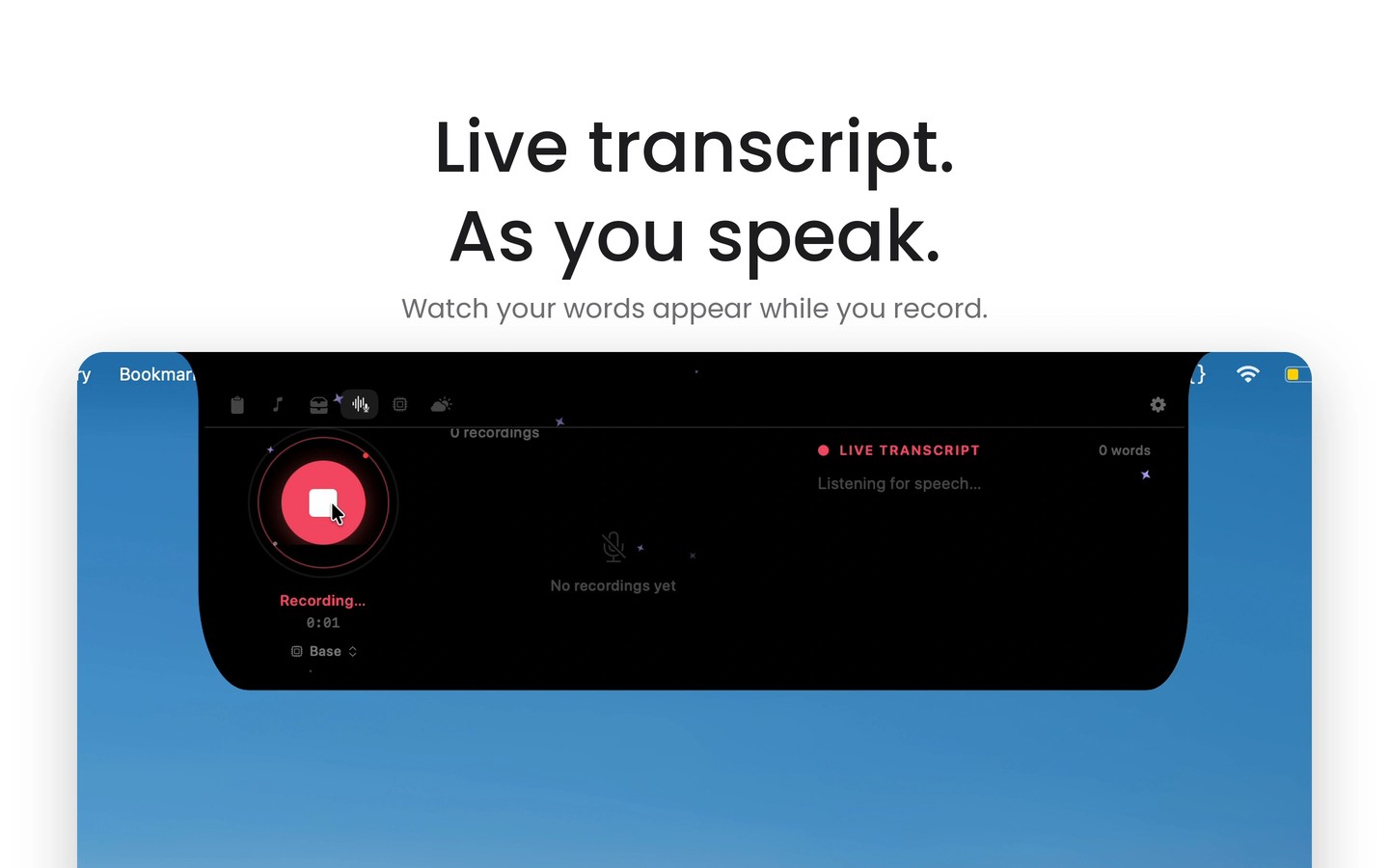
Recall combines everyday tools in a panel that opens when you hover over your Mac’s notch. On Macs without a physical notch, it appears as a floating panel at the top of the screen. You can show it on the display containing your cursor, on all connected displays, or on a chosen combination of monitors.
Live transcription captures system audio and your microphone without adding a bot to meetings. It works with calls in apps such as Zoom, Google Meet, and Microsoft Teams, separates speakers, and generates summaries and action items. You can also ask AI questions about your voice notes, with transcription and AI processing performed on your Mac.
The clipboard manager keeps a searchable history of copied content, lets you pin snippets, and categorizes links, code, and hex colors. It can also extract text from screenshots. A separate temporary shelf holds files, folders, snippets, and screenshots while you switch apps, ready to drag into Finder, Slack, or email.
Media controls support Spotify, Apple Music, YouTube, and browser playback, with synchronized lyrics and audio visualizations. Weather information and forecasts are available alongside these tools. Floating desktop widgets provide access to media playback, weather, audio notes, and shelf targets, and can be anchored to screen corners.
Tags
More in Productivity

Oriloq
Productivity
PopClip
Productivity