
Disk Reviewer
Disk Reviewer finds caches, app leftovers, similar photos, and large files to help reclaim storage. Results show sizes and locations, with nothing preselected for removal.
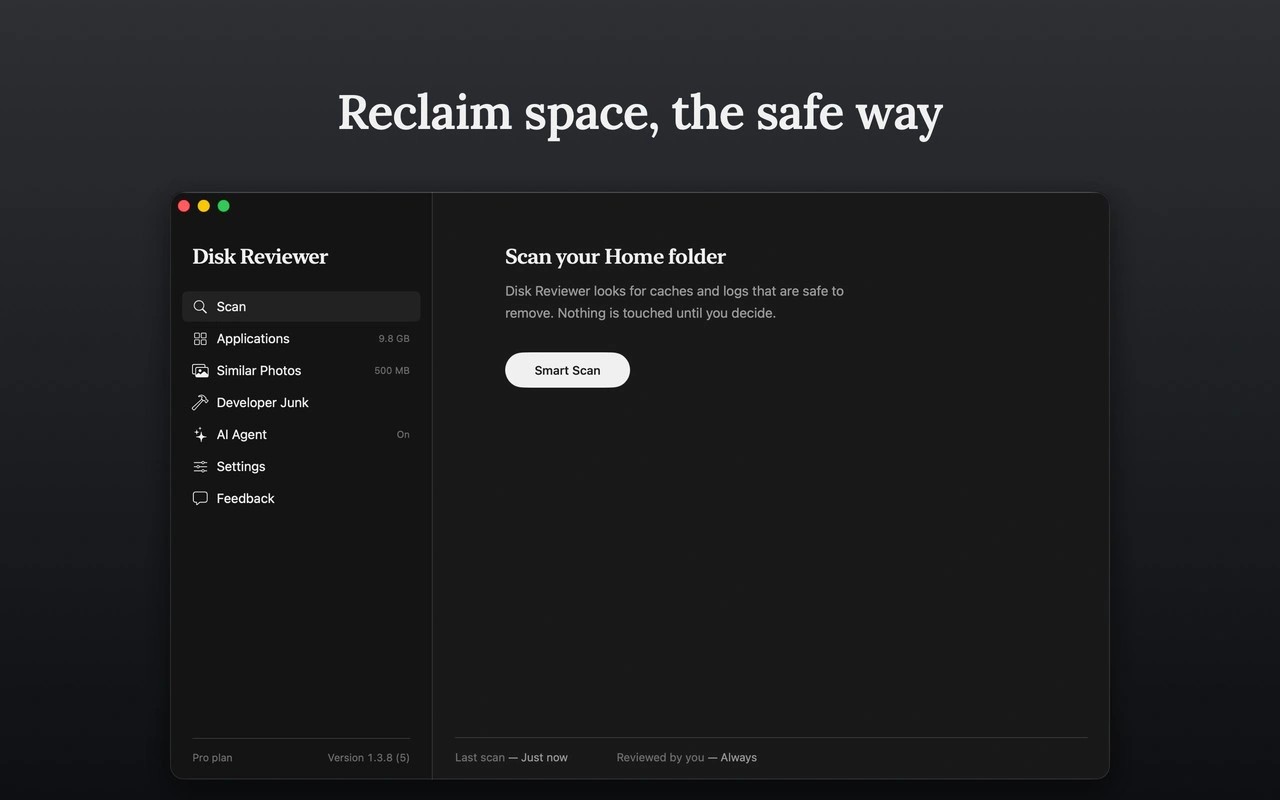
Disk Reviewer helps reclaim disk space by showing what files are, where they live, and how much space they use. Nothing is preselected: you choose the items to remove. Files go to the Trash, while photos go to Recently Deleted, where they remain for 30 days.
Separate sections cover caches and logs, applications and their support files, similar photos, large files, and developer files. Caches are grouped by app, and similar photos are grouped so you can choose which shots to keep. The large-file search lists results by size, shows its progress, and can be stopped. A full-disk search can take a few minutes because it visits every file.
Developer cleanup covers items such as Xcode derived data and archives, old simulators, package caches, and emulator images. A scheduled background check can notify you when it finds space to reclaim and show its latest findings in the menu bar. It never removes anything automatically.
Scans run entirely on your Mac, and file names, paths, sizes, and results are not sent elsewhere. The scan engine has no network access. System locations and items outside the folder you granted access to are blocked from removal. Removal confirmations are enabled by default and can be turned off.
Tags
More in Utilities

Shiny
Utilities
RenamerX
Utilities