
PolyCapture
PolyCapture records screens, apps, cameras, and microphones individually or simultaneously. It supports multiple camera and microphone inputs, with controls for capturing selected screen areas and excluding apps during recording.
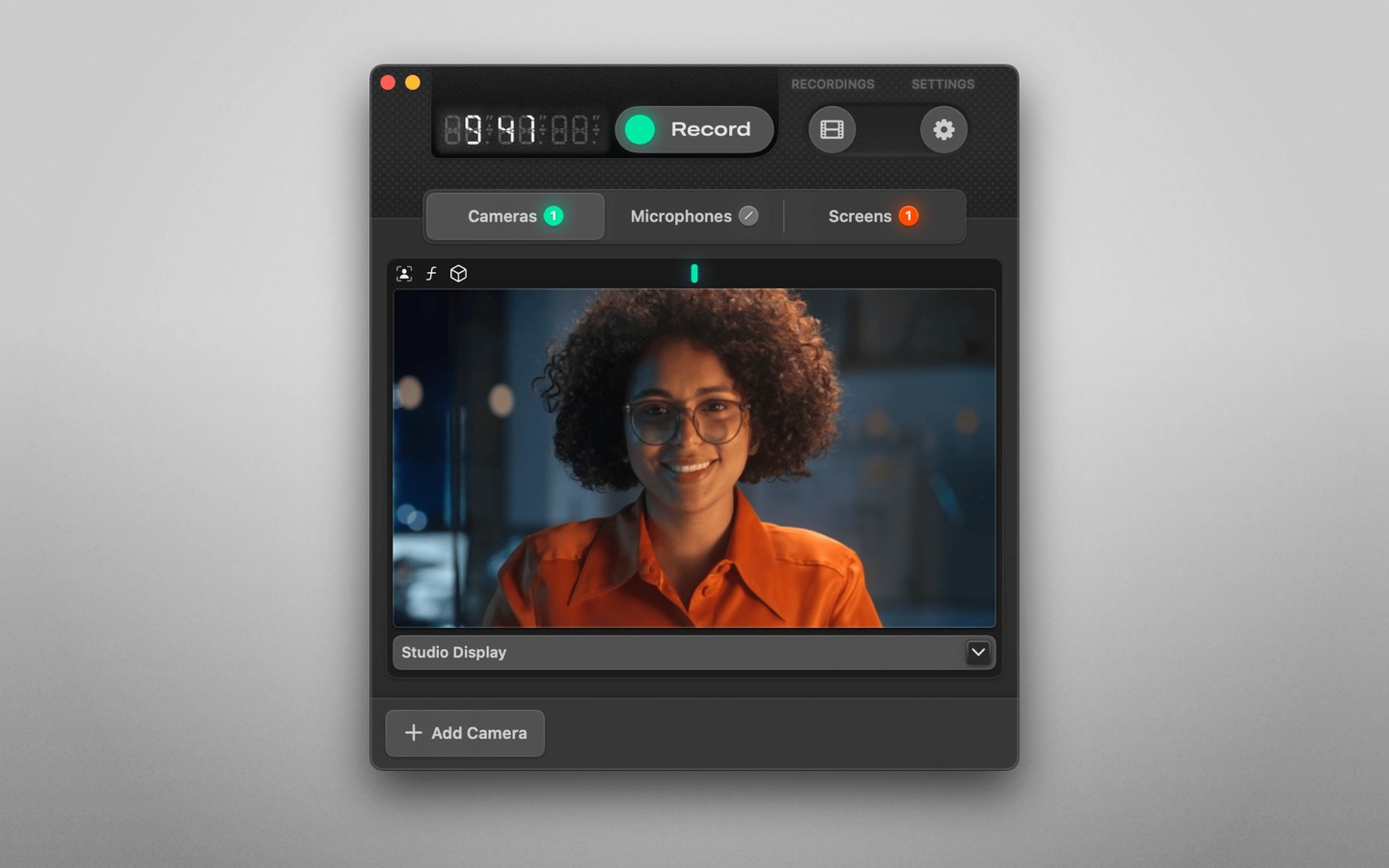
PolyCapture records screens, apps, cameras, and microphones individually or at the same time. It can capture multiple cameras and microphones for tutorials, video podcasts, interviews, or gameplay commentary. Supported video sources include webcams, iOS cameras, and capture cards.
Screen recordings can include entire screens, selected areas, individual apps, and screen audio. You can also exclude apps from a recording while it is running.
Recording controls are available through the app interface, a menu bar icon, and custom key bindings. A built-in Organizer helps you find and manage recordings.
All processing takes place locally on your Mac. Recordings and their related metadata stay offline on your device.
Tags
More in Photo & Video

PanoVolo
Photo & Video
Folio Refresh
Photo & Video