
Glance Preview
Glance Preview combines image and video viewing with cloud AI image edits and before-and-after comparison. It also captures video frames and lets you select and copy text from images on your Mac.
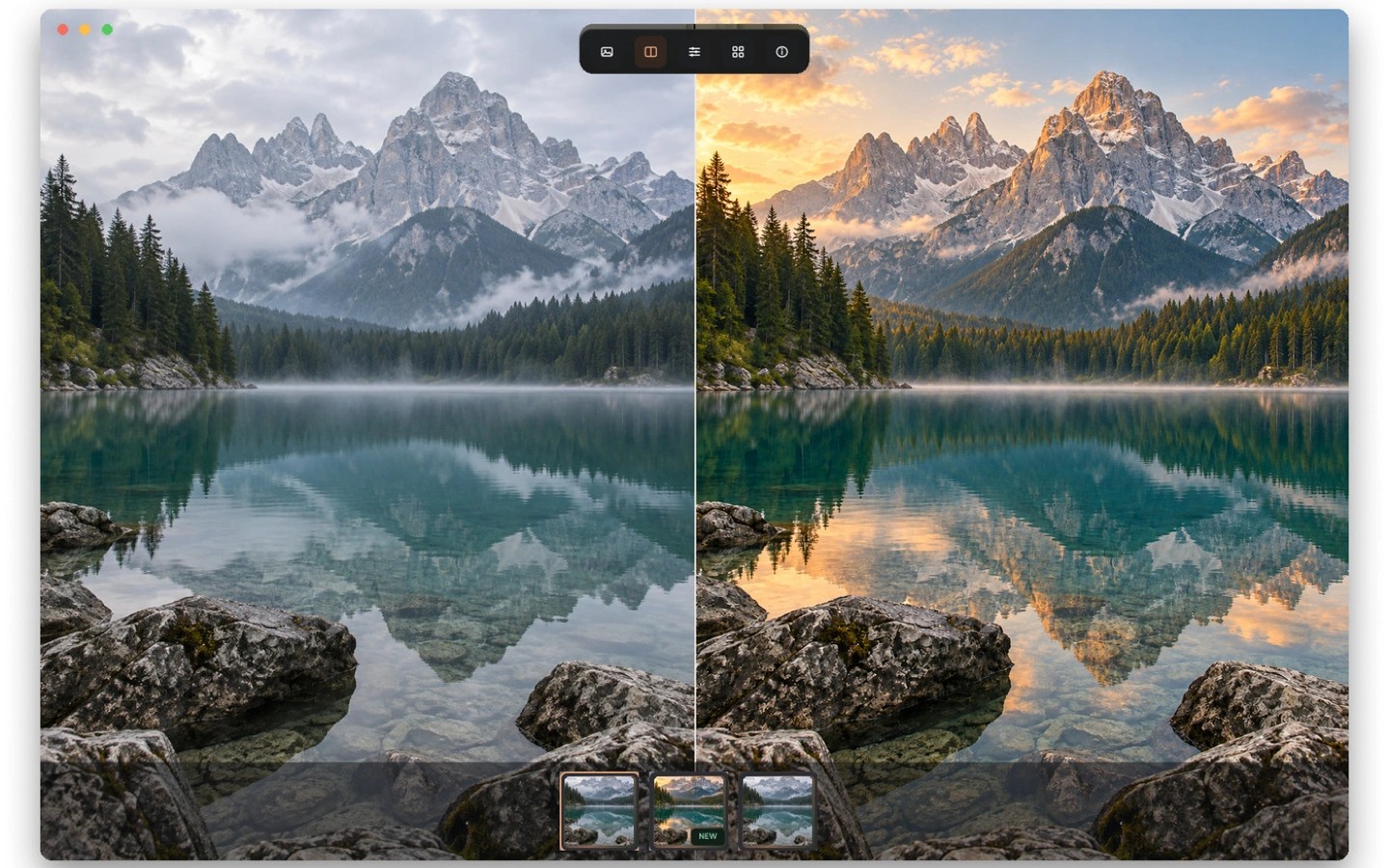
Glance Preview is an image and video viewer with tools for editing images and comparing results. You can review an edited image beside the original or drag a comparison divider to inspect what changed.
Cloud AI tools can remove a person's background to create a transparent PNG, remove unwanted objects described in English, and extend an image beyond its edges. An outfit-swap tool uses a photo of a person and an outfit reference. Cloud tools require sign-in and upload the media you submit; viewing and local tools run on your Mac.
You can select and copy text from images without uploading them. For video, you can capture a frame, crop it, and save or copy it. The local toolbox also includes image conversion, compression, rotation, and cropping.
An optional preview shortcut lets you select an image link or file path and press Option–Space. It is off by default. Basic viewing does not require an account or system permissions.
Tags
More in Photo & Video

Camera Preview
Photo & Video
SimplyShot
Photo & Video