
Bigshot
Bigshot captures and annotates screenshots, matches on-screen components to source files, and shares context with coding agents. Code Lens works with web, native and terminal interfaces when their source is indexed in a Project.
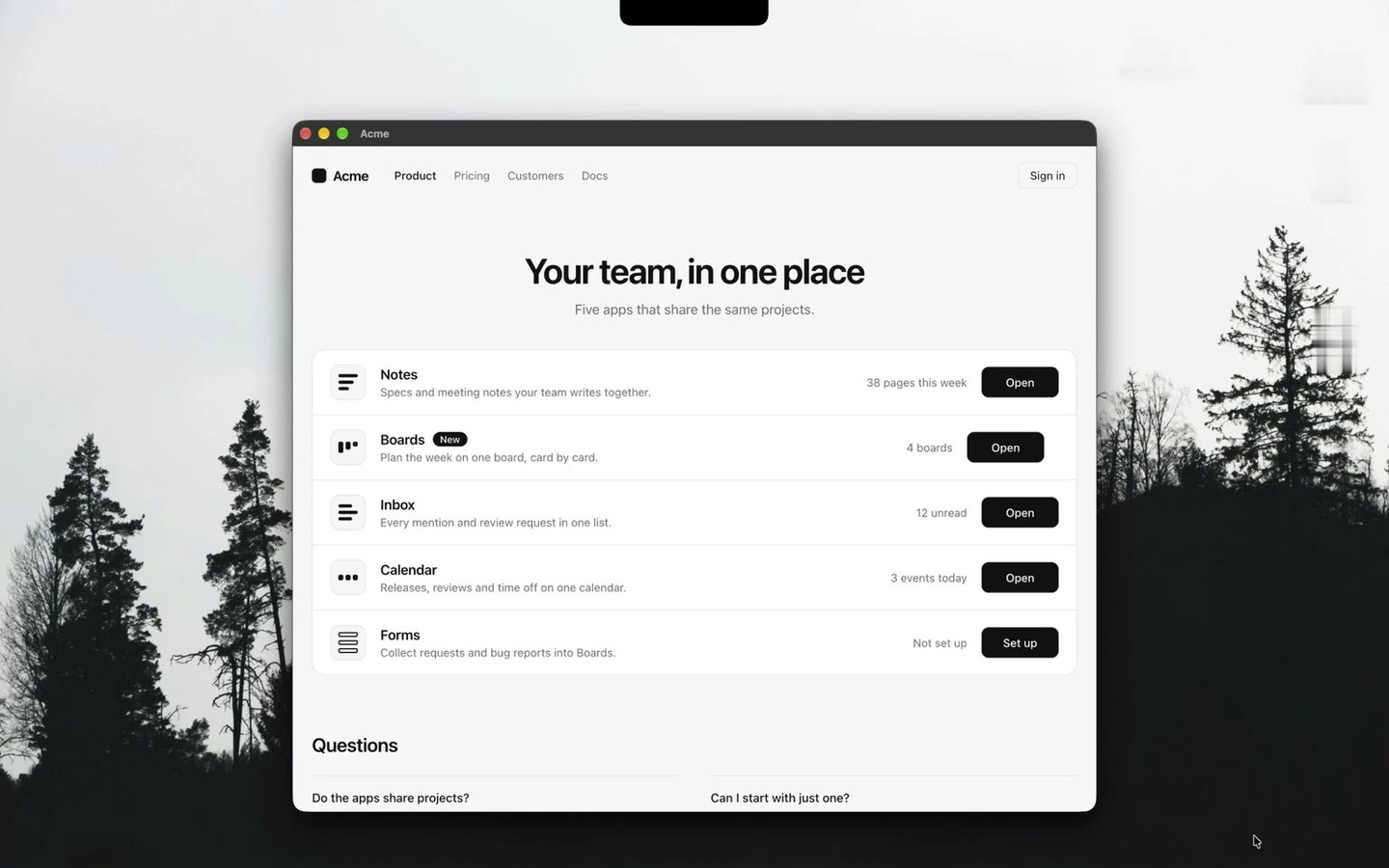
Bigshot is a screenshot tool for developers working with coding agents. You can draw over any app to mark a problem, or capture a display, window, area or panel without annotations. It also works as a standalone screenshot tool without an agent or Project.
A Project connects Bigshot to a Git repository. Captures are saved in its .screenshots folder, which is ignored by Git. The Library lets you find captures by text, image content or a description, with indexing and search performed on your Mac.
Code Lens matches visible components in web, native and terminal interfaces to files and line numbers in your indexed source. Click a match to open it in your editor. Matching uses text by default; an optional 390 MB on-device image model adds matching for icons, images and charts. X-ray lets you edit matched on-screen text and save the change to its source file.
Inline Agent starts Claude Code, Codex, Cursor, Gemini CLI or opencode with a selected screenshot and matching code attached, using your own account. The agent edits on a separate branch for you to review; Bigshot does not push or merge changes. Its local MCP server also lets compatible agents search shared captures and retrieve matching source locations. These tools are read-only and expose one Project at a time, with controls to disable sharing or approve captures first.
Text recognition, screenshot search and Code Lens run locally. Content shared with a cloud agent goes to that agent’s provider; using a local model keeps that processing on your Mac too. Bigshot requires an Apple silicon Mac and Screen Recording permission.
Tags
More in Developer Tools

Super Notch
Developer Tools
Notched Up
Developer Tools