
MacSpaces
MacSpaces brings music controls, synced lyrics, and a searchable file library to your Mac’s notch. Optional tools add an AI assistant and a scrollable, side-by-side window layout.
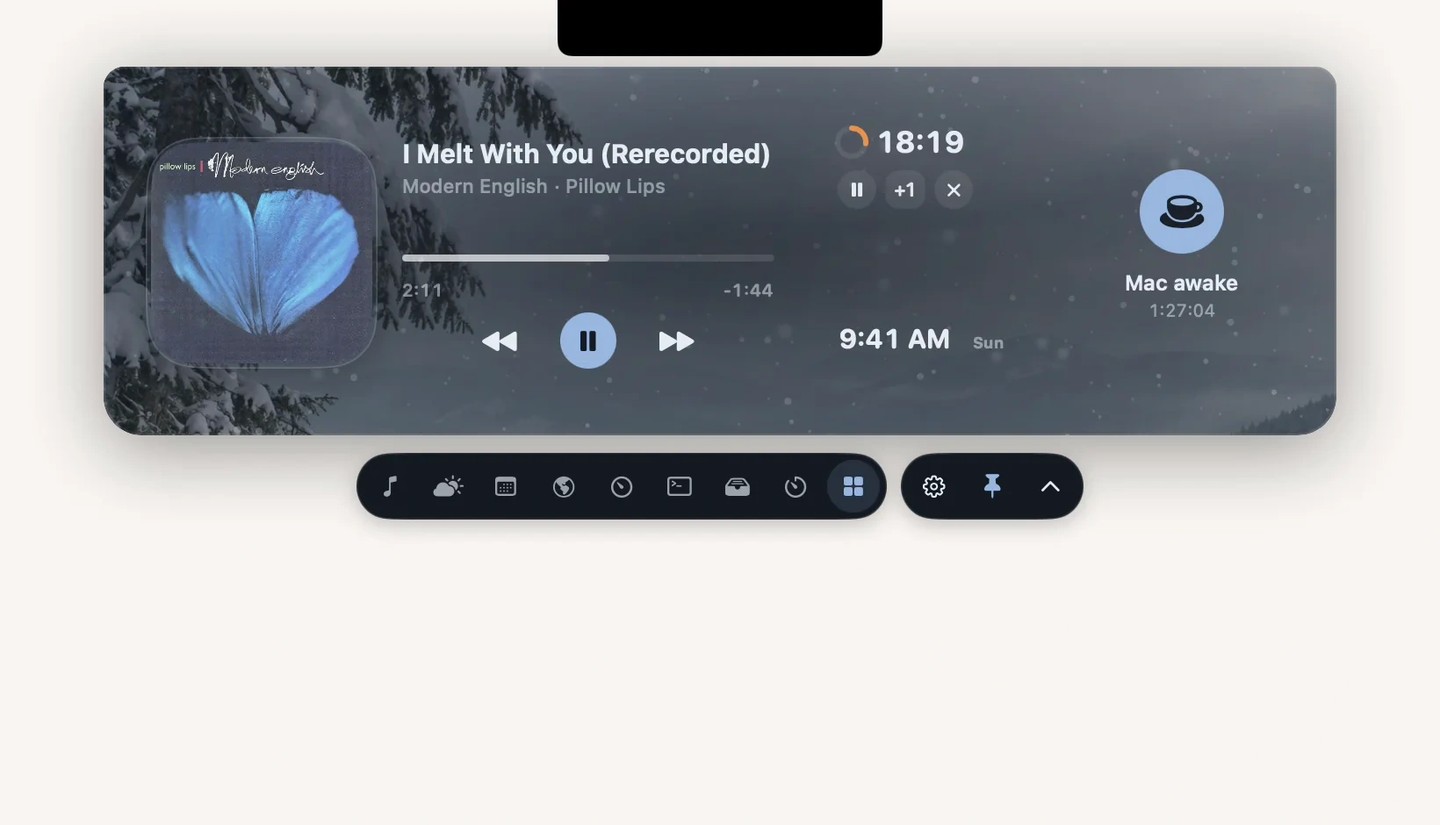
MacSpaces uses your Mac’s notch as a workspace for music, files, and optional assistant and window-management tools. It brings these functions together rather than keeping them in separate app windows.
The Music page displays lyrics that follow the song line by line. It also includes a rotating album-cover view, access to songs in Spotify playlists, and Spotify listening statistics. You can export playlist backups to CSV and compare two backups.
Folio combines a file tray, baskets, watched folders, and clipboard content in one library. Tags, notes, and likes help organize items, while search can find words inside pictures and PDFs. File tools and a file converter are available within Folio.
The optional assistant connects Claude with KemoSabe, which runs on Apple’s on-device model. KemoSabe reads calendar and message information to answer Claude’s questions, with rules controlling what each agent may know. This feature is off until enabled.
Tape, the optional window-management tool, arranges windows side by side in a strip you can scroll. It works per desktop and per display and is also off until enabled.
Tags
More in Productivity

Mirror Magnet
Productivity
CleanShot X
Productivity