
Mole
Mole helps reclaim Mac storage by clearing caches, removing app leftovers, and showing which files use the most space. It combines cleanup review with dedicated AI-tool cleanup, app management, and live system monitoring.
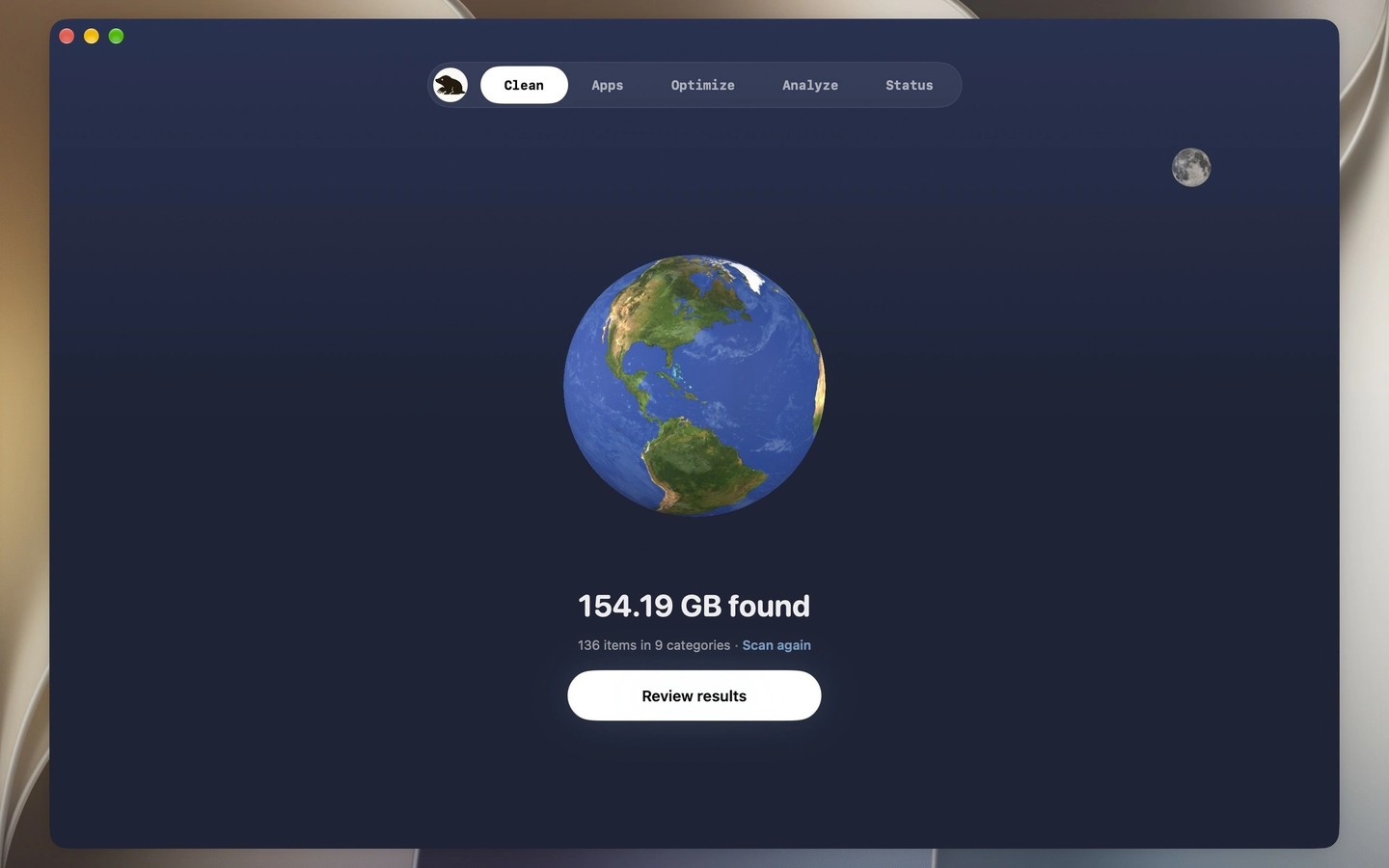
Mole combines disk cleanup, storage analysis, app management, and system monitoring in a graphical Mac app. The Clean page groups files such as system caches, logs, local snapshots, and old installers so you can review what to clean, skip, or protect. Scans and cleanup run on your Mac without uploading files or results.
A separate AI cleanup area finds caches, old versions, sessions, removable worktrees, and unused command-line tools from tools such as Claude Code, Codex, and Cursor. Caches are selected initially, while sessions and tools require your choice. iPhone backups, iCloud Drive files, and virtual machines are listed separately with their sizes and where to manage them rather than treated as ordinary cleanup items.
The disk analyzer uses a treemap to show large files and folders and can show which apps have grown since an earlier scan. You can reveal items in Finder or move them to the Trash; system folders remain view-only. App management brings apps and their leftovers together for review, checks for updates from supported sources including Sparkle, the App Store, and Homebrew, and manages supported login and background items.
Maintenance tasks cover Quick Look, caches, metadata, and common macOS services, with one administrator authorization for the run and explanations for skipped tasks. Live monitoring shows CPU, memory, GPU, disk, network, temperature, and fan metrics, with frequency and power metrics on Apple silicon. Menu bar tools provide quick access to system information.
Tags
More in Utilities

Plash
Utilities
Spaced
Utilities