
Clivra
Clivra keeps copied text, images, links and files in a searchable visual history. On-device OCR lets you find words inside screenshots and copy recognized text, while collections and keyboard shortcuts help you reuse saved clips.
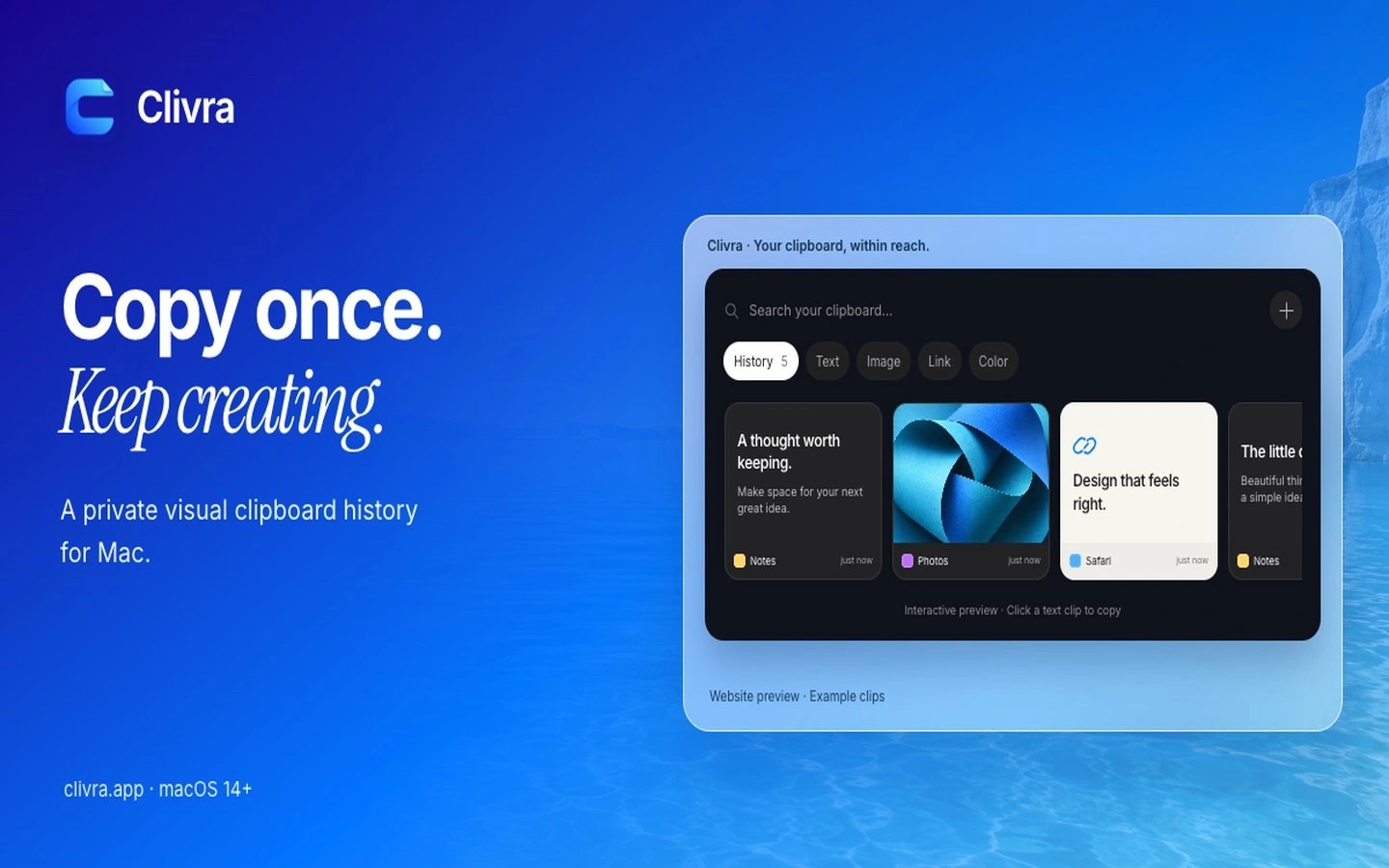
Clivra saves clipboard content and screenshots in a visual history so you can find and reuse earlier copies. It handles text, links, images, code, colors, files and video. Search and filters let you narrow the history by content type or source app, including the browser where text or links were copied.
You can organize clips with favorites, pins and collections, then browse them in grid, list or board view. Collection rules help group related items. On-device text recognition makes words inside screenshots searchable and lets you copy recognized text from an image preview.
Quick Paste opens with a customizable keyboard shortcut, letting you search or select a saved clip without opening the full library. You can also assign shortcuts to individual clips and combine multiple clips in a chosen order while keeping the originals. The website edition includes direct paste and text expansion; these features are not included in the Mac App Store edition and require Accessibility permission.
Automatic clipboard capture starts after you enable it, and screenshot-folder capture is separately opt-in. You can pause capture, exclude selected apps, choose which content types to save and configure sensitive-content controls. The library stays on your Mac by default.
Tags
More in Productivity

Second Clock
Productivity
Swish
Productivity